
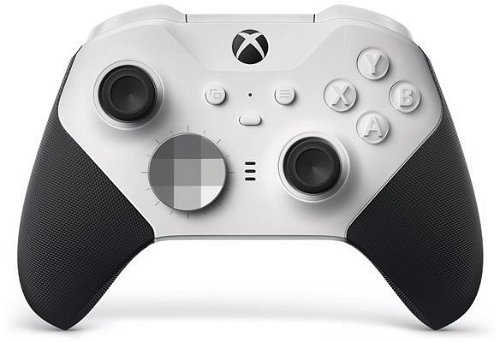
Xbox Wireless Controller Elite Series 2 - Core Edition White
 3,399,-
Save 1,000,-
3,399,-
Save 1,000,-
 Installment calculator
from
858,-
monthly
Installment calculator
from
858,-
monthly
Xbox Wireless Controller Elite Series 2 - Core Edition White
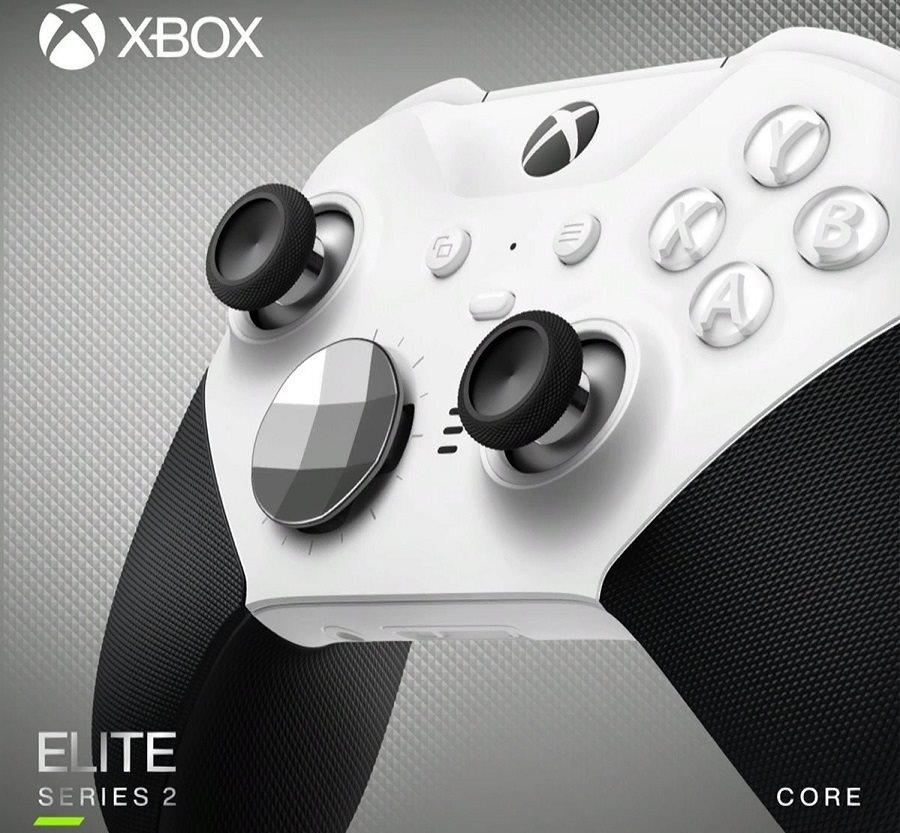
Wireless gaming controller for Xbox and PC
Designed in collaboration with professional-level gamers to meet the needs of multiplayer gaming, the Xbox Wireless Controller Elite Series 2 is here. It provides breakthrough accuracy, higher speed, and customisation tailored to you. Unleash your full potential and adapt it completely to your play style.
The Xbox Wireless Controller fits perfectly in your hand
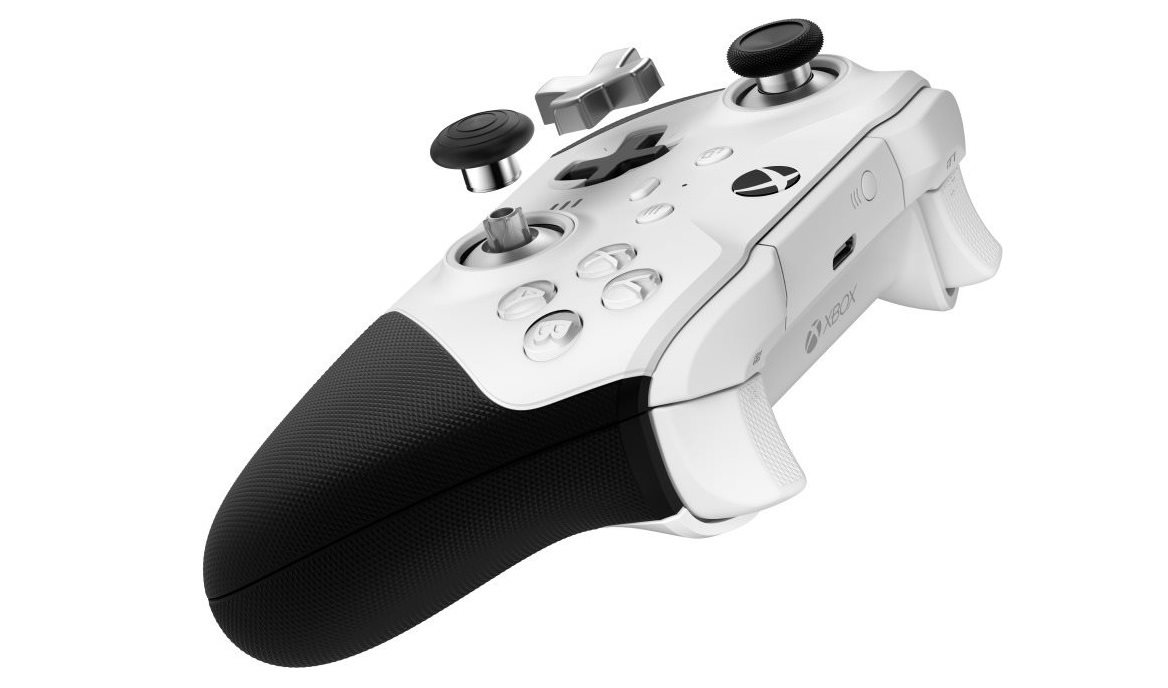
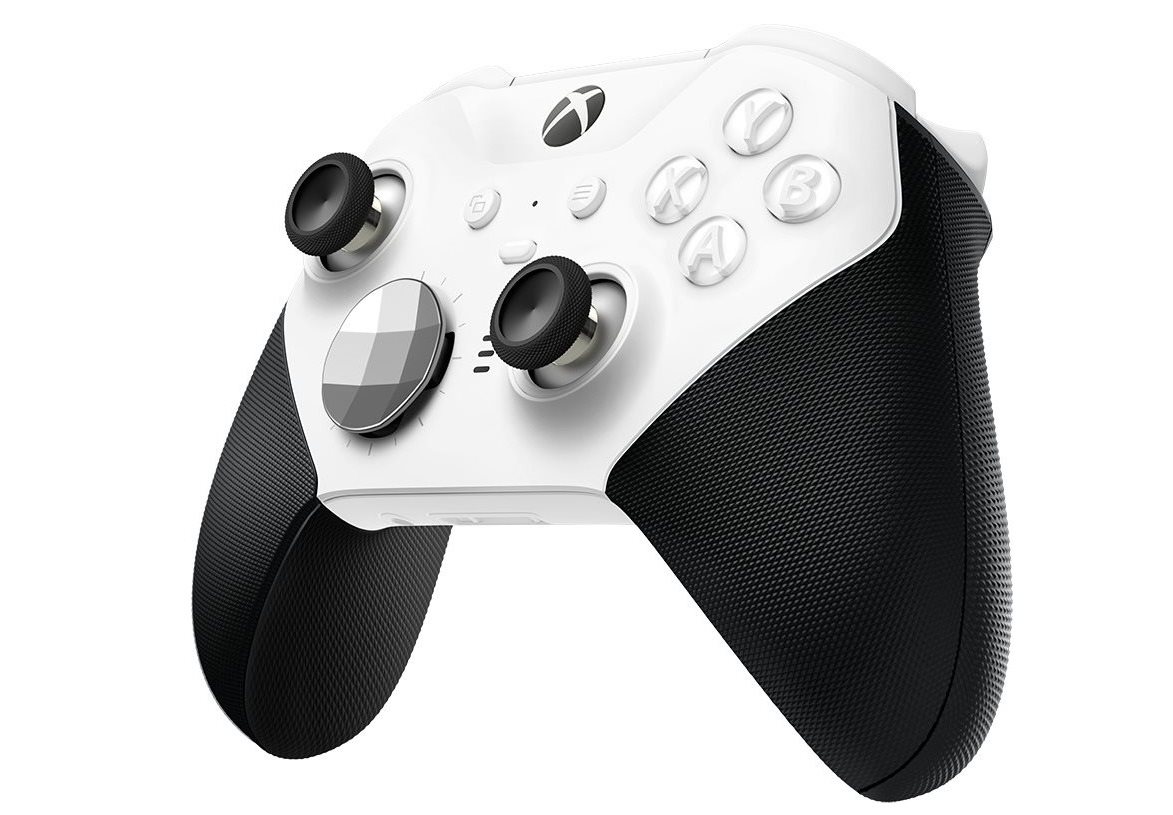
By swapping out the metal thumbsticks and D-pads, you always achieve ergonomic, customised control. Improve your accuracy and speed with thumbsticks of different shapes and sizes. The new faceted D-pad enables easier and more reliable combos. The traditional D-pad then delivers precise control when selecting weapons or executing a support strike. The Xbox Wireless Controller Elite Series 2 always adapts to the shape of your hand.
Excellent control and confidence in all circumstances
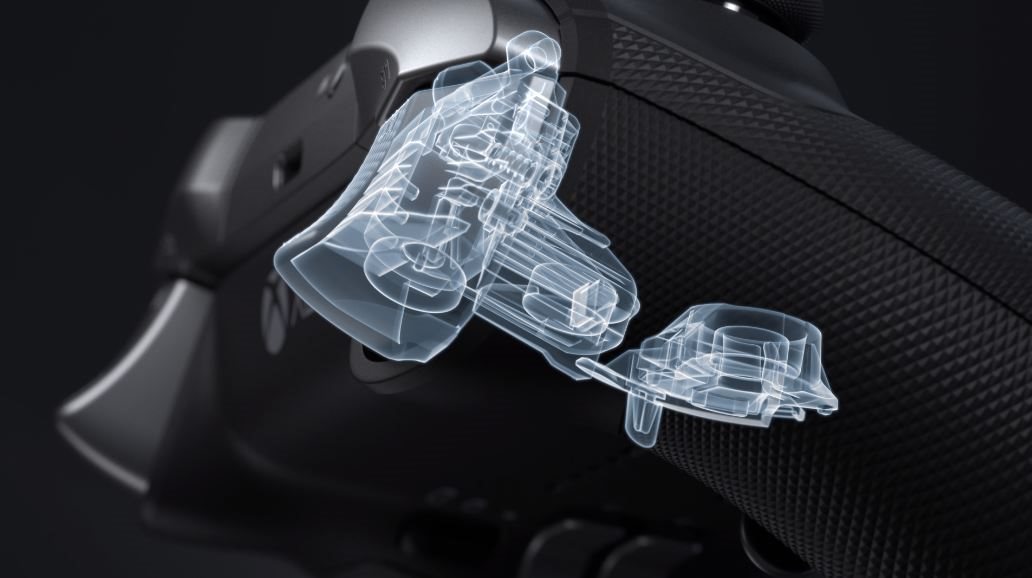
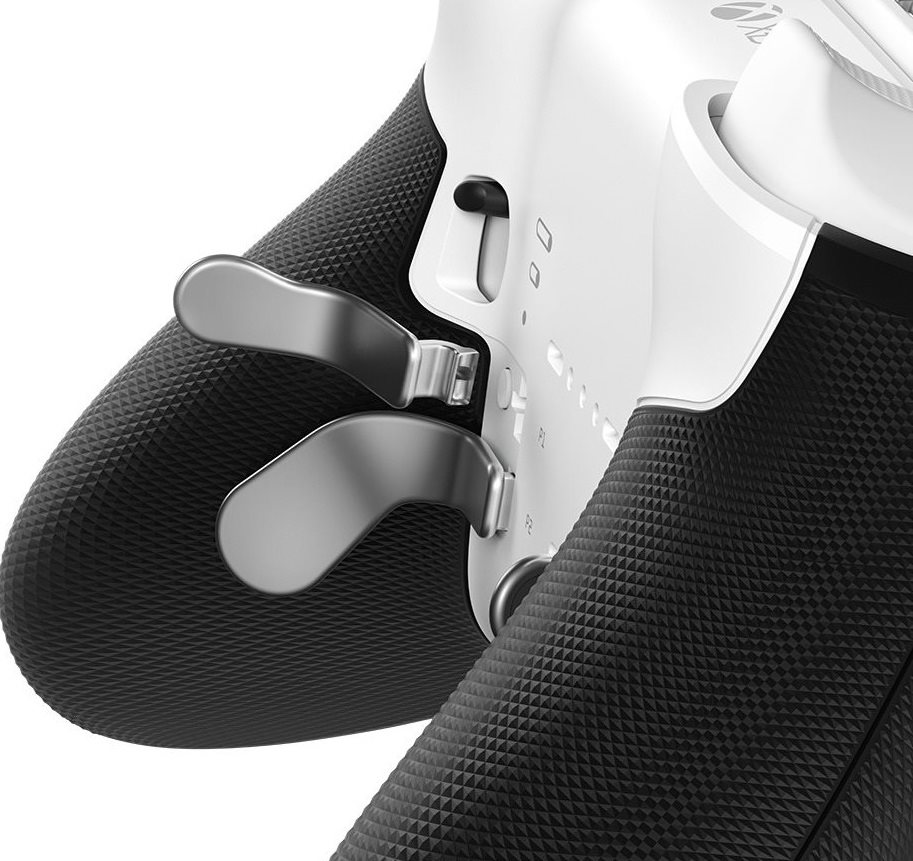
The Elite controller has four slots for interchangeable paddles. Choose the type and number of paddles to attach and configure the controller to its ideal state. Installation and removal are easy and require no tools. With the paddles, your fingers gain greater control for devastating blows and precise game handling. You no longer have to move your thumbs from the sticks when you want to aim and shoot at the same time during a difficult jump.
Shoot faster with the Xbox Wireless gamepad using the Hair Trigger Locks
By flipping the Hair Trigger Locks, you can fire faster and save precious time with every trigger pull. Make further adjustments to the controller using the easy-to-use app. In it, you can set min/max trigger values, thumbstick sensitivity, or button assignments so the controls perfectly match your preferences. Create any number of Xbox Wireless Controller Elite Series 2 profiles in the app and prepare custom settings for every game.
First-class craftsmanship
Every surface and detail of the Xbox Wireless Controller Elite Series 2 is designed to meet the strict demands of multiplayer gamers. The stainless steel thumbstick shafts, D-pads, and paddles guarantee long-lasting durability. Reinforced, low-friction rings around each thumbstick minimise wear and ensure perfectly smooth action. The rubberised diamond-pattern grips provide greater stability and a confident touch. Thanks to the improved grips, you can hold the Xbox Wireless Controller Elite Series 2 with less effort and play longer and more comfortably. The surface finish of the casing is pleasant to the touch and ensures a luxurious look.
Gamepad package contents
- Xbox Wireless Controller Elite Series 2 for Xbox
- 2 standard thumbsticks
- Faceted D-pad
- USB-C charging cable
- You can purchase additional controller accessories HERE
• Bluetooth connection requires the Windows 10 Anniversary Update to be installed on your PC, and a USB 2.0 or USB 3.0 port.
• A significant firmware update may be required; ISP fees may apply for connection. Visit xbox.com/xboxone/controllerupdate for update instructions.
• Bluetooth connection is supported on PCs, tablets, and laptops. It is not supported on mobile devices.
• No extensions, such as headsets, keyboards, or the Xbox Stereo Headset Adapter, are supported via Bluetooth.
• We recommend connecting only one controller at a time via Bluetooth.
Pairing guide for the Xbox Wireless Controller Elite Series 2 - Core Edition White
Follow these steps to pair the controller with your PC using Bluetooth:
• Ensure your PC has Windows 10 with the Anniversary Update installed. For information on how to get the latest Windows update, see the Windows Update: FAQ article.
• For best performance, update your controller. See the topic Update your Xbox One Controller on Windows 10.
• Turn on your Xbox Wireless Controller by pressing the Xbox button.
• Press and hold the Pair button on the controller for three seconds.
• On your PC, select Start > Settings > Devices > Bluetooth & other devices.
• Enable Bluetooth so your PC can discover Bluetooth devices.
• Select Xbox Wireless Controller > Pair.
Specifications
Platform
Inputs and outputs
Connections
Dimensions
Weight
Colour
Equipment and features
Battery
3D/AR
| Code: | MXO008SC12 |
| Warranty: | 24 months |
| Links: | Producer's Website: |
| Manufacturer information |
Microsoft is a multinational corporation based in the United States. Microsoft products have had an indelible influence on our perception of virtual worlds since 1975, when Bill Gates and Paul Allen founded the company. The company is best known for its peerless software, including Windows OS and the universally used Microsoft Office suite. The company is gradually becoming more active in hardware as well - for example, with Xbox gaming consoles and Lumia mobile phones. 
|