
i-tec USB 3.0/USB-C/Thunderbolt 3 Dual Display Docking Station + Power Delivery 65W

Don't like the alternatives?
Choose from the full offer
i-tec USB 3.0/USB-C/Thunderbolt 3 Dual Display Docking Station + Power Delivery 65W
No alternative text for the photo!
Universal i-tec USB 3.0/USB-C/Thunderbolt 3 Dual Display Docking Station
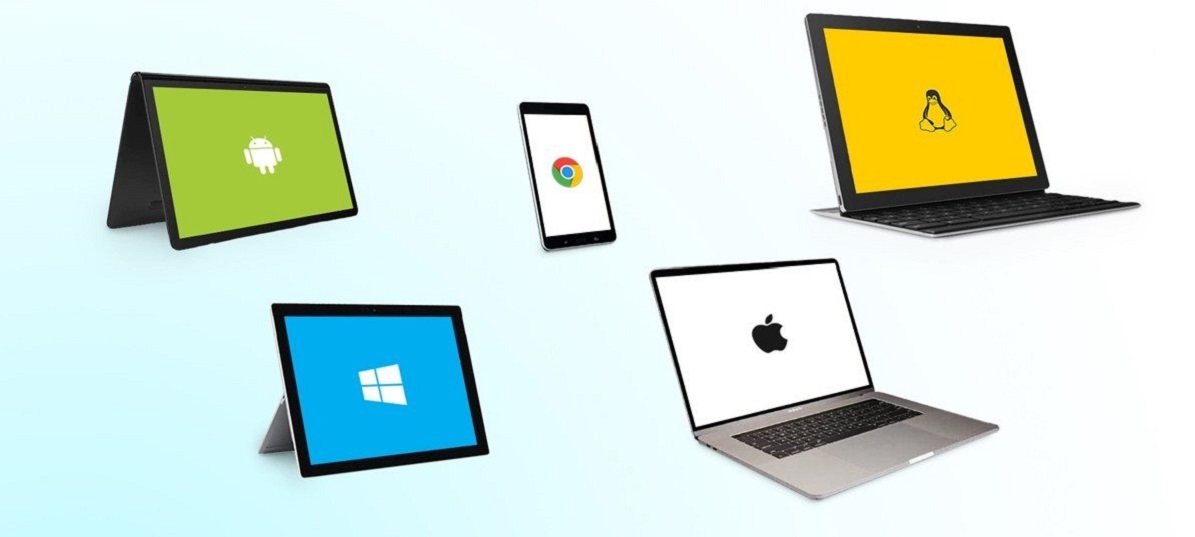
If you are looking to increase the number of connectors on your laptop, we recommend using the universal i-tec USB 3.0/USB-C/Thunderbolt 3 Dual Display Docking Station. With the ability to connect to any laptop—even if it is only equipped with a USB 3.0 connector—you can connect the dock with a single cable and start using it immediately. The package includes a USB-C to C and USB-C to A connection cable.
No alternative text for the photo!
Easily Connect Two 4K Monitors
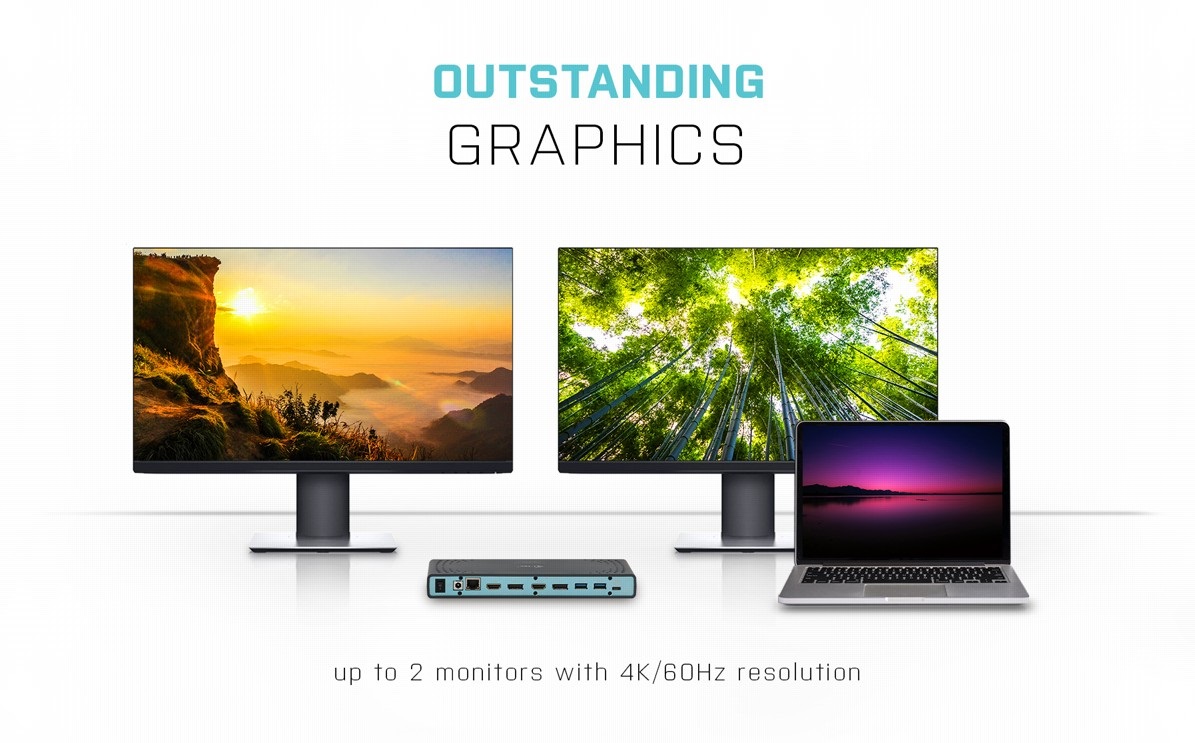
As serious work area requires an expanded work area, you'll welcome using i-tec USB 3.0/USB-C/Thunderbolt 3 Dual Display Docking Station to connect to a pair of 4K monitors with a fast 60Hz refresh rate that delivers a silky-smooth picture.
No alternative text for the photo!
i-tec USB 3.0/USB-C/Thunderbolt 3 Dual Display Docking Station Offers Plenty of Traditional Ports
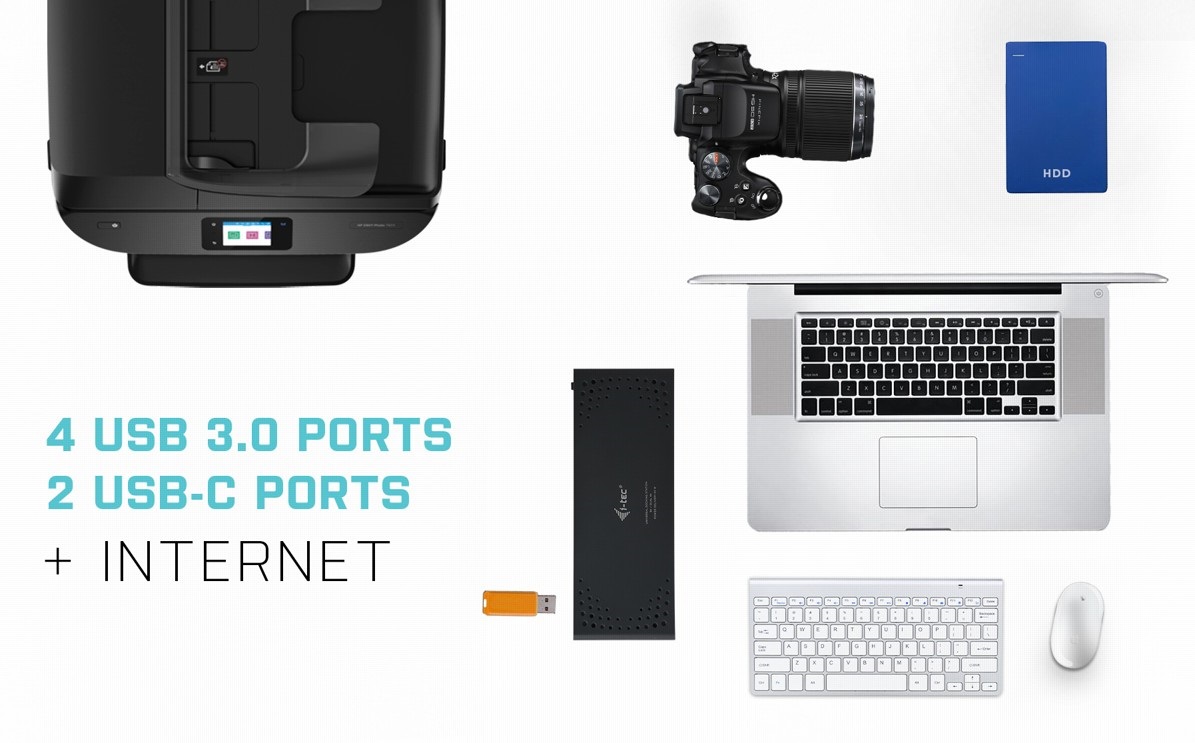
Do you have various accessories, such as a USB printer, keyboard, mouse and external drive? Once again, the lightning-fast i-tec Thunderbolt3/USB-C Dual DisplayPort 4K Docking Station has got you covered. It comes with 3× USB 3.0, 1× USB 3.0 with fast charging support, 2× USB-C 3.1 and an SD memory card slot. There is also a classic LAN connector for a wired connection to the data network. Remember to connect the supplied external adapter when in USB hub mode.
No alternative text for the photo!
One Cable Provides Charging, Video and Data Transfer
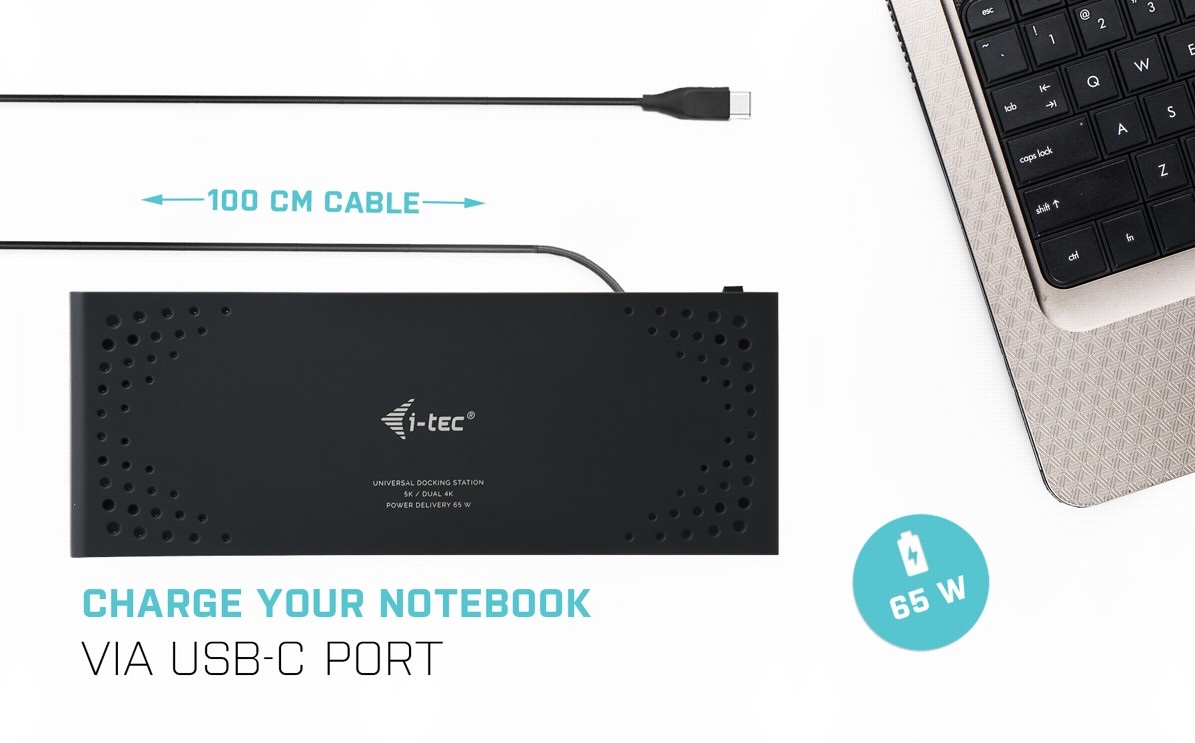
Thanks to the Thunderbolt 3 interface, you only need to connect your laptop to the i-tec USB 3.0/USB-C/Thunderbolt 3 Dual Display Docking Station with a single cable for it to deliver images to monitors, fast USB data transfer plus a power supply to your laptop. That's gonna clear up a whole load of cables and leave your workspace clutter-free.
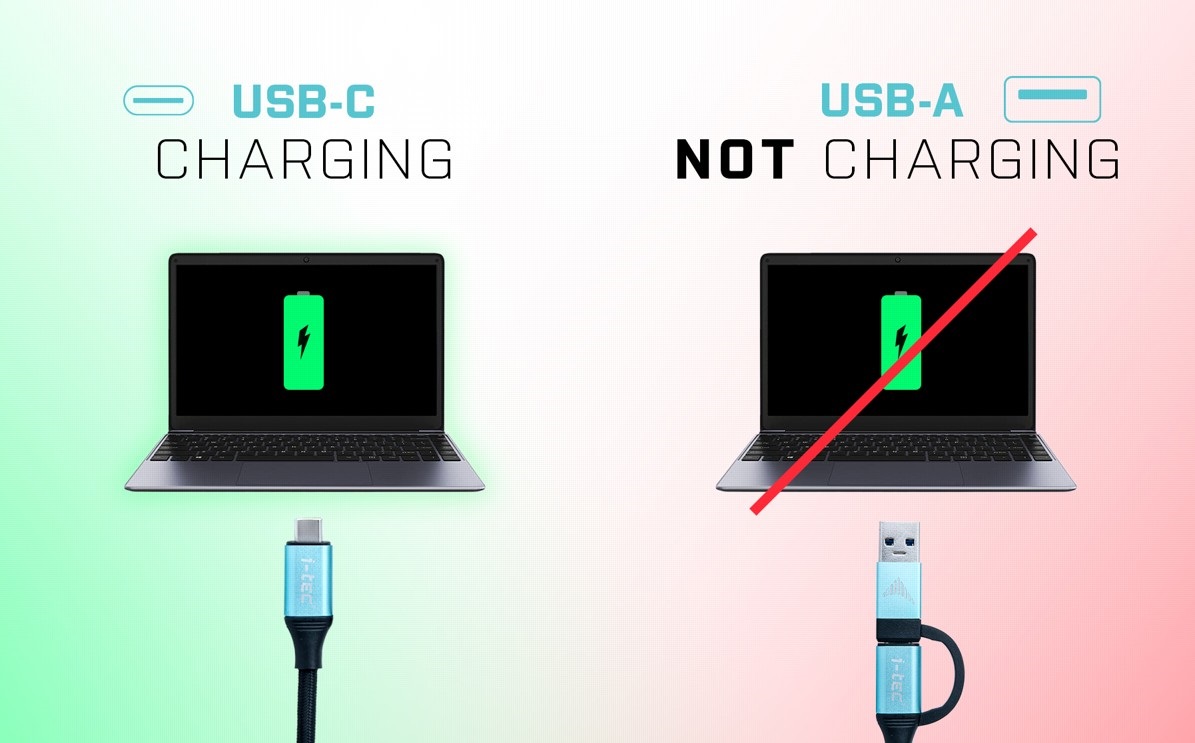
No alternative text for the photo!
No alternative text for the photo!
Fix the i-tec USB 3.0/USB-C/Thunderbolt 3 Dual Display Docking Station to Your Monitor
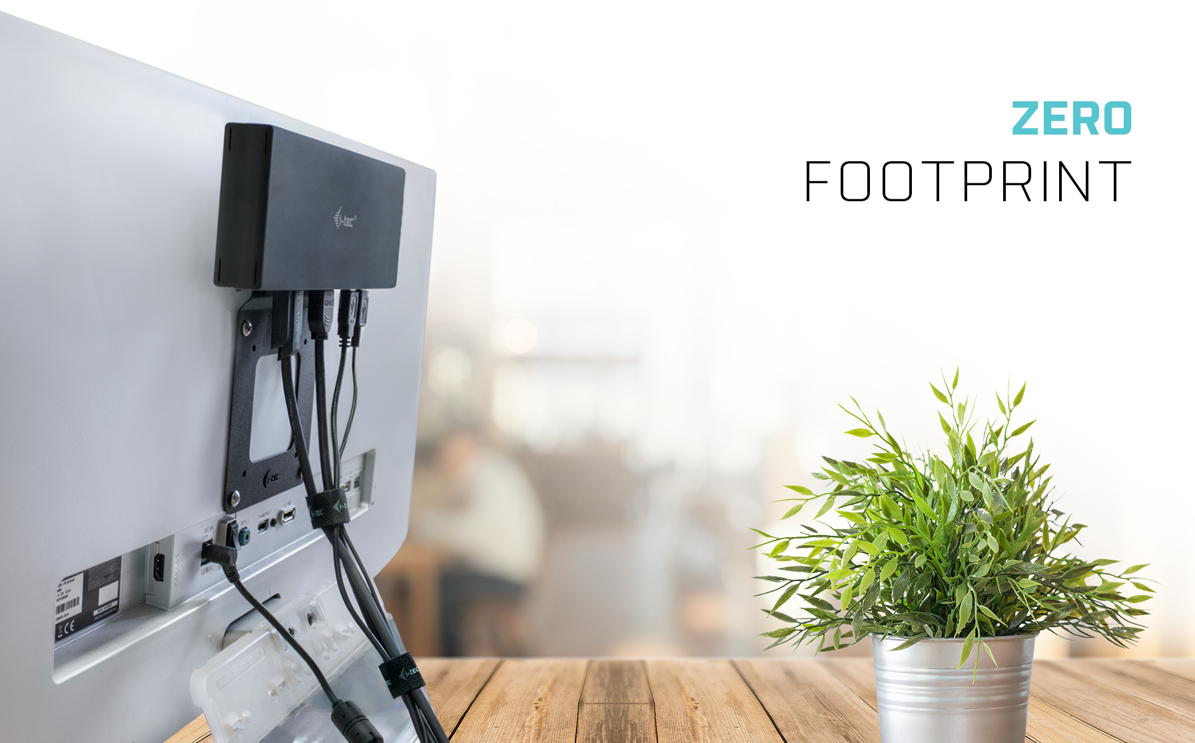
As a tidy desk makes for a tidy mind, you will be delighted that you can easily mount the i-tec USB 3.0/USB-C/Thunderbolt 3 Dual Display Docking Station behind a VESA-compliant monitor. Cables and other equipment getting in your way will soon become a thing of the past.
No alternative text for the photo!
Free Data Backup
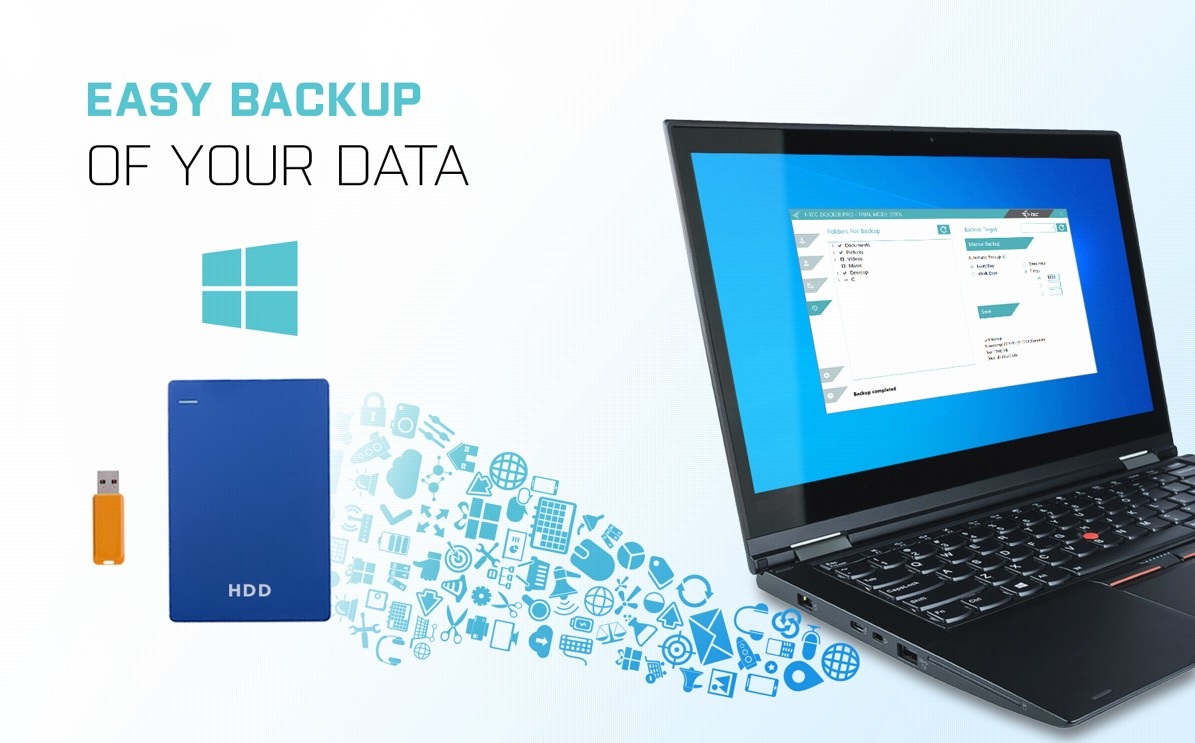
If you use the Windows operating system and need to regularly backup important files, you'd be well-advised to install the free i-tec Docker Pro add-on. Just connect any hard drive or flash drive to the i-tec USB-C Quattro Display Docking Station, and the rest is just a matter of a few mouse clicks.
SPECIFICATIONS
1x USB-C port for connection to a USB-C or USB-A device (USB-C connection cable
and USB-C to USB 3.0 adapter included)
Power Delivery: 65W
Video Ports:
2x Display Port
2x HDMI
Resolution:
1 monitor - 1x Display Port up to 4K/60Hz
1 monitor - 1x HDMI up to 4K/60Hz
1 monitor - 2x Display Port up to 5K/60Hz*
2 monitors - 1x Display Port + 1x Display Port up to 2x 4K/60Hz
2 monitors - 1x Display Port + 1x HDMI up to2x4K/60Hz
2 monitors - 1x HDMI + 1x HDMI up to 2x 4K/60Hz
2x USB-C 3.1port
3x USB 3.0 port
1x USB 3.0 port with fast charging support (BC 1.2)
1x Ethernet GLAN RJ-45 port (DisplayLink DL-6950)
1x 3.5mm Audio output, 1x 3.5mm Microphone input
1x power input (DC 20V/5A)
ON/OFF switch to turn the docking station on and off
LED indication
Support for Kensington lock
USB-C to USB-C/USB-A cable (100 cm)
OS: Windows 7/8/8.1/10, macOS X, Linux Ubuntu 14.04,16.04, 17.04, 17.10 18.04, 19.04, Android 5
and higher, Chrome OS R51 and higher
Easy driver installation (Windows, MacOS, Ubuntu, Android(external link))
Product dimensions: 223 x 88 x 27mm
Product weight: 338g
Package dimensions: 314 x 144 x 60mm
Packageweight: 1380g
* 5K resolution only supports Windows
Hardware requirements: Devices with a free USB-A, USB-C or Thunderbolt™3 port
Requirements for the Power Delivery function:
Devices with free USB-CorThunderbolt™3 port with "Power Delivery" support
Operating system: Windows 7/8/8.1/10, macOS X, Linux Ubuntu 14.04, 16.04, 17.04, 17.10 18.04, 19.04, Android 5 and higher,
Chrome OS R51 and higher
Specifications
Dimensions and weight
Laptop power port
Most common ports
Data ports - Number and standards
Power ports for electrical devices
Graphics ports - Number and standards
Network ports
Audio ports
Features
Packaging
Compatibility
| Code: | JP909o |
| Links: | Producer's Website: |