
Kensington SmartFit for Monitors up to 21"

Kensington SmartFit for Monitors up to 21"

WORK LIKE A PROFESSIONAL

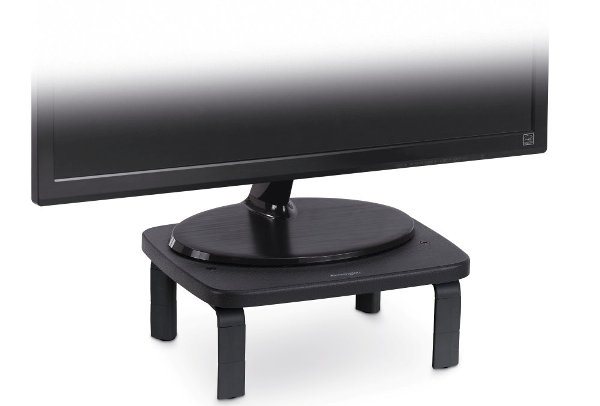
Kensington SmartFit 21" Height-Adjustable Monitor Stand
Do you spend a lot of time on your laptop and find your muscles stiffening from constant slouching? We have the solution for you in the form of the Kensington SmartFit 21" height-adjustable monitor stand. The Kensington stand has 3 height levels. It is equipped with the clever SmartFit system, which allows you to easily adjust it to your exact needs in three simple steps. You can use it for your laptop or monitor. The Kensington stand is suitable for devices with a screen size of up to 21" and a weight of up to 18kg. As a bonus, the Kensington SmartFit stand provides storage space for office supplies.
- Ergonomic Kensington stand with 3 adjustable height levels (4.2 / 8 / 11.8cm)
- Equipped with the clever SmartFit system
- The Kensington SmartFit stand ensures an optimal viewing angle
- It is suitable for devices with a screen size of up to 21" and a weight of up to 18kg
- Can be used for a monitor or a laptop
- The Kensington SmartFit 21" height-adjustable monitor stand provides free storage space for office supplies
- Simple ergonomic adjustment in 3 steps
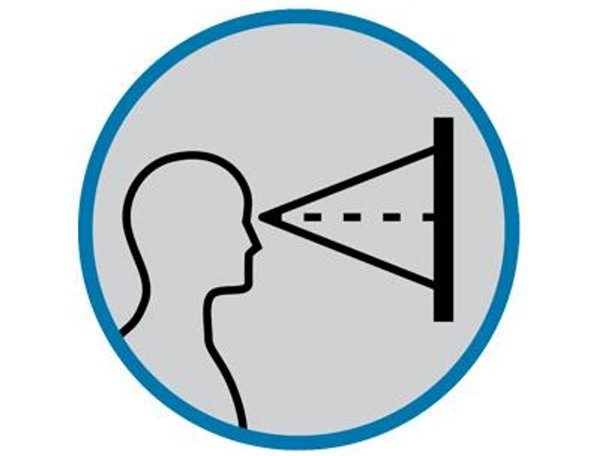
Height Adjustment Provides an Optimal Viewing Angle
The Kensington SmartFit 21" height-adjustable monitor stand has 3 adjustable height levels (4.2 / 8 / 11.8cm) to provide an optimal viewing angle.
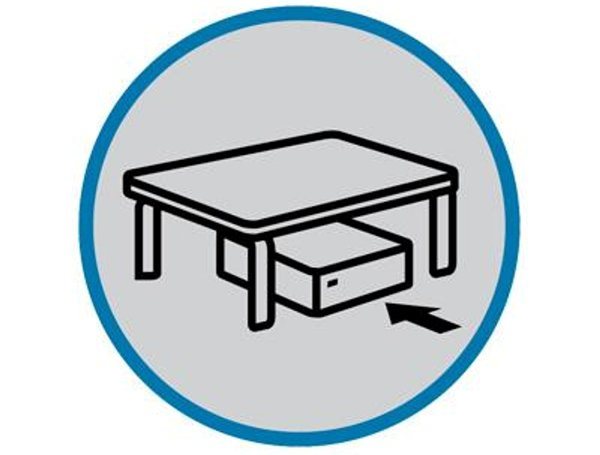
The Kensington Design Keeps Your Desk Tidy
The Kensington SmartFit 21" height-adjustable monitor stand has a design that offers space for various small items, keeping your desk tidy.
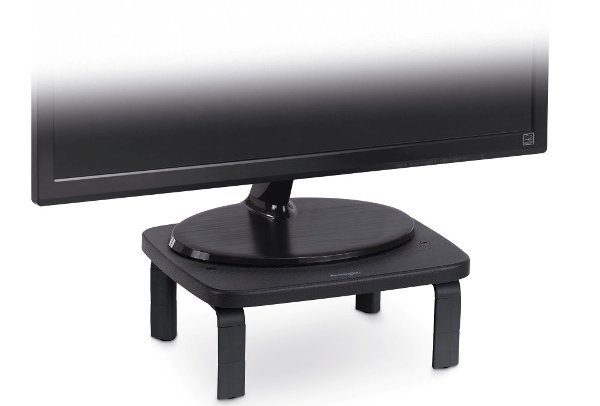
The Kensington Accessory is Universal
The Kensington SmartFit 21" height-adjustable monitor stand is universal. It offers the option to place a monitor on it, and can also be used for a laptop. The chosen device can have a maximum screen size of 21" and weigh up to 18kg.

The Kensington SmartFit 21" height-adjustable monitor stand boasts the SmartFit system, patented by Kensington. The company collaborated with the US Army during its development and discovered an interesting connection. Together, they found that hand size is directly related to other body measurements. In every Kensington SmartFit series product package, you will find a sample hand chart from the manufacturer that will easily help you find the optimal ergonomic setting for each Kensington product in this range in 3 easy steps:

1. Take a measurement to determine your SmartFit colour
The first step is measuring. All you need is the sample hand chart you received with your purchased Kensington product. To take the measurement, place your palm on the marked area. Then, using the tip of your middle finger, you can easily determine your SmartFit colour.

2. Set your Kensington SmartFit device
The second step is to set your Kensington SmartFit device to the correct position according to the colour you identified. A major advantage is that this colour setting applies to all products in the Kensington SmartFit range.

3. Enjoy a pain-free life
That's it. It was easy, wasn't it? Now you can start working on your ergonomically adjusted device with Kensington SmartFit and enjoy life and work without pain.

About the Kensington Brand
The Kensington brand has been active in the field of computer equipment for over 35 years. You can therefore rely on high-quality products trusted by professionals all over the world. Kensington offers a wide portfolio of computer accessories to make you more productive when working on your computer, from docking stations to computer cable locks, mice and trackballs, and ergonomic solutions to ensure a healthy working environment.
Specifications
| Code: | NX900a23 |
| Warranty: | 24 months |
| Links: | Producer's Website: |
| Manufacturer information |
Esselte, s. r. o., V Lužích 818, Praha 4 142 00, Czech Republic, +420 261 912 720, [email protected] 
|