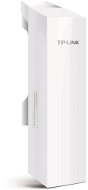
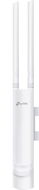
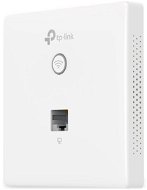
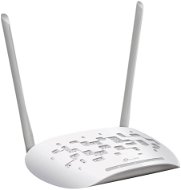
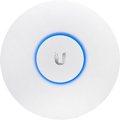
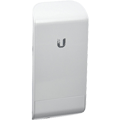
This page includes the most expensive wiFi Access Points TP-Link, or more specifically all products from the category wiFi Access Points TP-Link sorted from the most expensive to the cheapest. This way, the most luxurious pieces can stand out. At the moment, the most expensive product is TP-Link OC400, Omada SDN, which costs 20,599 Kč incl. VAT. Check it out, you may like it. Or you’ll get inspired.
Für den Versand nach Deutschland, besuchen Sie bitteAccess Points
Für den Versand nach Österreich, besuchen Sie bitteAccess Points
Magyarországra rendelnél? Látogasd meg ezt a termékkategóriátAccess Point
Try our cookies
Alza.cz a. s., Company identification number 27082440, use cookies and other data to ensure the proper functioning of the website and, with your consent, also, among other things, to personalize advertising and the content of our websites. By clicking on the “I understand“ button, you agree to the use of cookies and the transfer of data regarding the behavior on the website for displaying targeted advertising on social networks and advertising networks on other websites.