
Pioneer DJ DDJ-FLX4

 Installment calculator
4,9%
interest
from 214,- monthly
Installment calculator
4,9%
interest
from 214,- monthly
Pioneer DJ DDJ-FLX4
The Pioneer DJ DDJ-FLX4 is a compact two-channel controller with a professional layout inherited from the Pioneer DJ series. It features 16 performance pads and 5" capacitive touch jog wheels. The controller has a dedicated microphone channel that feeds directly into your mix. It also offers two brand new mixing features, Smart Fader and Smart Color FX, which help you easily transition between tracks and apply a combination of effects using a single control. The Pioneer DJ DDJ-FLX4 is fully compatible with DJ SW Rekordbox or Serato DJ Lite, just connect your computer to the DDJ-FLX4. More demanding users can then purchase a full Serato DJ Pro license. You can start using the controller immediately with Windows and macOS computers.
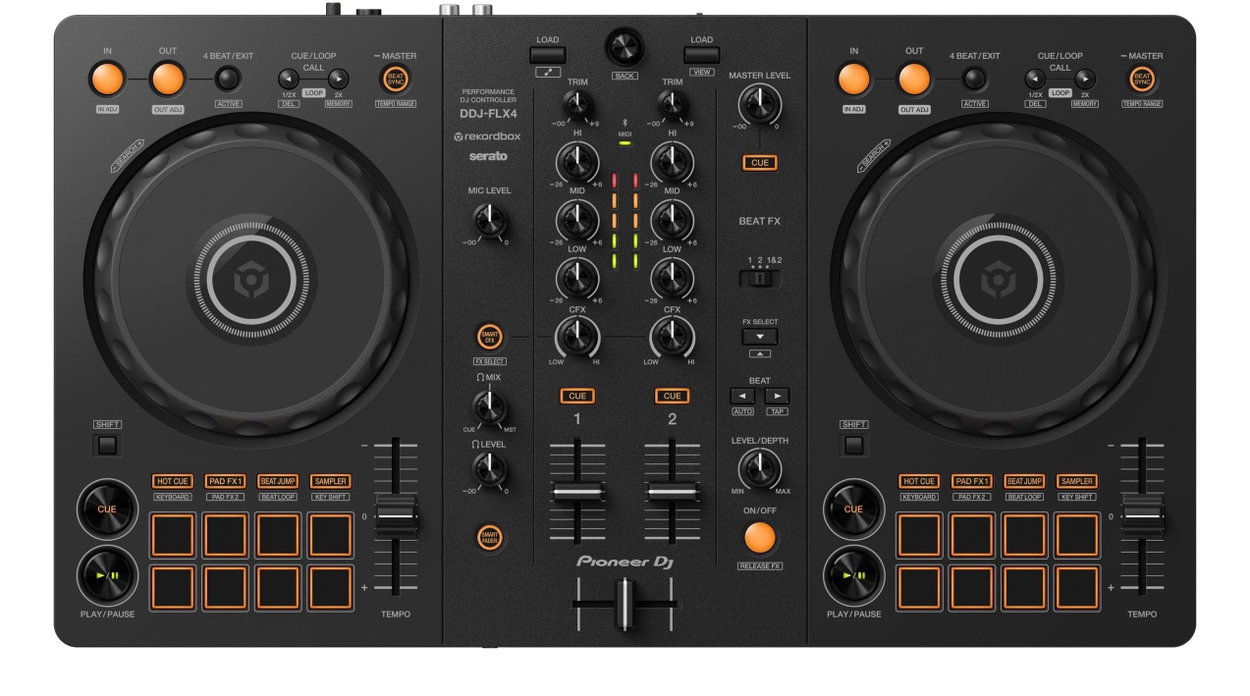
Key features of the Pioneer DJ DDJ-FLX4 DJ controller
- Compact 2-channel DJ controller
- Smart Fader and Smart CFX functions for easy mixing
- Compatibility with Rekordbox and Serato DJ Lite
- Supports Windows, macOS, iOS, and Android
- Connects via USB or Bluetooth
- Supports TIDAL, Beatport, Beatsource, and SoundCloud Go+ streaming services
- Hot Cue, Beat Jump, sampler, and Beat FX functions
- Microphone input and headphone output
- Portable design suitable for beginners
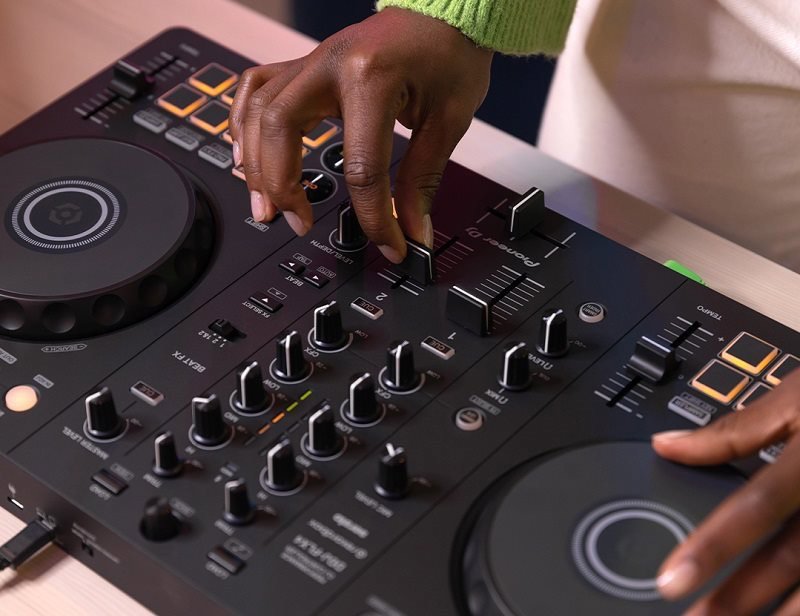
Connectivity options and compact design
The Pioneer DJ DDJ-FLX4 controller can be connected to a PC, Mac, iPhone, iPad, and Android phones and tablets. When using the Pioneer DJ DDJ-FLX4 with rekordbox for iOS/Android, you can also connect via Bluetooth or USB cable. This makes it easy to try DJing for yourself. You can take the controller with you anywhere thanks to its compact, portable design. The controls on the Pioneer DJ DDJ-FLX4 are clearly laid out so that even novice DJs can understand them.
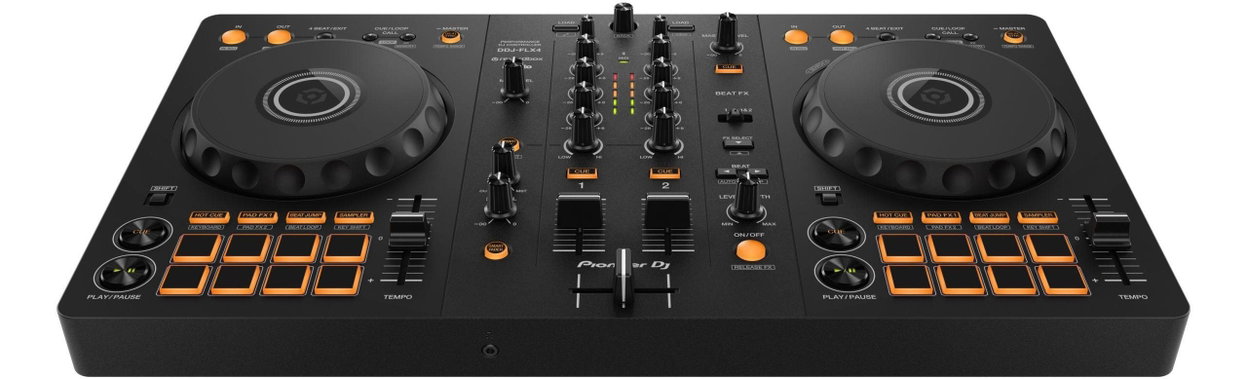
Easy mixing features
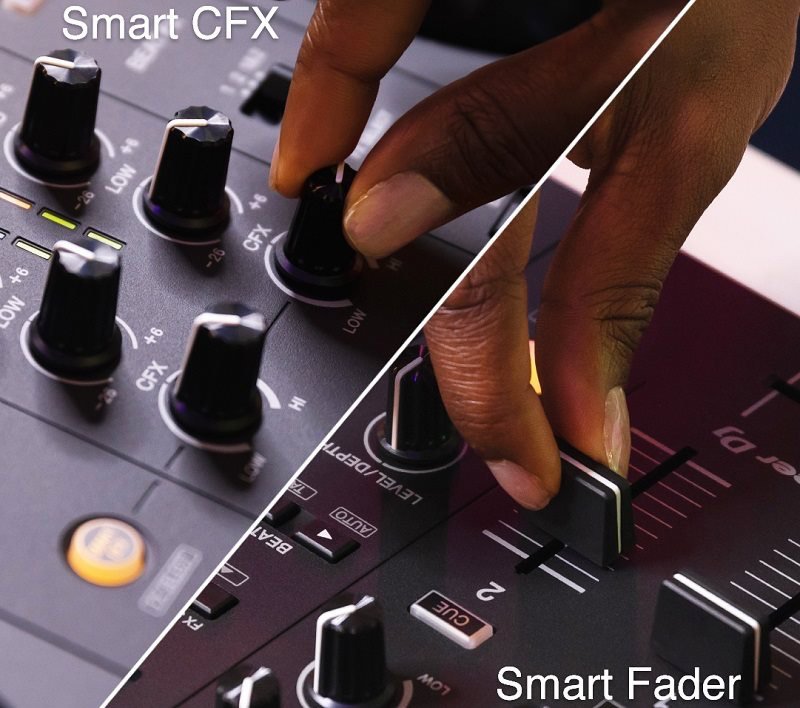
Not only beginners to the Pioneer DJ DDJ-FLX4 controller will appreciate Smart Fader, which automatically adjusts the volume, bass, and BPM of the music. This allows you to smoothly transition from one track to another by simply moving the channel faders or crossfader. With another new feature, Smart CFX, you can simply turn the knob to apply a combination of effects.
Streaming and USB input
Explore popular streaming platforms such as TIDAL, Beatport Streaming, Beatsource Streaming, and SoundCloud Go+ (subscription required) and choose from millions of available tracks that you can mix on the Pioneer DJ DDJ-FLX4. You'll have access to all the effects and performance features you need to customize your favorite tracks and create your own unique sound. You can connect a microphone and headphones at the same time and enjoy your mix to the fullest.

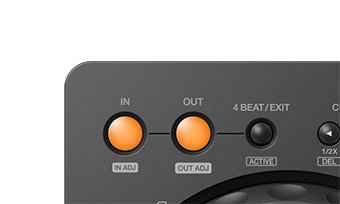
Loop Control and Beat Sync
Set the loop section and specify its start and end points. The Pioneer DJ DDJ-FLX4 has a dedicated button for calling up Call Cue / Loop sections, which you will have set for the track. Pressing the BEAT SYNC button automatically synchronizes the tempo (BPM) and beatgrid of the Pioneer DJ DDJ-FLX4 controller with the deck that is set as the master. Holding the button down for more than one second sets the corresponding deck as the master.
Browsing Songs and Creative CFX Effects
Browse all your songs or audio tracks, neatly organized for easy selection. Press any button together with the SHIFT key to use its assigned function. Use the Smart CFX button to easily turn SMART CFX mode (Mac/Windows) or SOUND COLOR FX mode (iOS/Android) on or off. SMART CFX modes use a combination of different effects to add another dimension to your music. The CFX knobs are used to control the high-frequency filter/low-frequency filter or other effects that you assign to them in the DJ software.
Pads, Smart Fader, and Beat FX
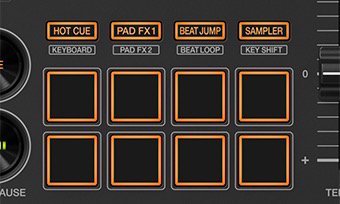
Make control easier with pads, which make it quick and easy to call up Hot Cues, Pad FX, Beat Jump, or the sampler. Use the SMART FADER button to turn Smart Fader mode on or off, which automatically adjusts the overall volume, bass volume, and BPM of your music to ensure a smooth transition from one track to the next. In the Beat FX section, you can turn BEAT FX on/off to change the effect, depth, and length of the synchronized beat, as well as the channel used. PHONES output jacks for connecting headphones.
Specifications
Type
Compatibility
Equipment
Connection
Power Supply
Size and weight
| Code: | PIO960d1 |
| Warranty: | 24 months |
| Links: | Producer's Website: |