Adding users for portal management
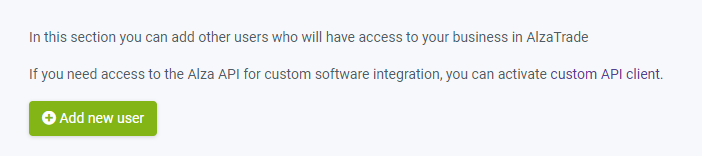
In the trade settings section, under User Management, you can add a new user who will have access to the Alza Trade portal. To log in, they should use the same login credentials as their My Alza account. My Alza is the standard customer account for making purchases on Alza.cz.
Every user who will be using the Alza Trade portal must have this account. If they don't have an account on Alza.cz, they need to register there first (you can find the registration link HERE , or by clicking "New Registration" in the lower left corner of the login window).
You can also find instructions on how to register for the Alza Trade portal HERE.
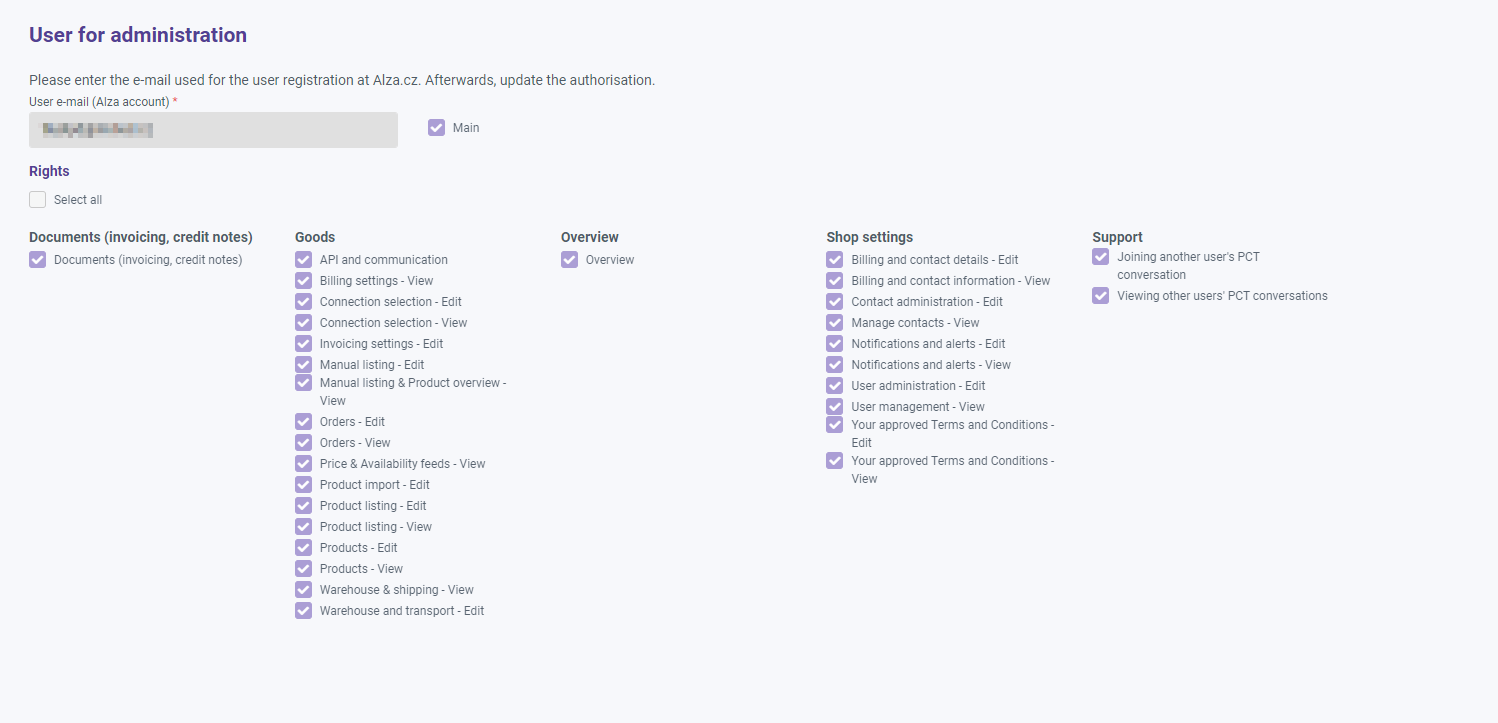
Next, you can assign permissions to users:
Notification tab
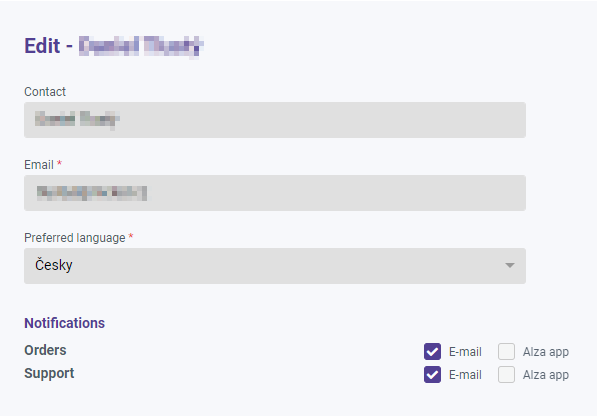
In the trade settings section, Notifications tab, you can set the users who will receive notifications when a new order is placed or when a response is received to a question in partner support. You can set notifications for each of your contacts to an email address.