
Asus RT-AX92U

Don't like the alternatives?
Choose from the full offer
Asus RT-AX92U
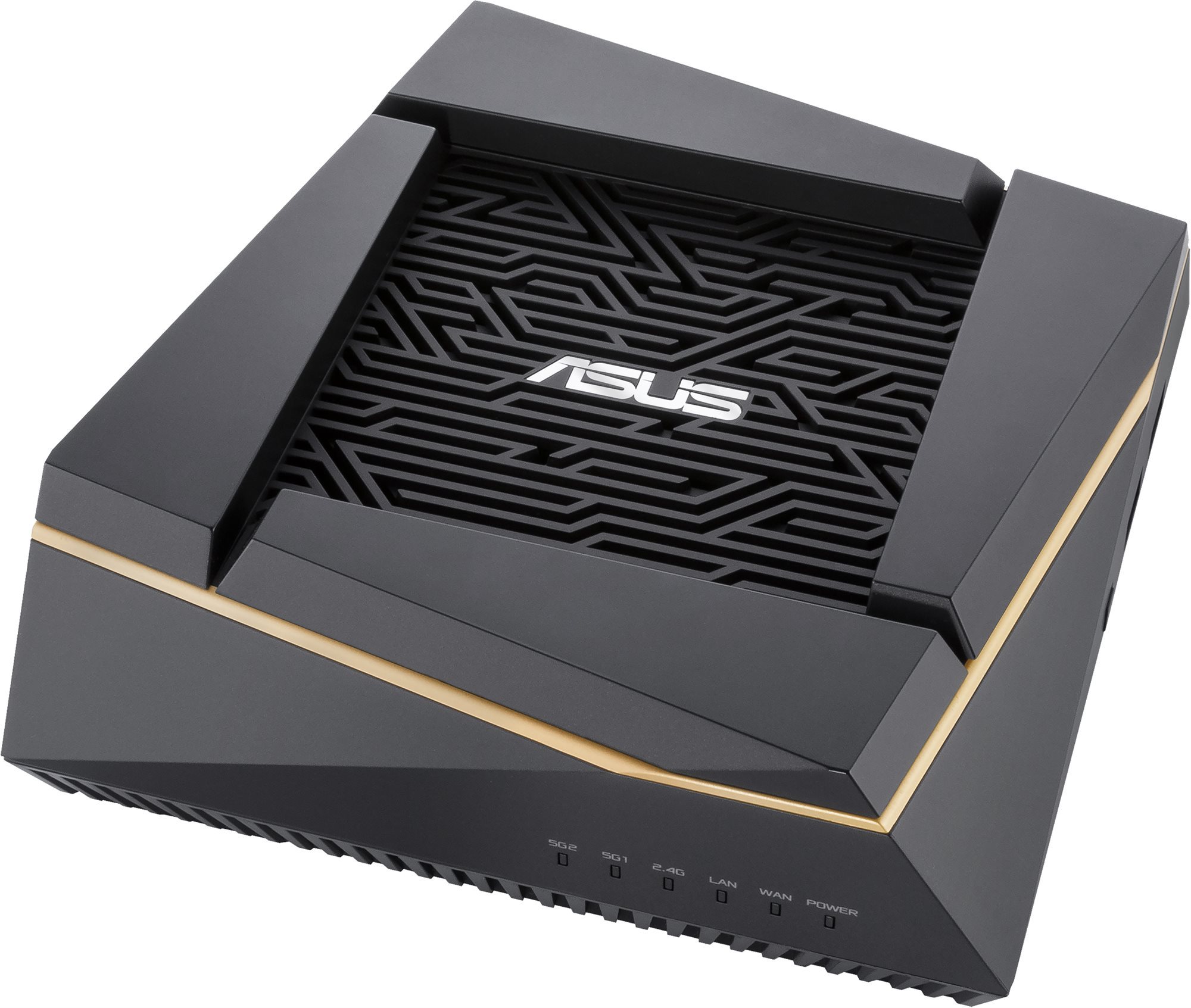
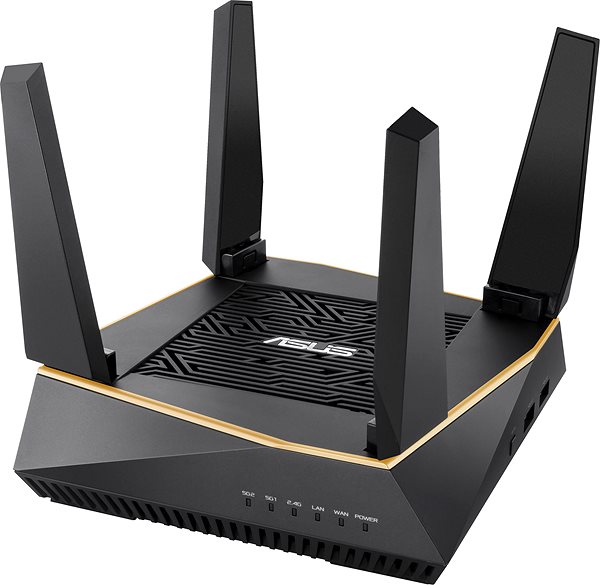
Are you looking for a fast and reliable WiFi router? The Asus RT-AX92U is designed for sharing high-speed Internet connection and large signal coverage. It works with 802,11a (5GHz), 802,11b (2,4GHz), 802,11g (2,4GHz), 802,11n, 802,11ac and 802,11ax standards and Tri-band frequency., which means it uses three bands. The device features 4 external antennas. The device conceals 2 internal antennas. The handy DHCP functions of this model include Client, DHCP Client List and Address Reservation. You can enjoy bandwidth speeds up to 6071 Mb/s or 1 Gbit if you use cable connection.
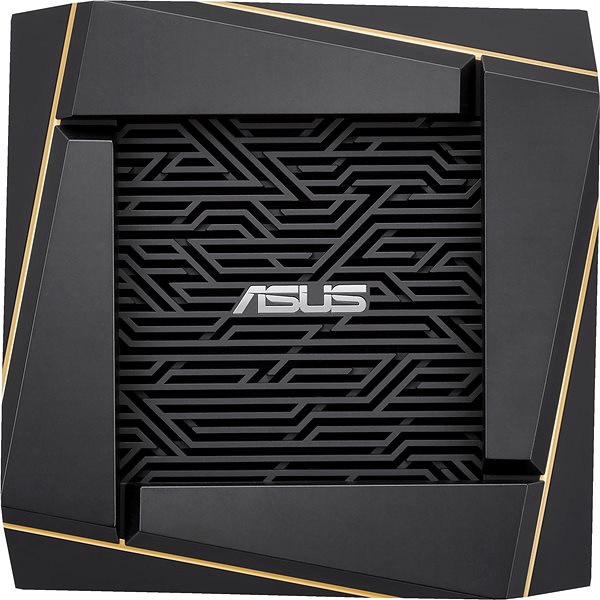
Asus RT-AX92U WiFi Router Key Features
- The router's timeless design highlighted by the black colour scheme makes it suitable for any interior
- The device supports the following standards: 802,11a (5GHz), 802,11b (2,4GHz), 802,11g (2,4GHz), 802,11n, 802,11ac and 802,11ax
- Wireless connection speed up to 6071 Mb/s
- Encrypted transmission for safer web browsing
- Simple and easy router setup
- The device is equipped with USB 2.0 and USB 3.2 Gen 1 (USB 3.0) connectors
- Parental controls keep your children safe
- WiFi Router works with IPv6 protocol
- QoS ensures smooth network traffic
- Simple Plug and Play peripheral device connection
- Network security with DMZ
- Higher performance due to multiple data streams
- Can create Guest Zone for network protection
- Number of external antennas: 4
- Number of internal antennas: 2
Browse Safely with the Asus RT-AX92U WiFi Router
The Asus RT-AX92U router uses encryption to protect your privacy. The device features several different types of encryption: WPS, WPA2, WPA-PSK, WPA2-PSK, WPA-Enterprise, WPA2-Enterprise and WPA3. Now you can browse the web, watch videos, or play games and know that the security of your connection is guaranteed.
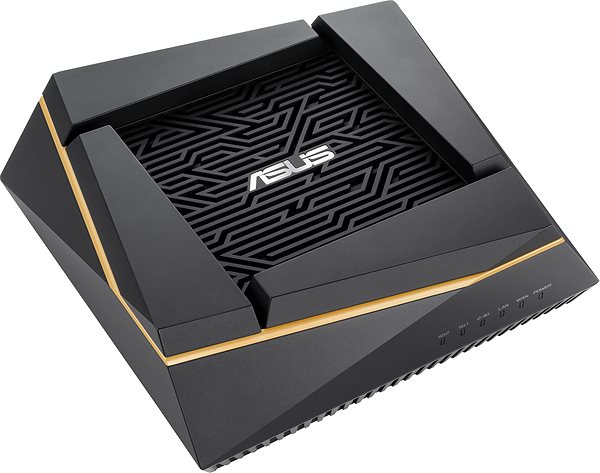
Top Speed for Every PC
With integrated Quality of Service (QoS). you can control the router's Asus RT-AX92U bandwidth usage to make the network work the way you need it to.
Hassle-Free Setup with the Asus RT-AX92U Router
You don't need a professional to setup your device. The router comes with an initial setup guide. Then the only thing left to do is to connect the cables and in some cases enter the information from your internet provider. The router is also equipped with the WPS button for super easy network connection. The WPS button allows you to connect to the router without entering the password.
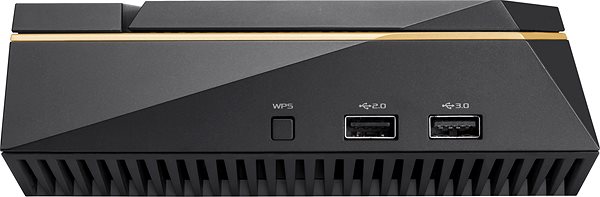
Asus RT-AX92U: When WiFi Isn't Enough, Cable Will Do
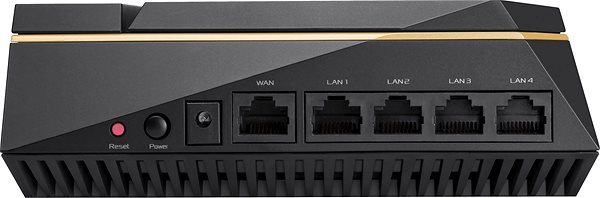
Aside from WiFi, the router has a LAN port for more stable wired connection reaching speeds of up to 1 Gbit. LAN connection is a must for online gamers who require great speed and stability, but it takes away the freedom we all know and love about WiFi. You can use USB interface to connect the ASUS to key peripherals, for example an external drive or a printer.
Specifications
Standards and frequency
Functions
Speed
Type
Security
Connectors
Antenna features
Advanced parameters
Dimensions and weight
Colour
| Code: | AA1000a2 |
| Links: | Producer's Website: |
| Manufacturer information |
ASUSTek COMPUTER INC. 1F.,No.15, Lide Rd., Beitou Dist., Taipei City 112 Tel: +886-2-2894-3447 Tel: +886-2-2890-7798 https://gr.asus.com/ProductSafety ASUS COMPUTER GmbH Harkortstrasse 21-23 40880 Ratingen Germany, Europe Email: [email protected] ASUS COMPUTER GmbH, Harkortstrasse 21-23, 40880 Ratingen, Germany, Europe, [email protected] ASUS is a symbol of the growth of Taiwan's economy. The firm's beginnings date back to April 2, 1989, when as a small manufacturer of motherboards began his work with a few employees. Today, Asus employs more than 12,500 employees worldwide. ASUS products can be found in almost every category of the information technology marketplace. ASUS is focused on desktops, laptops, phones, optical drives and components. In the manufacture of motherboards, the company is now the dominant player with a staggering 40% market share. 
|