Refresh the page

Alza Trade

Exporting Orders and Products on Alza Trade

If you use the Alza Trade portal to manage your orders, you can easily export all of your orders to a CSV file. Here's how to do it?

  1. Exporting orders to CSV
  2. Exporting products to CSV

Exporting orders to CSV

  1. Go to the Alza Trade portal and open the Products → Orders tab
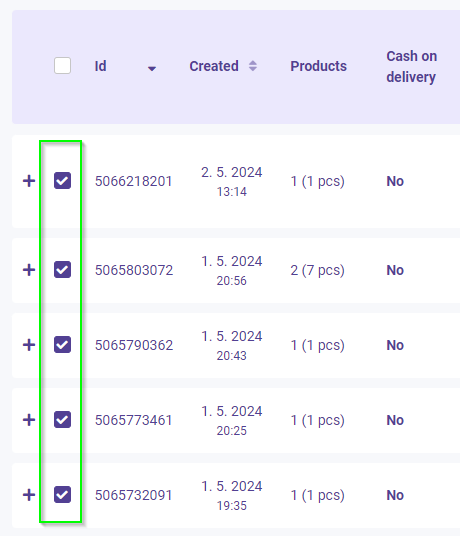
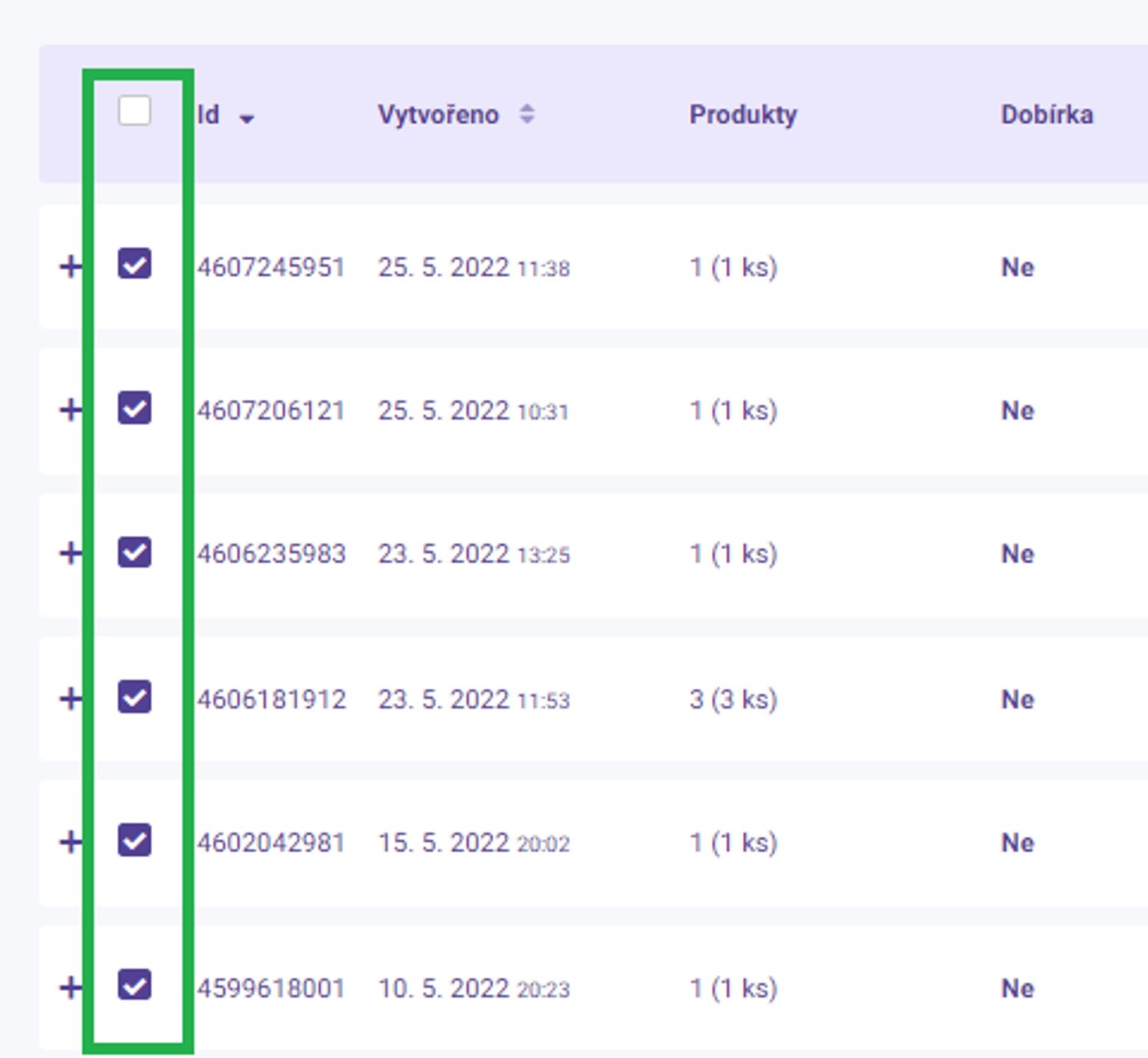
  2. Select the orders that you want to export by clicking the checkbox next to each order:
    Alza Trade
  3. On the bottom bar, click on the Export button:
    Alza Trade
  4. The CSV file containing the order listing will be downloaded to your computer.

Exporting products to CSV

  1. Go to the Alza Trade portal and open the Products → Product overview
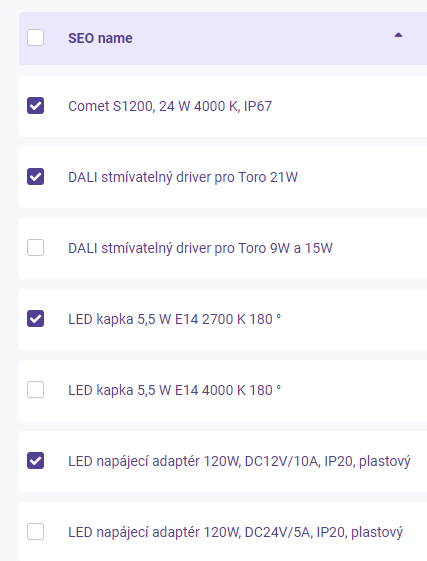
  2. Select the products that you want to export by clicking the checkbox next to each product:
  3. On the bottom bar, click on the Export selected to CSV button:
  4. The CSV file containing the order listing will be downloaded to your computer.
  5. If you want to export all products at once, use the Export all to CSV option:                

Try our cookies

Alza.cz a. s., Company identification number 27082440, use cookies and other data to ensure the proper functioning of the website and, with your consent, also, among other things, to personalize advertising and the content of our websites. By clicking on the “I understand“ button, you agree to the use of cookies and the transfer of data regarding the behavior on the website for displaying targeted advertising on social networks and advertising networks on other websites.


More information
I understand Detailed settings Reject everything
P-DC1-WEB14