
Samsung One UI: the most sophisticated graphical environment
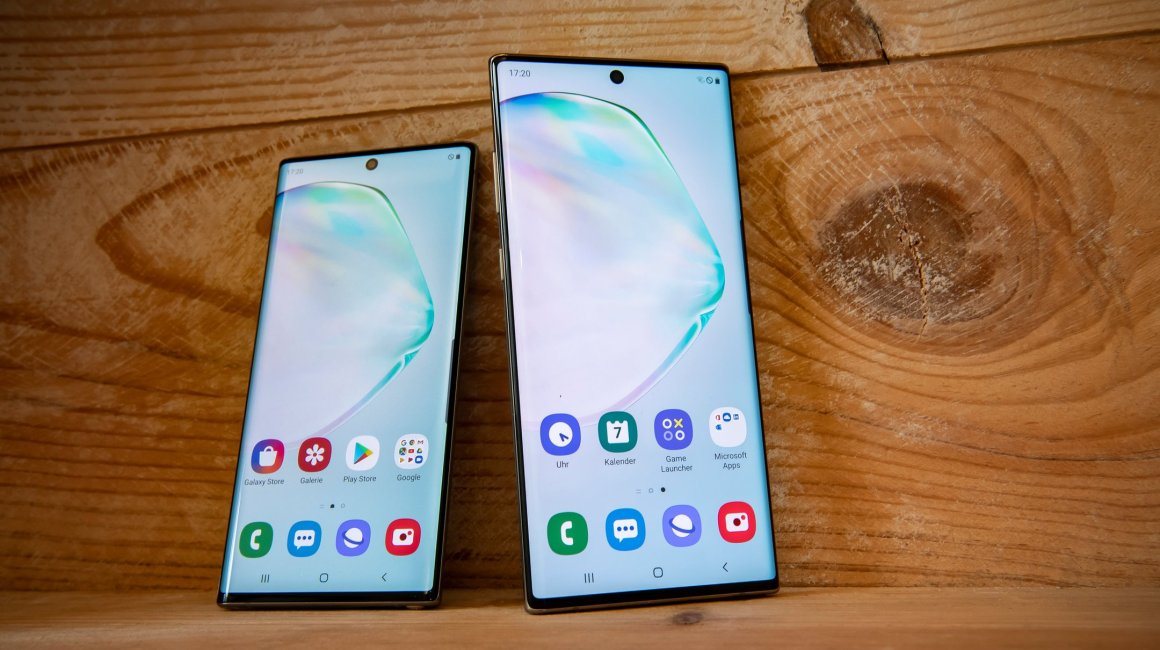
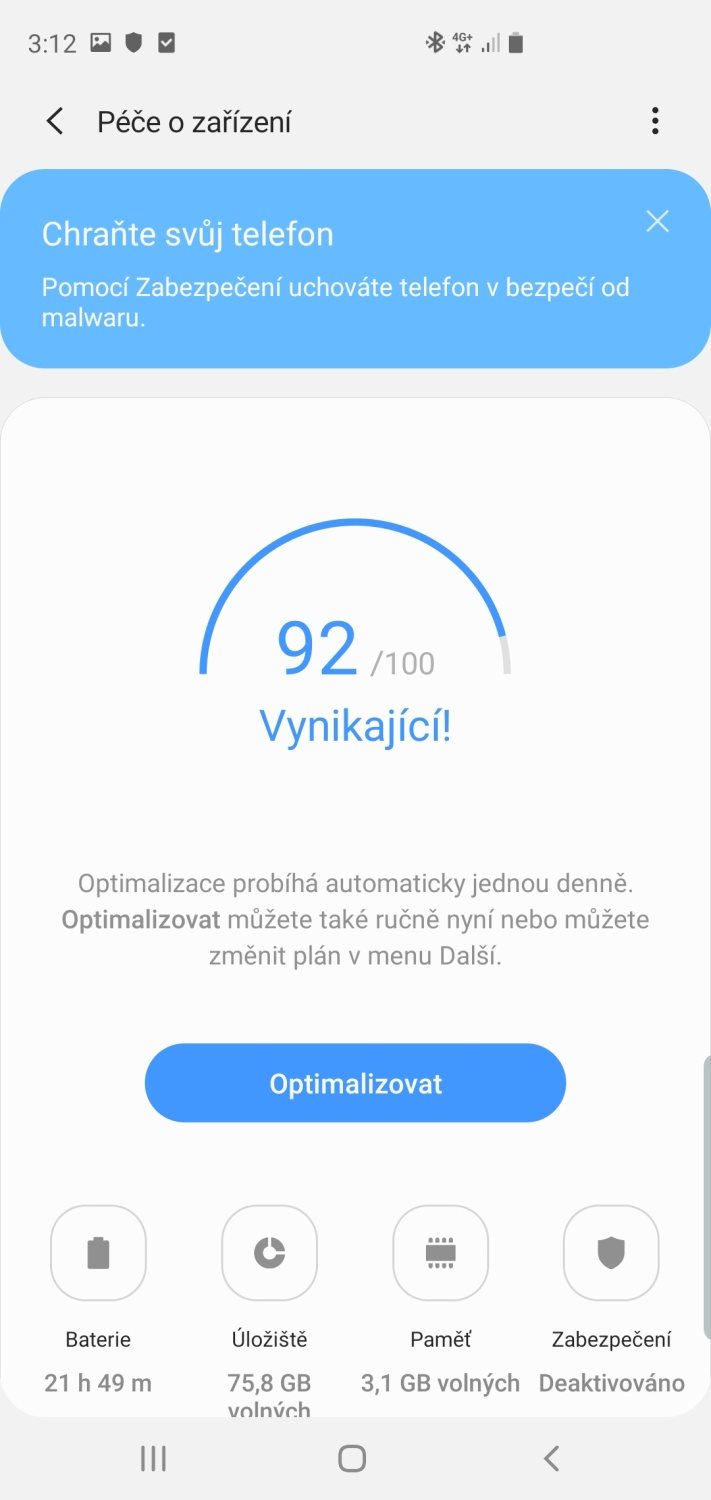
Samsung One UI is a graphical extension used in Samsung devices. The Korean manufacturer has been using it since the beginning of 2019, and its latest version 2.0 powers the manufacturer' s flagships, including phones Samsung Galaxy S10 or Samsung Galaxy Note10. At first glance, you will recognize the interface thanks to its simplicity and elegance. After all, the manufacturer focuses on efficiency and style. Samsung One UI 2.0 is based on the Android 10 operating system and offers users gestures, Always On display, dark mode and other goodies. What does it offer to users?
Samsung One UI – CONTENTS
- What is the Samsung One UI extension?
- Samsung One UI includes a number of applications
- Which phones have the One UI extension?
- What preceded the Samsung One UI?
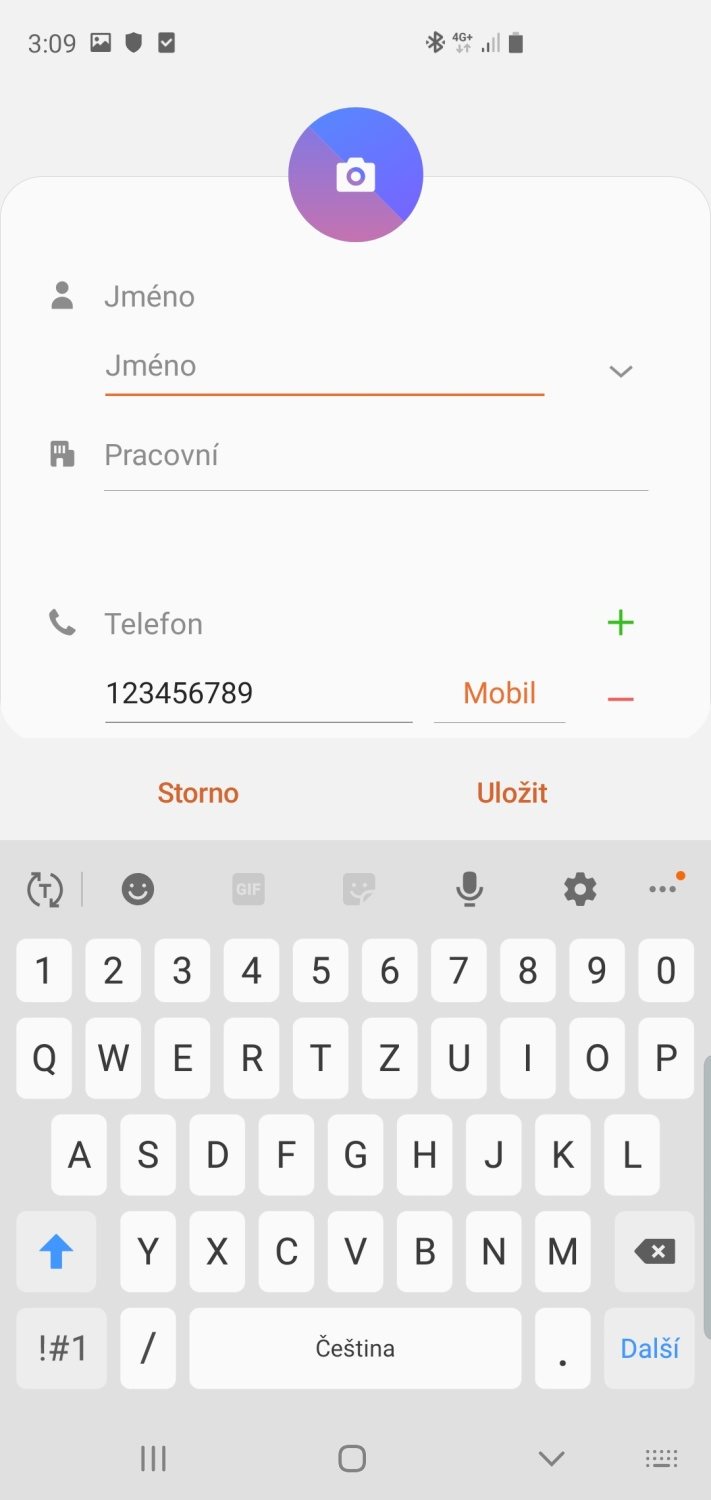
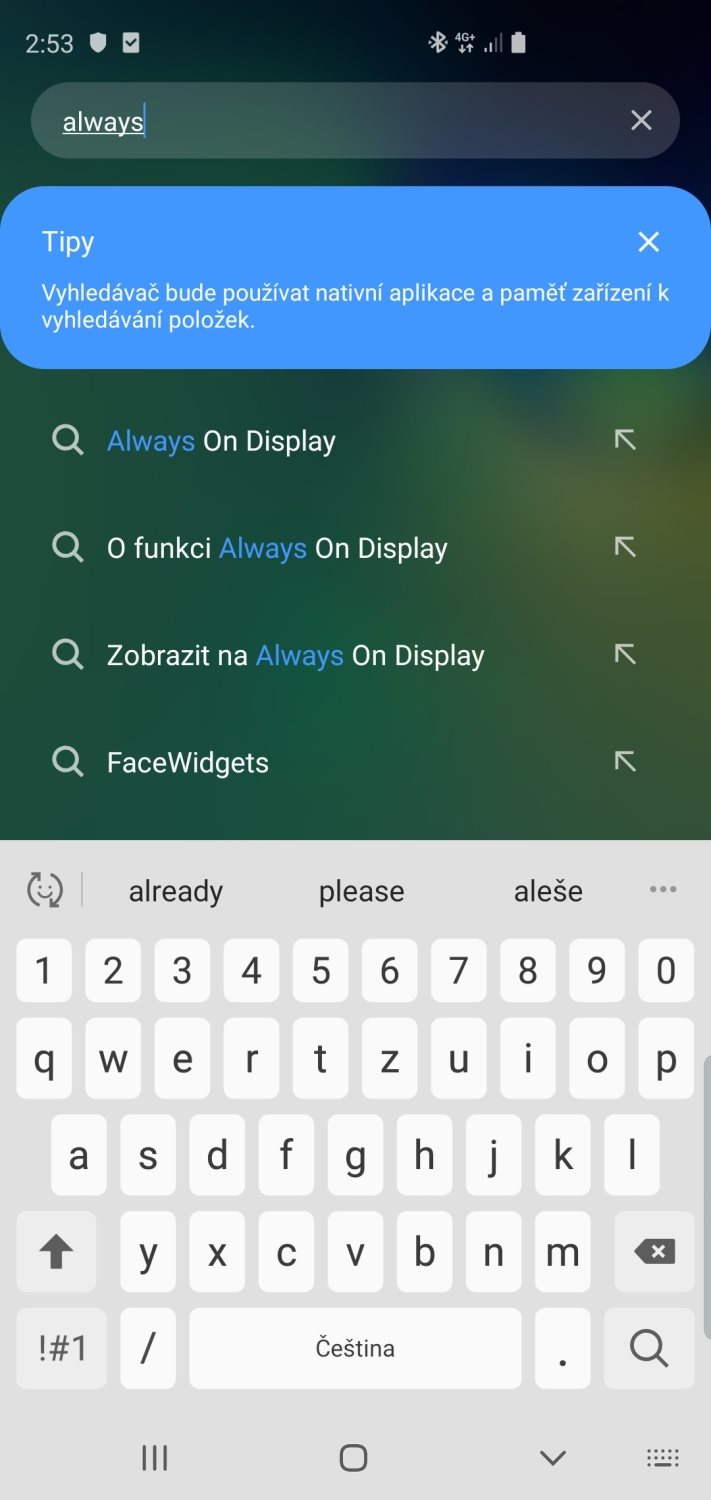
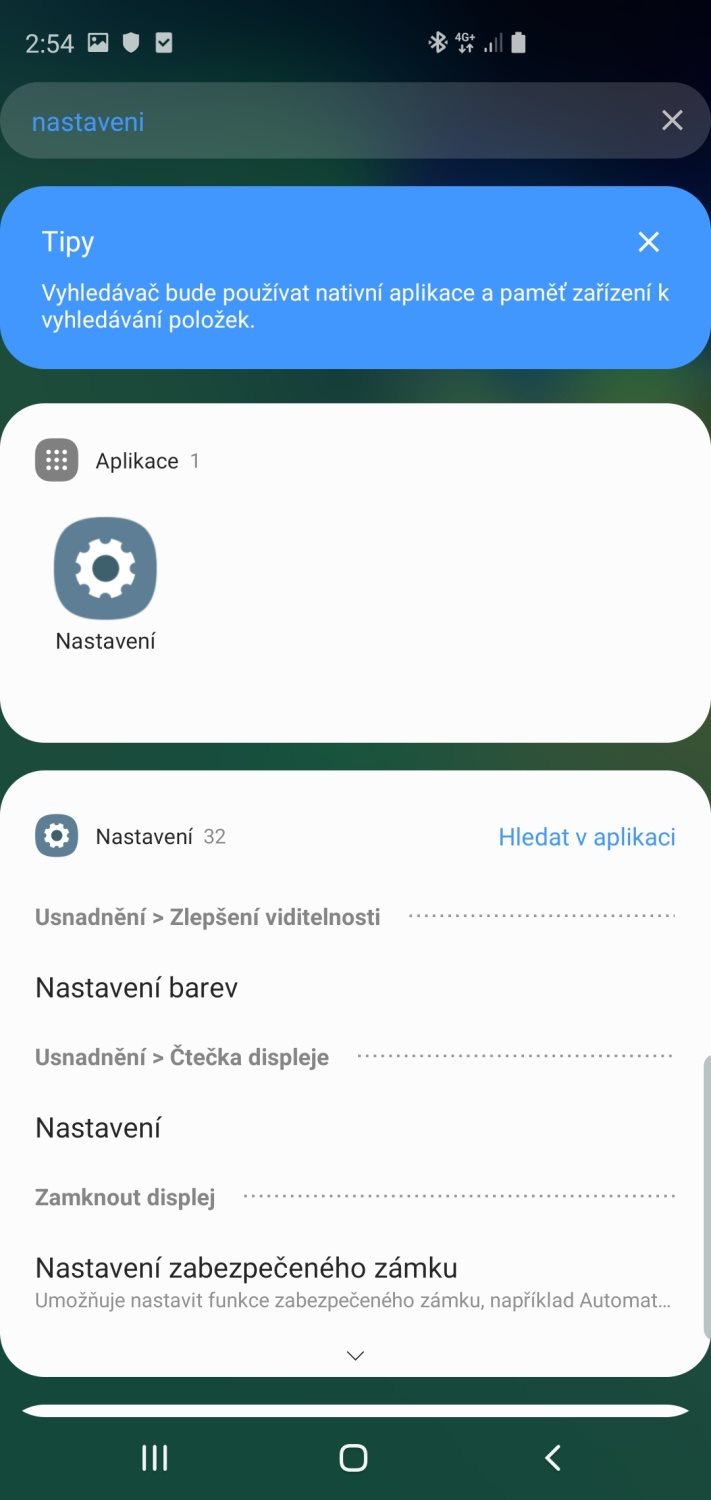
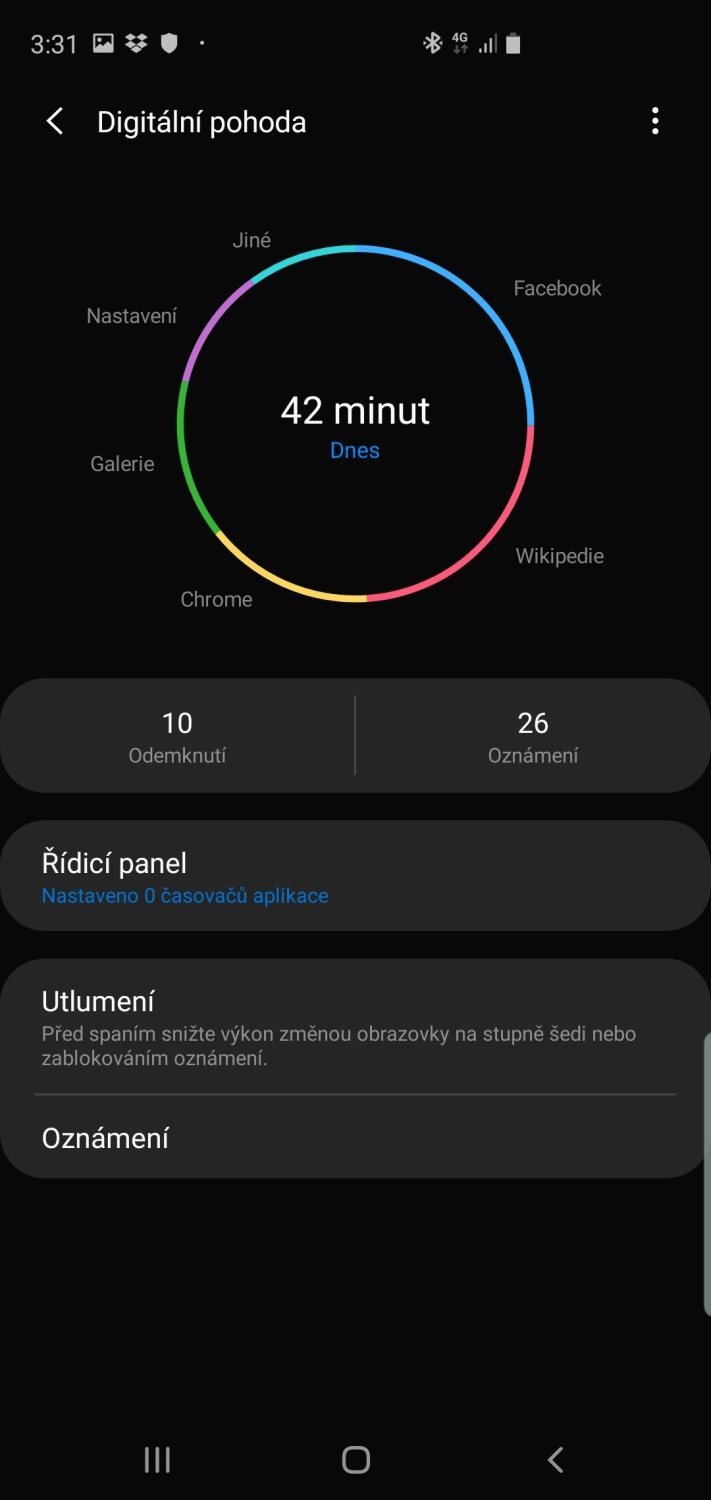
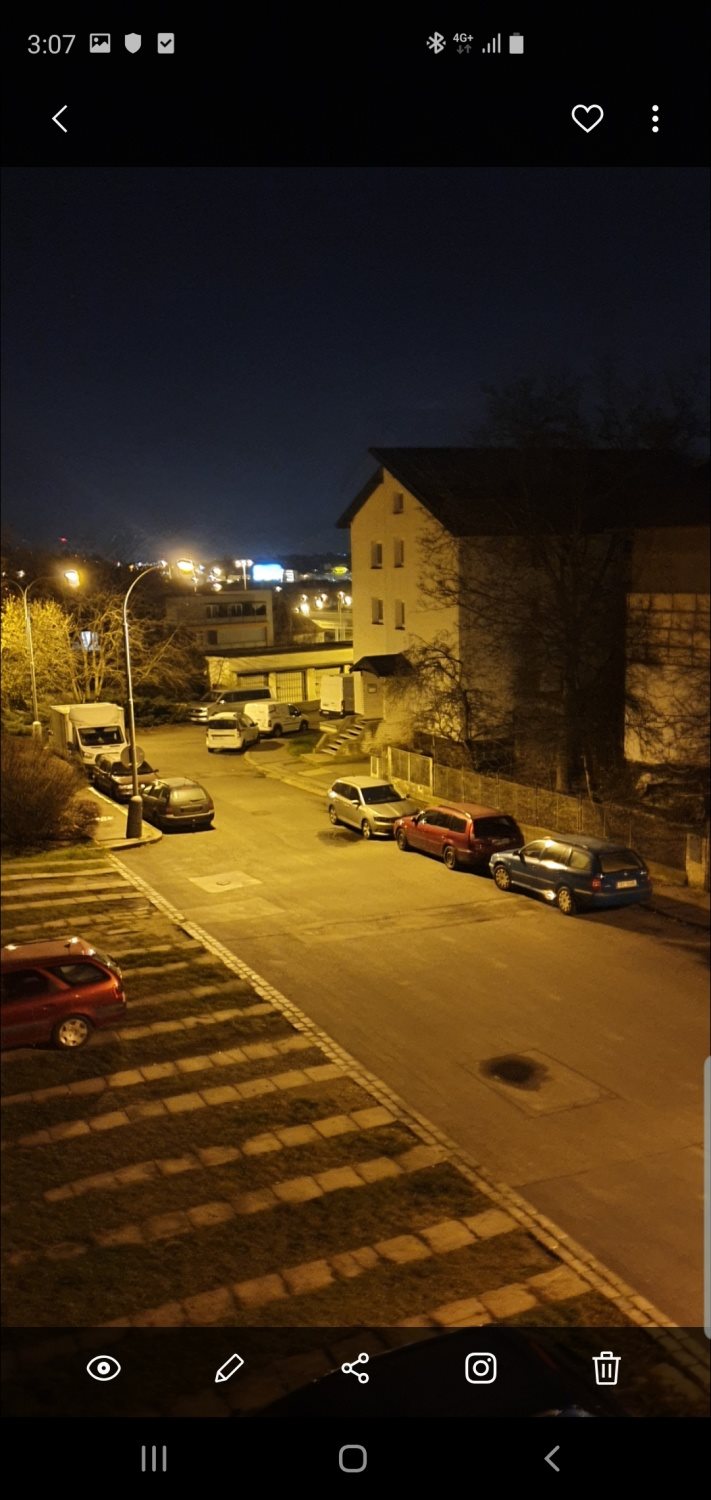
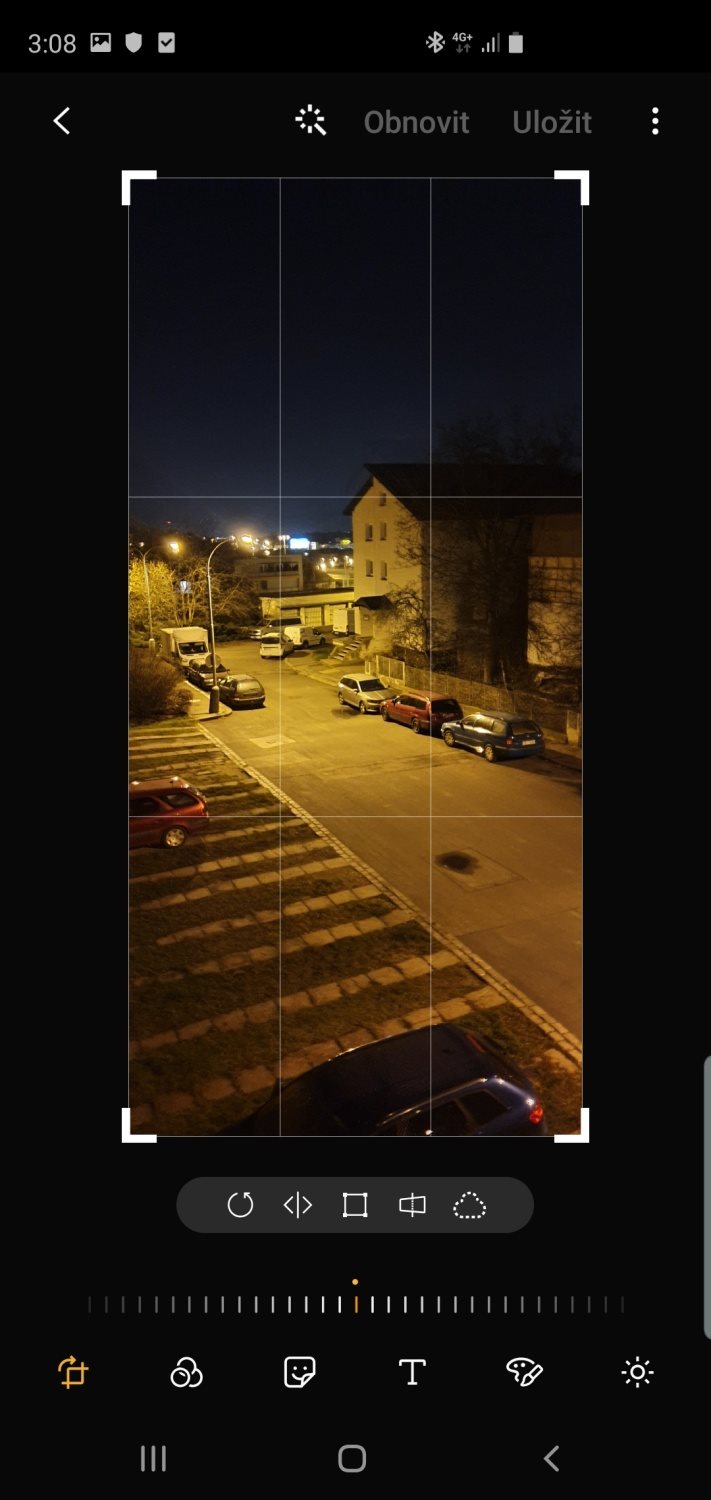
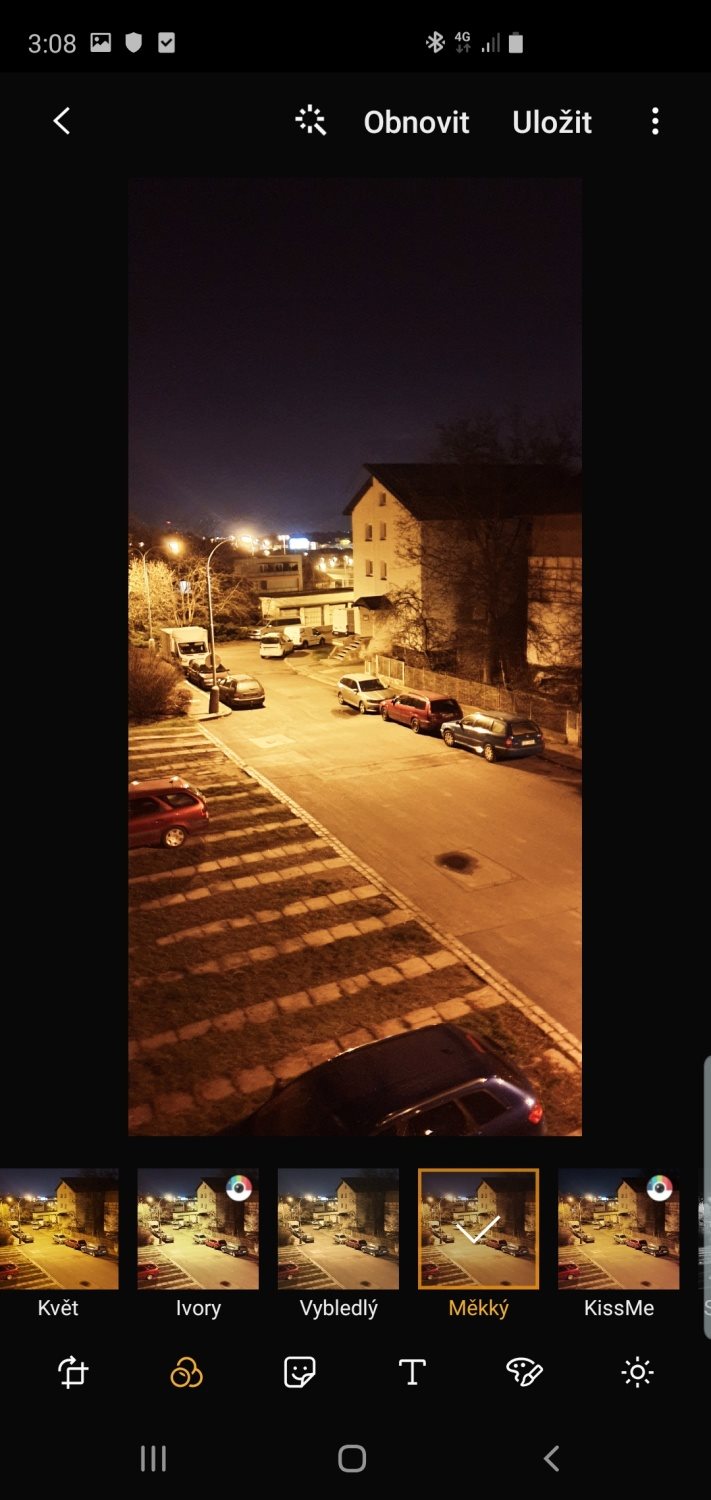
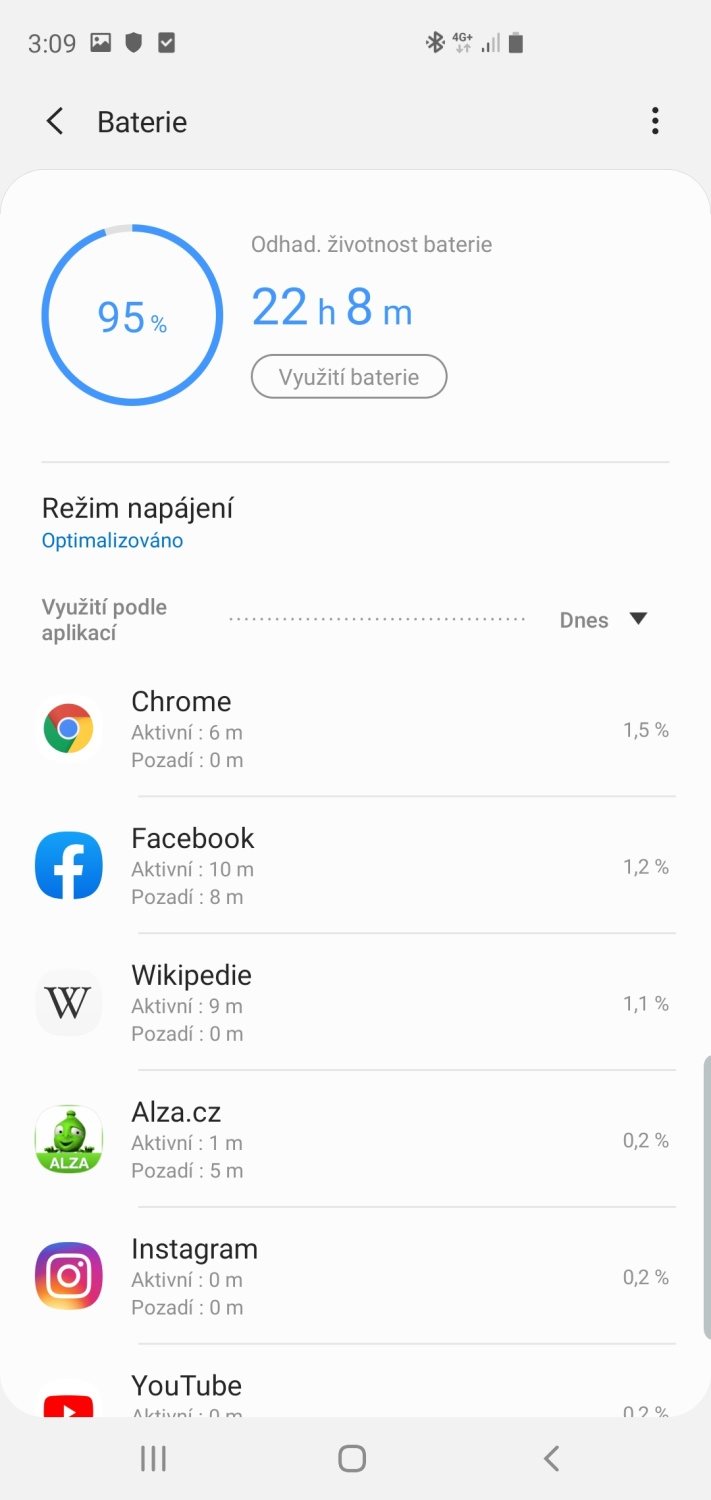
Galery - How does Samsung One UI look like?
Homepage
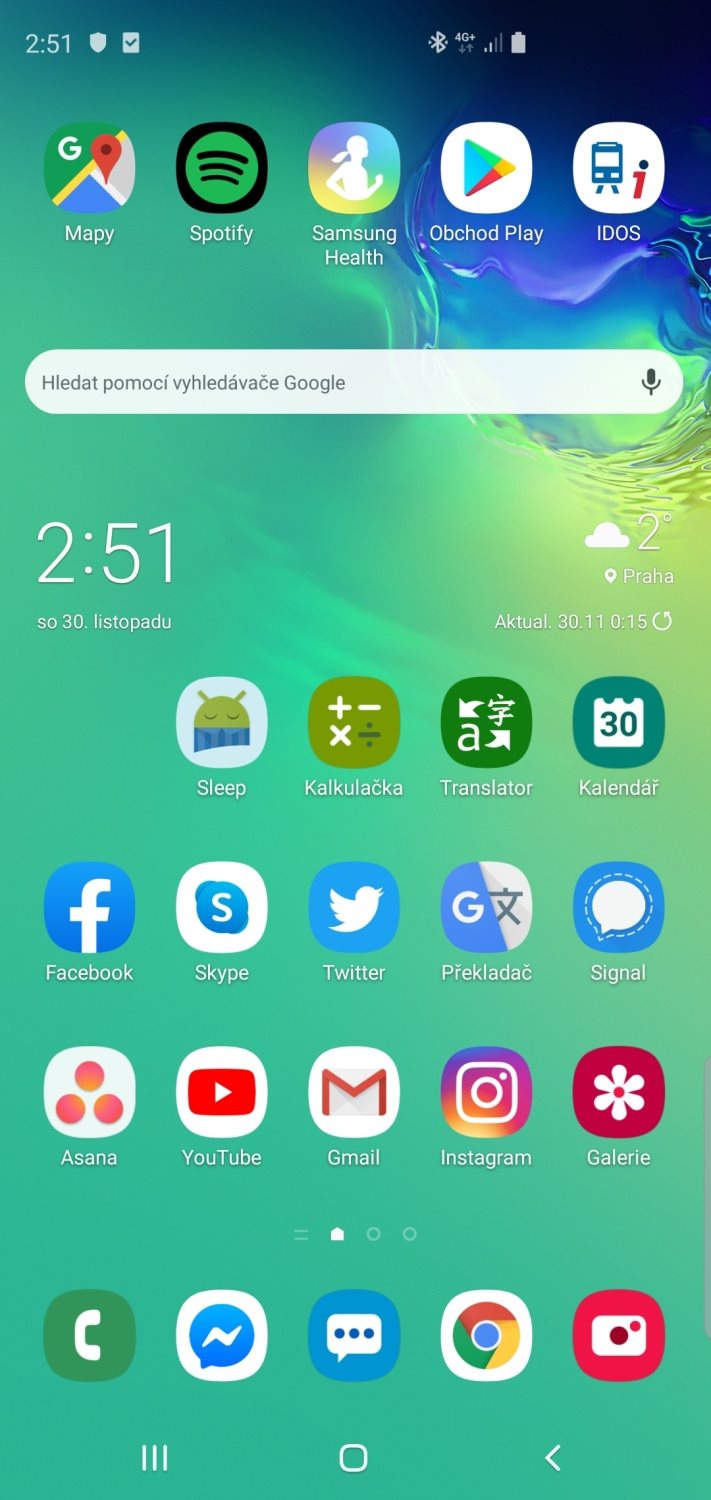
Environment
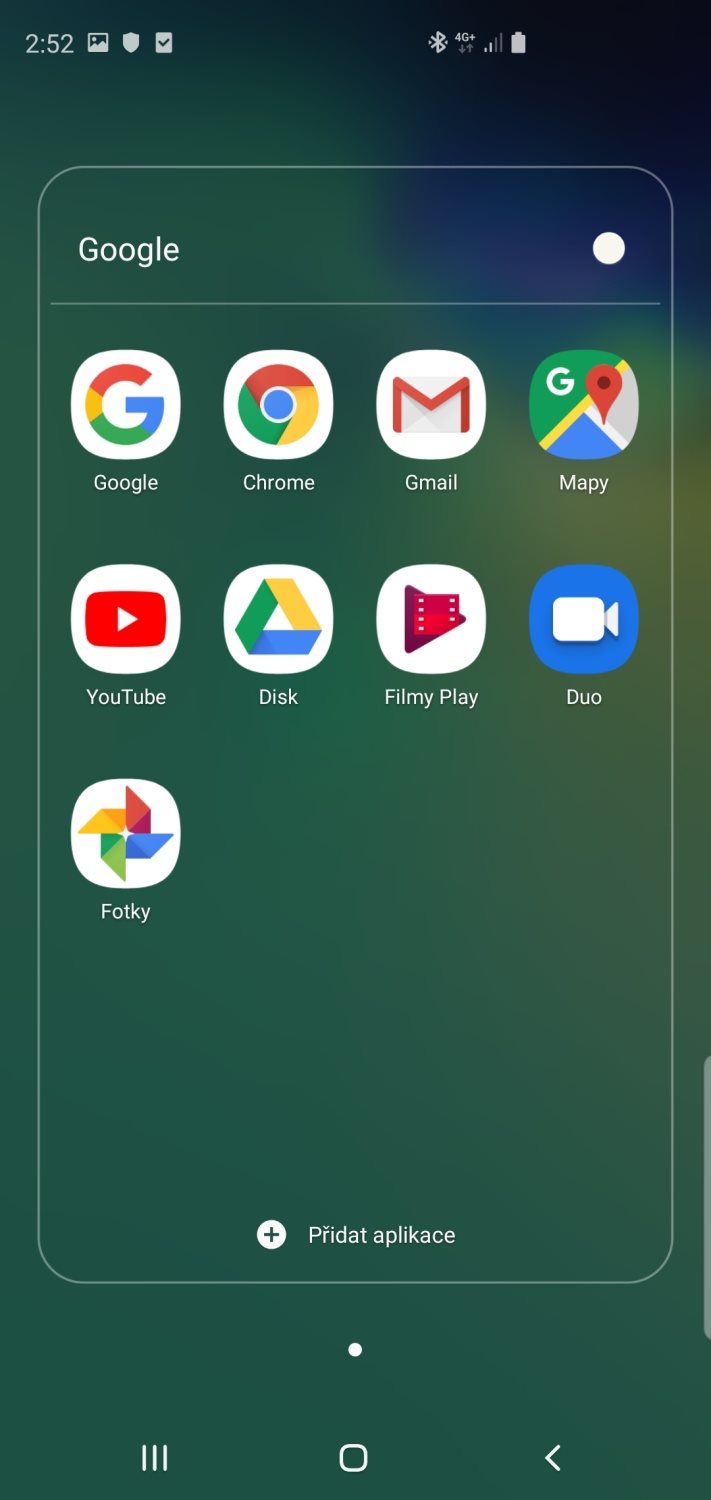
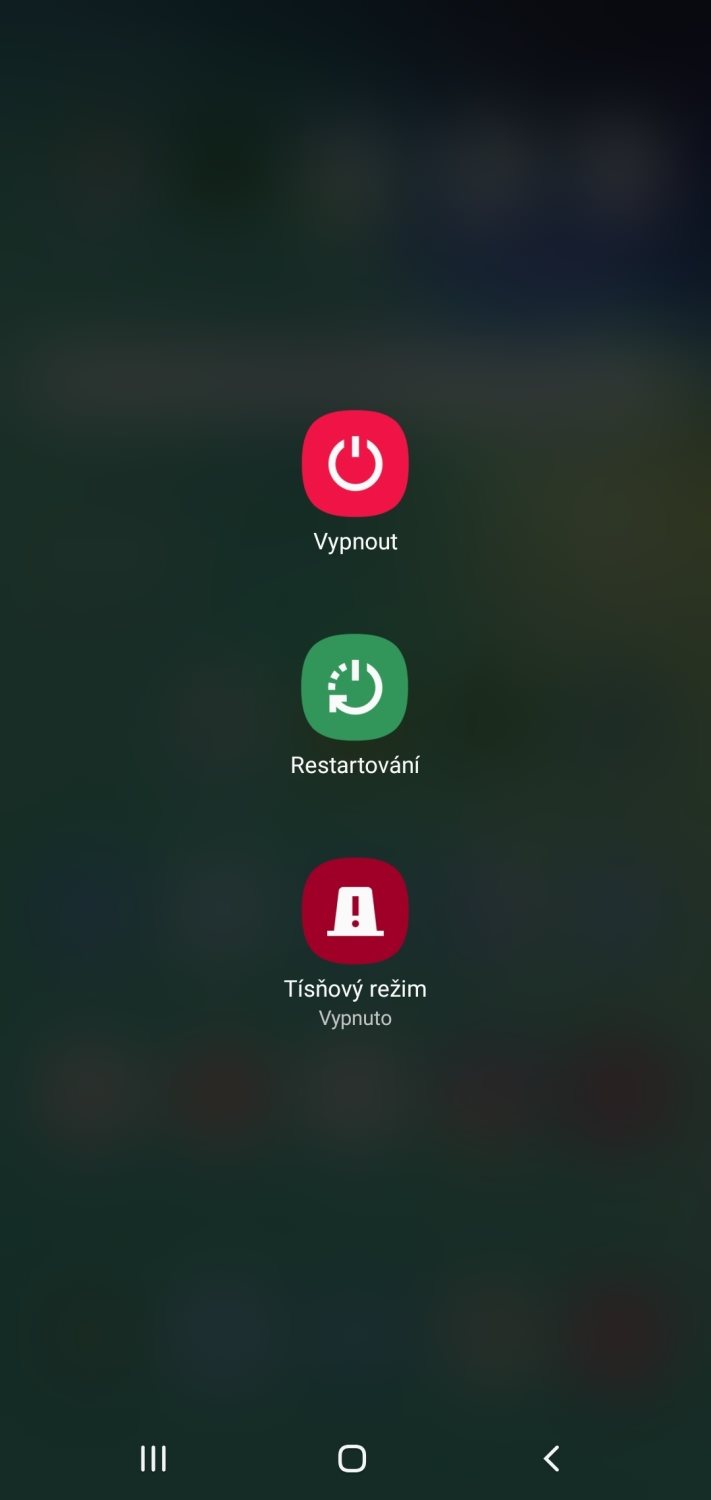
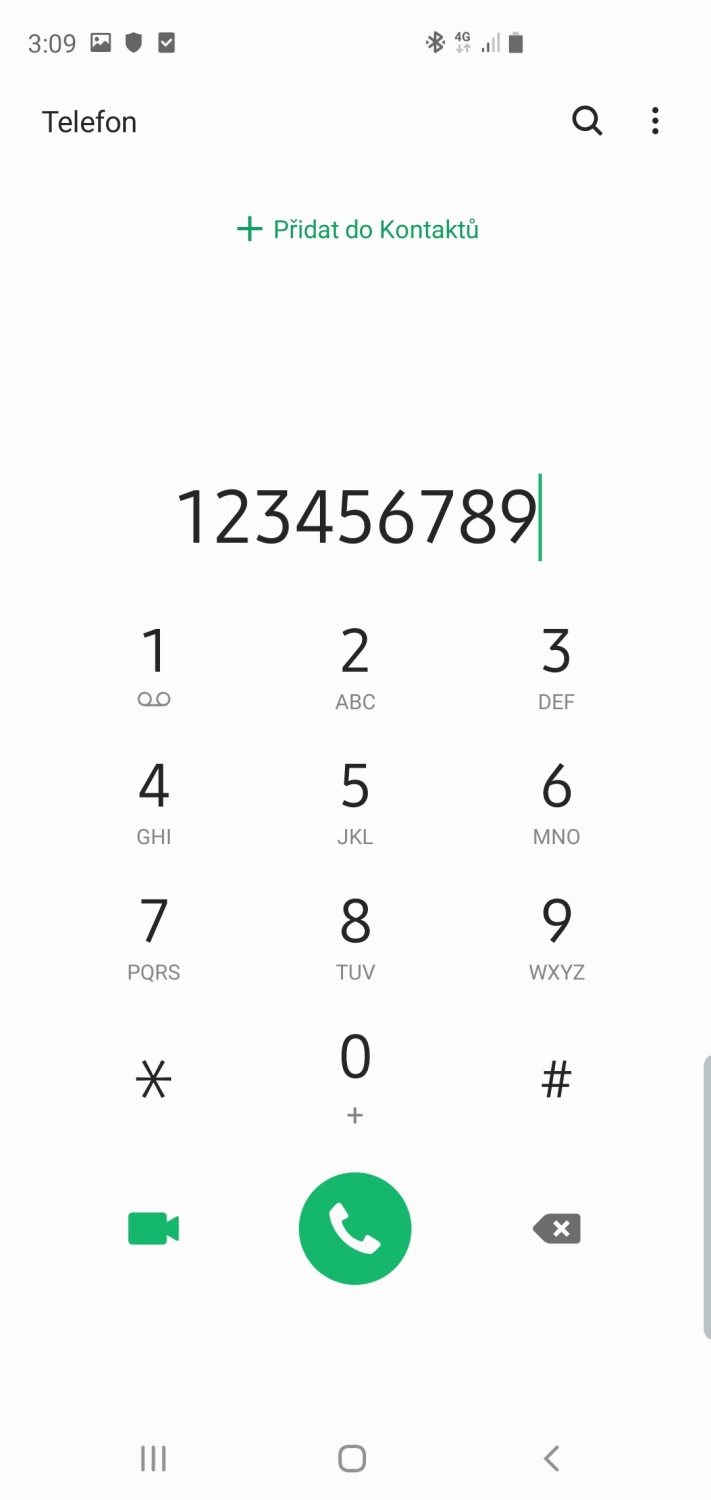
Applications
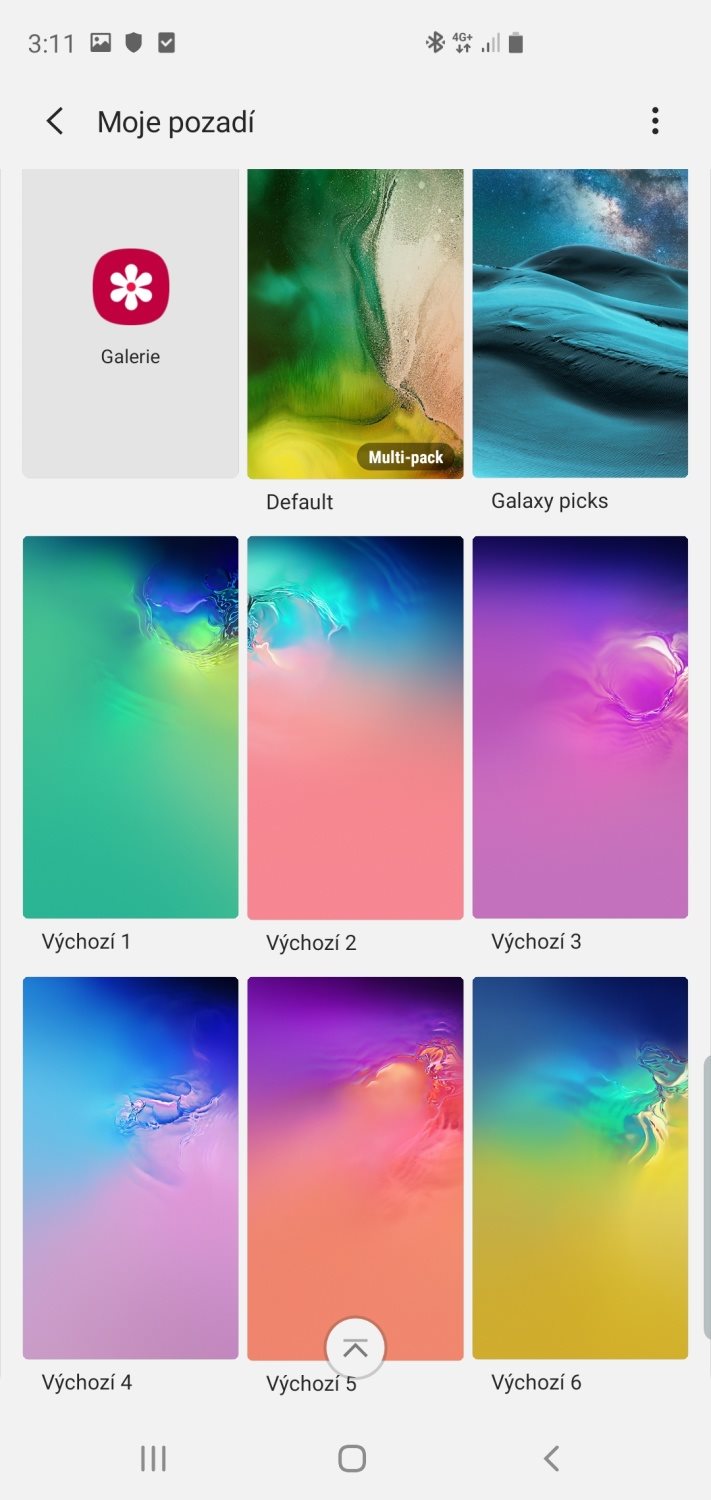
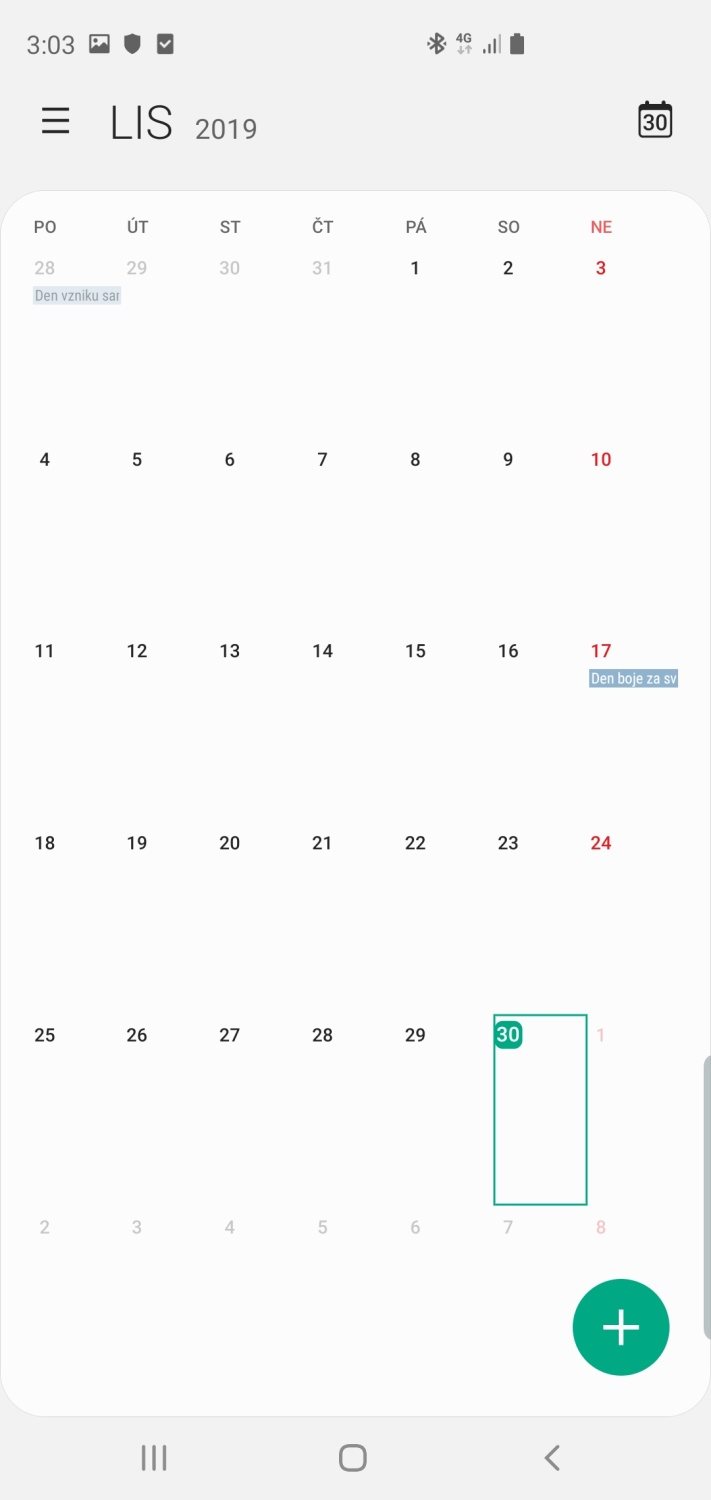
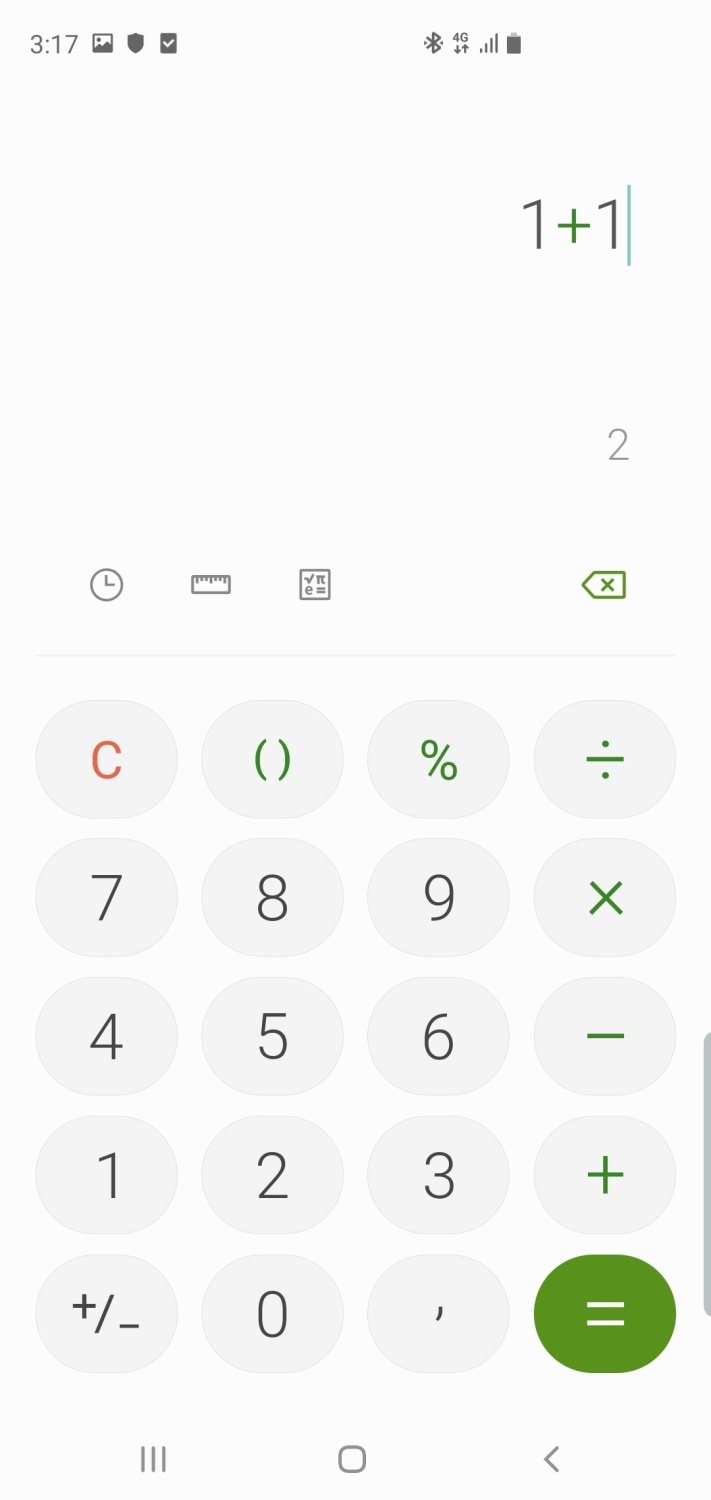
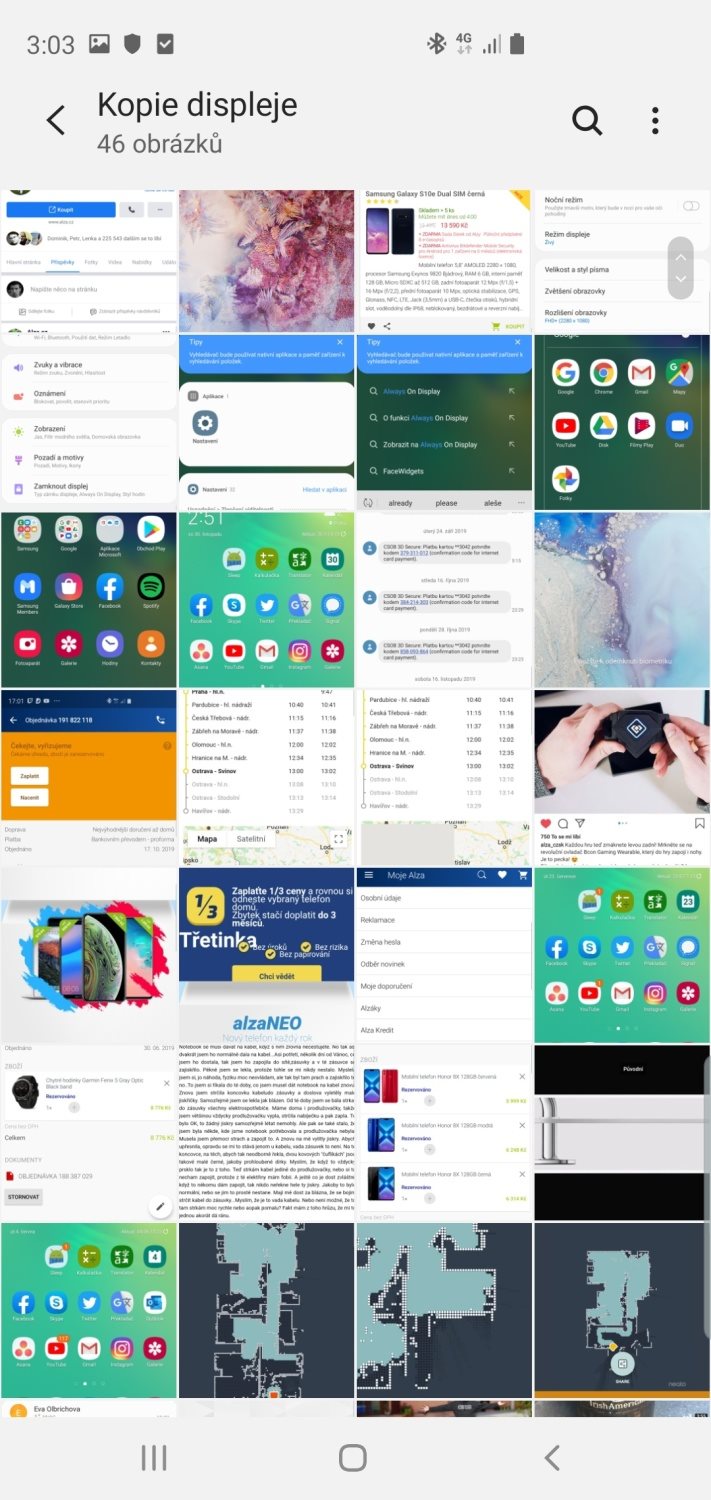
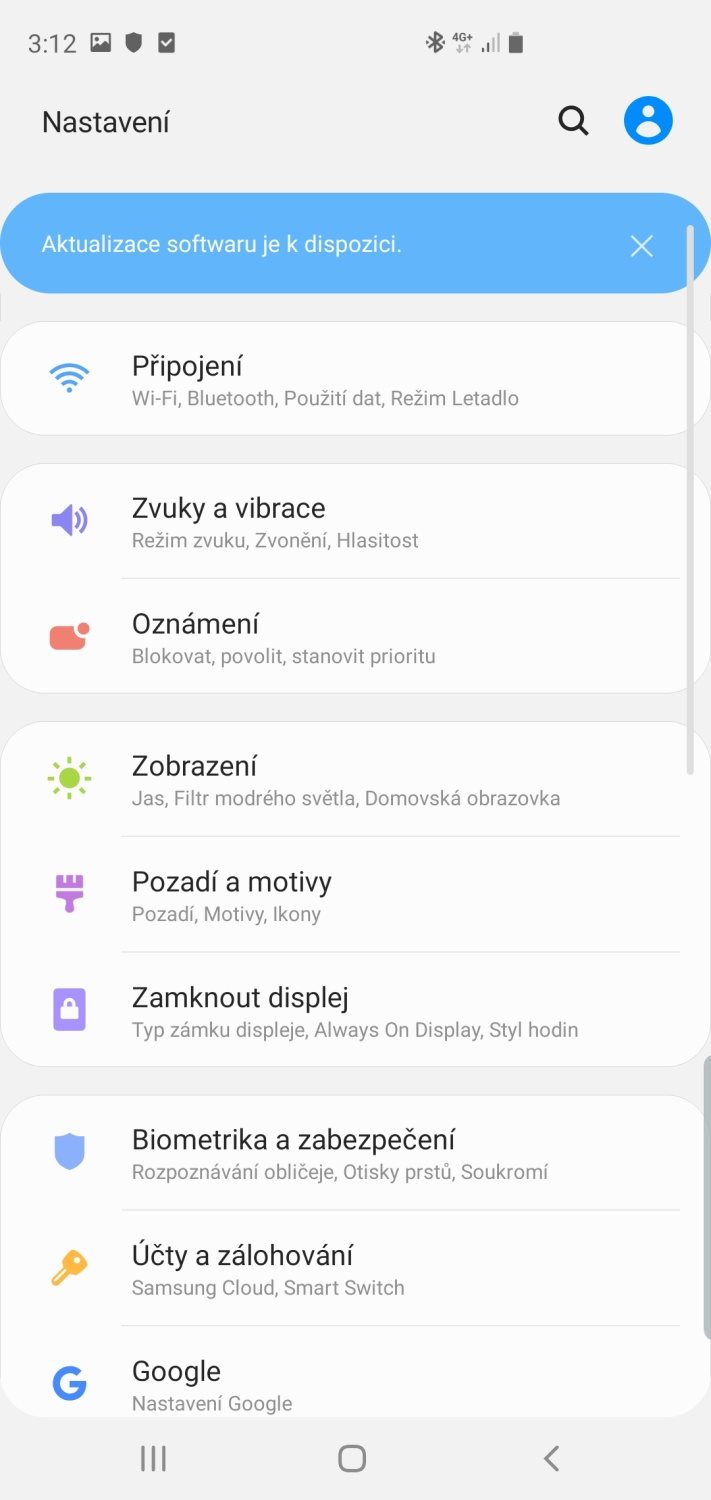
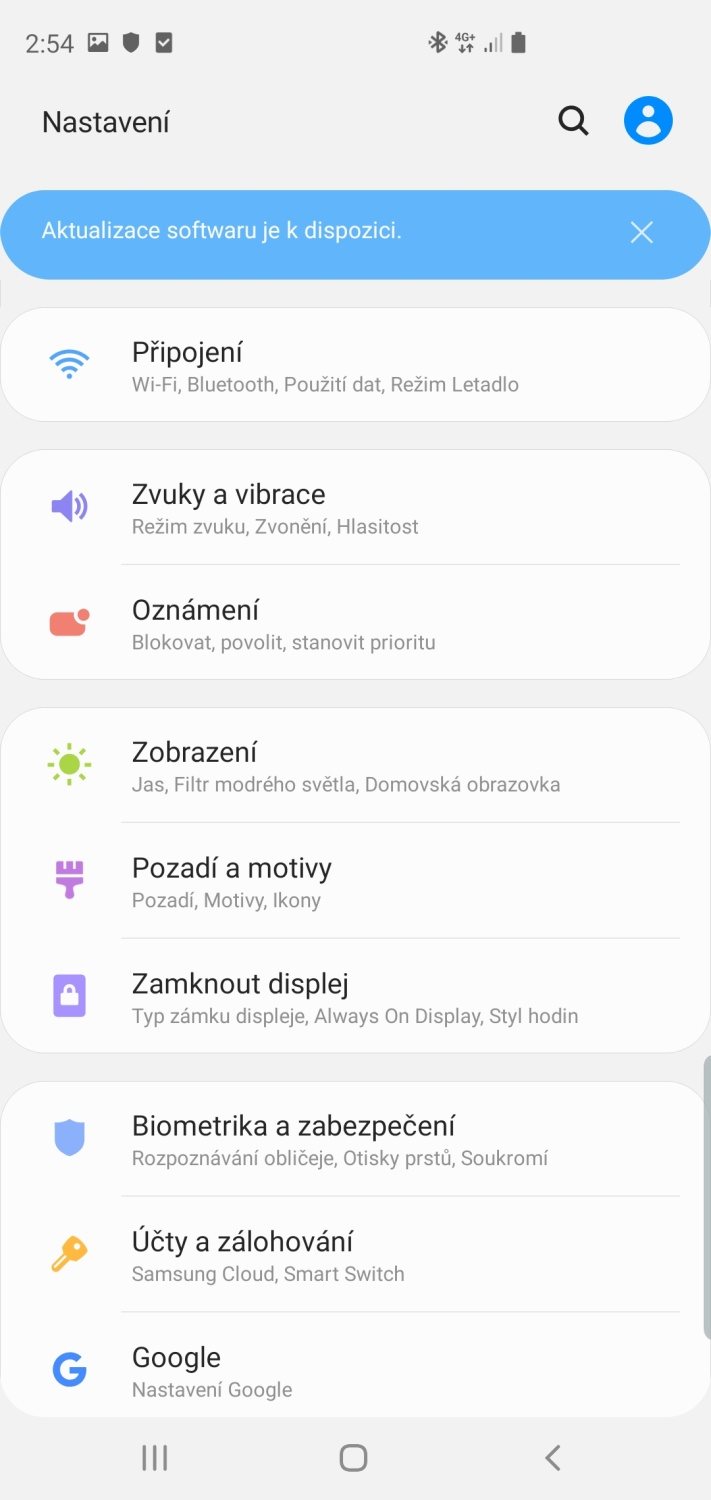
Settings
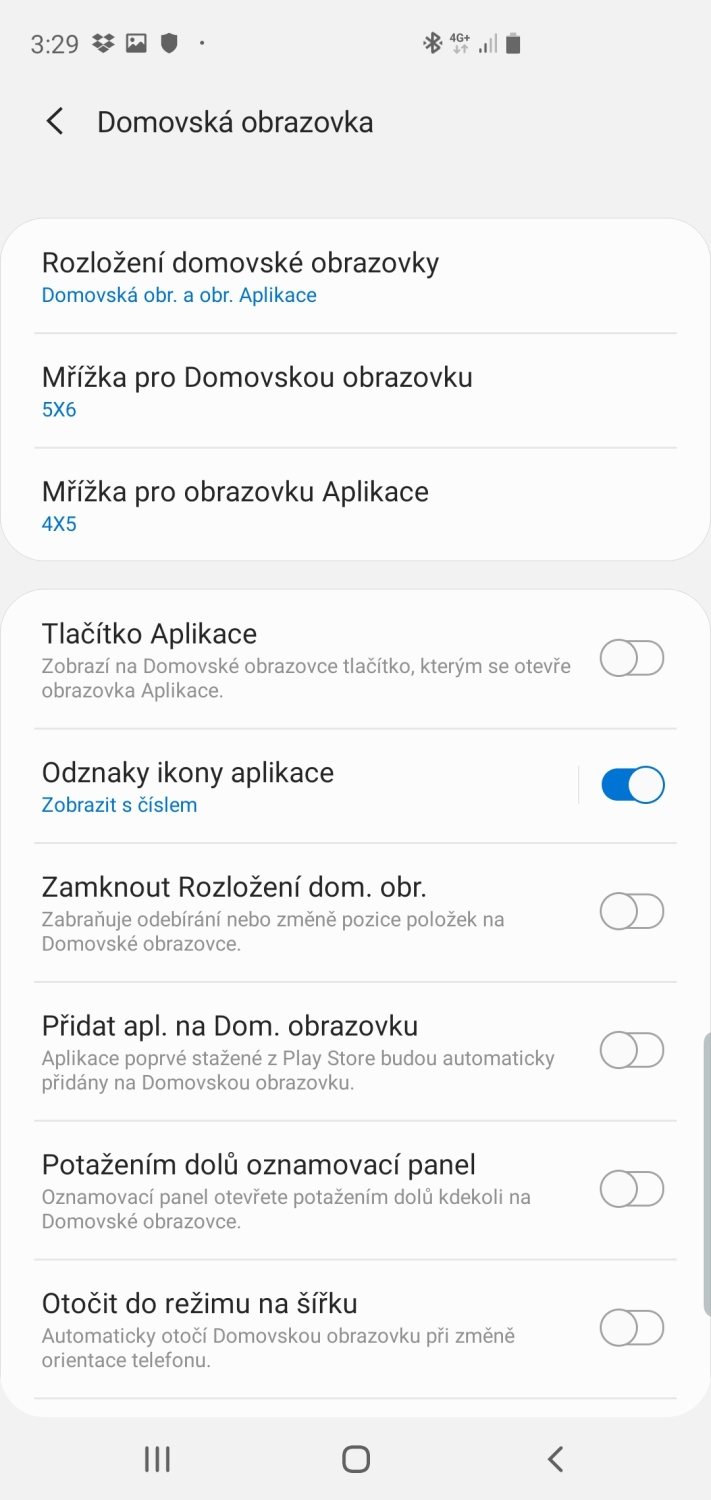
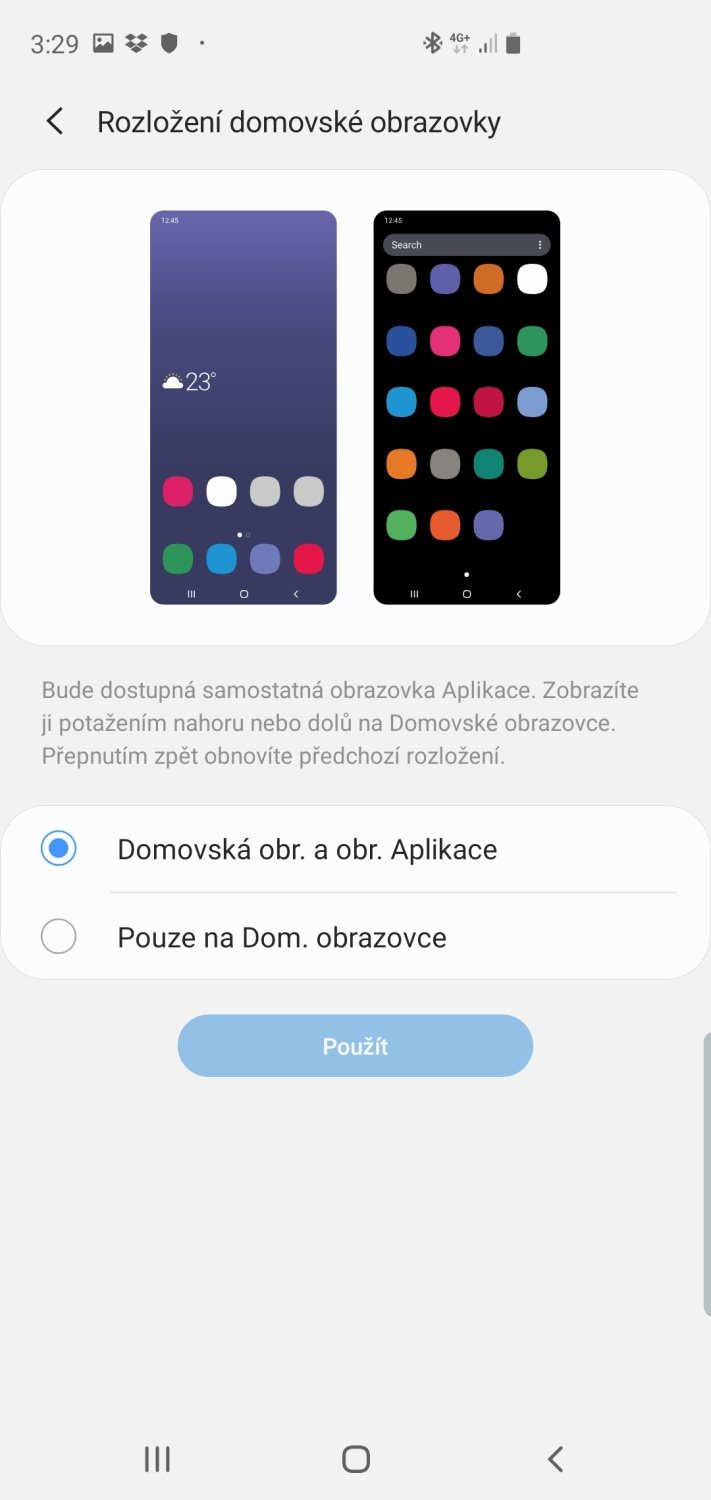
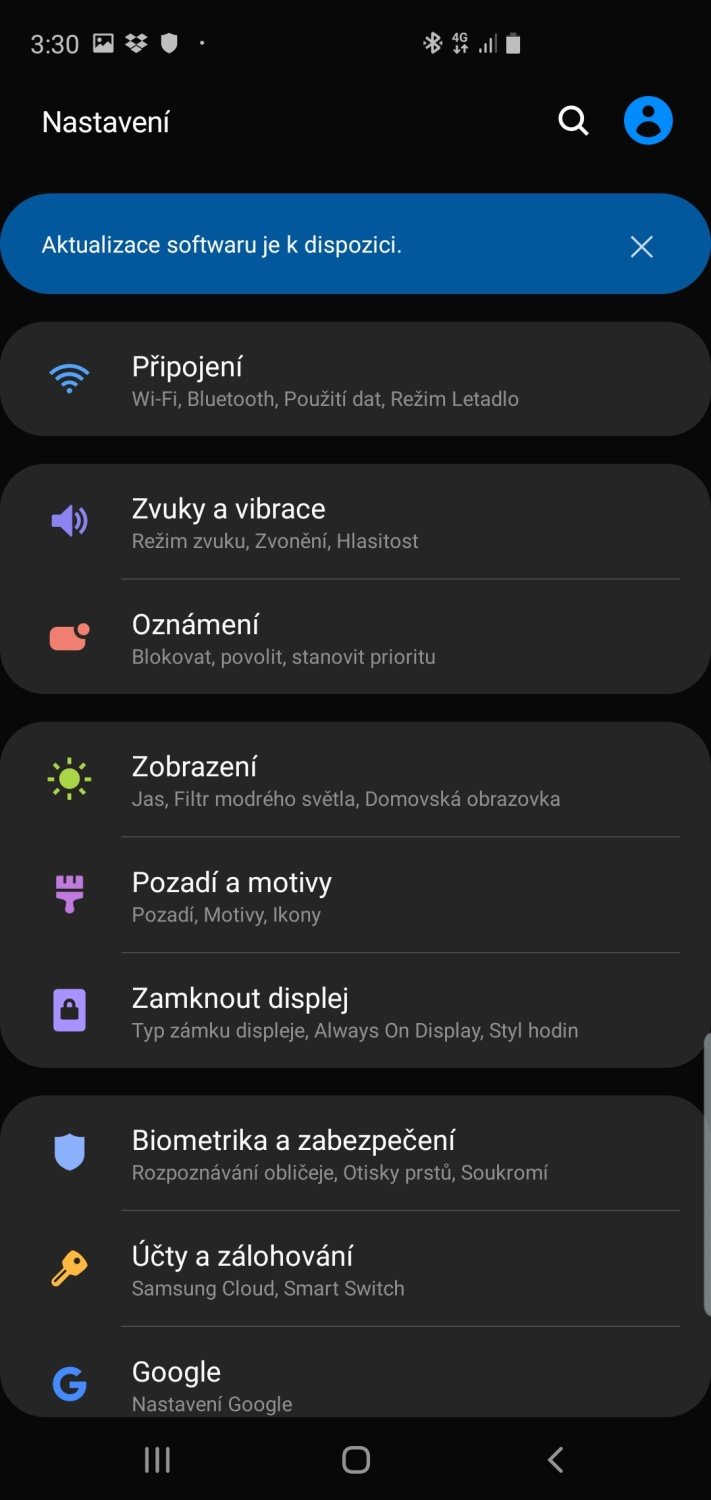
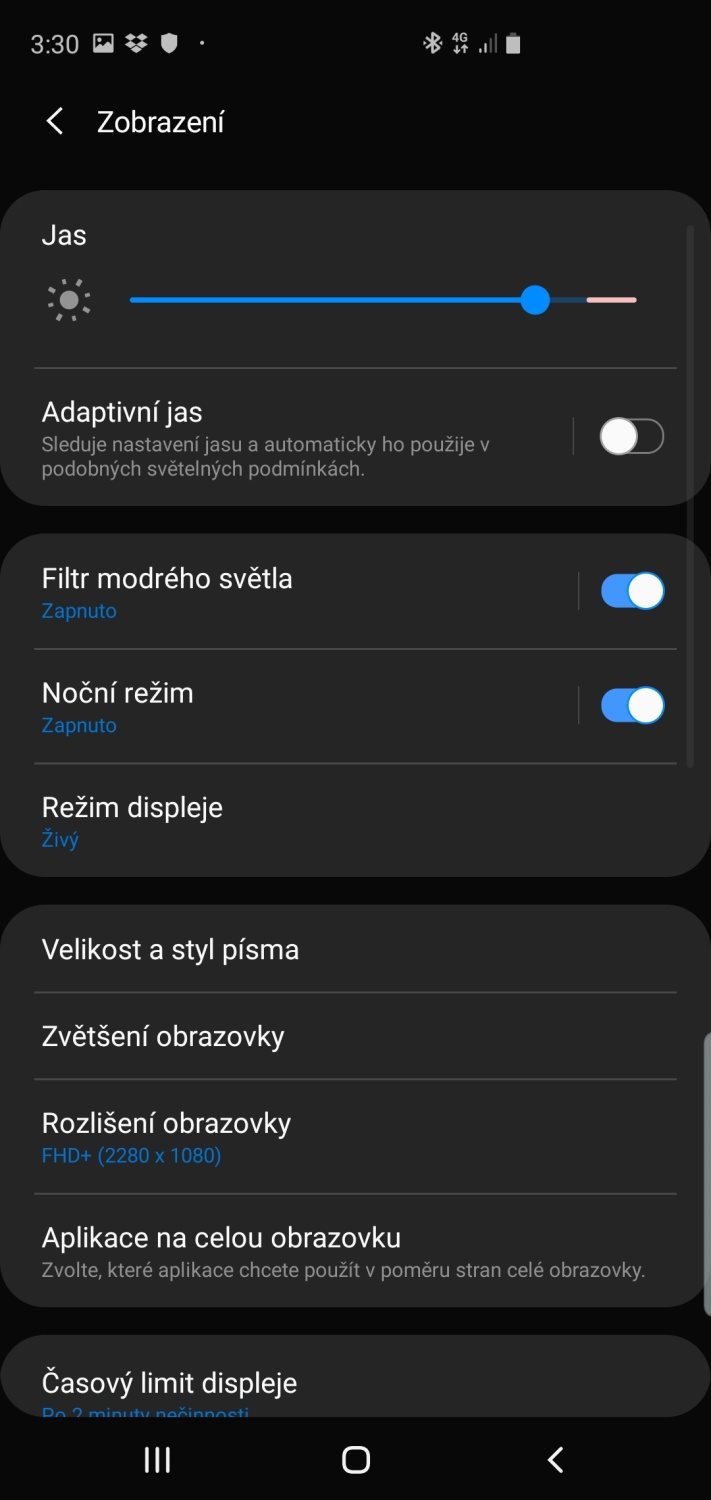
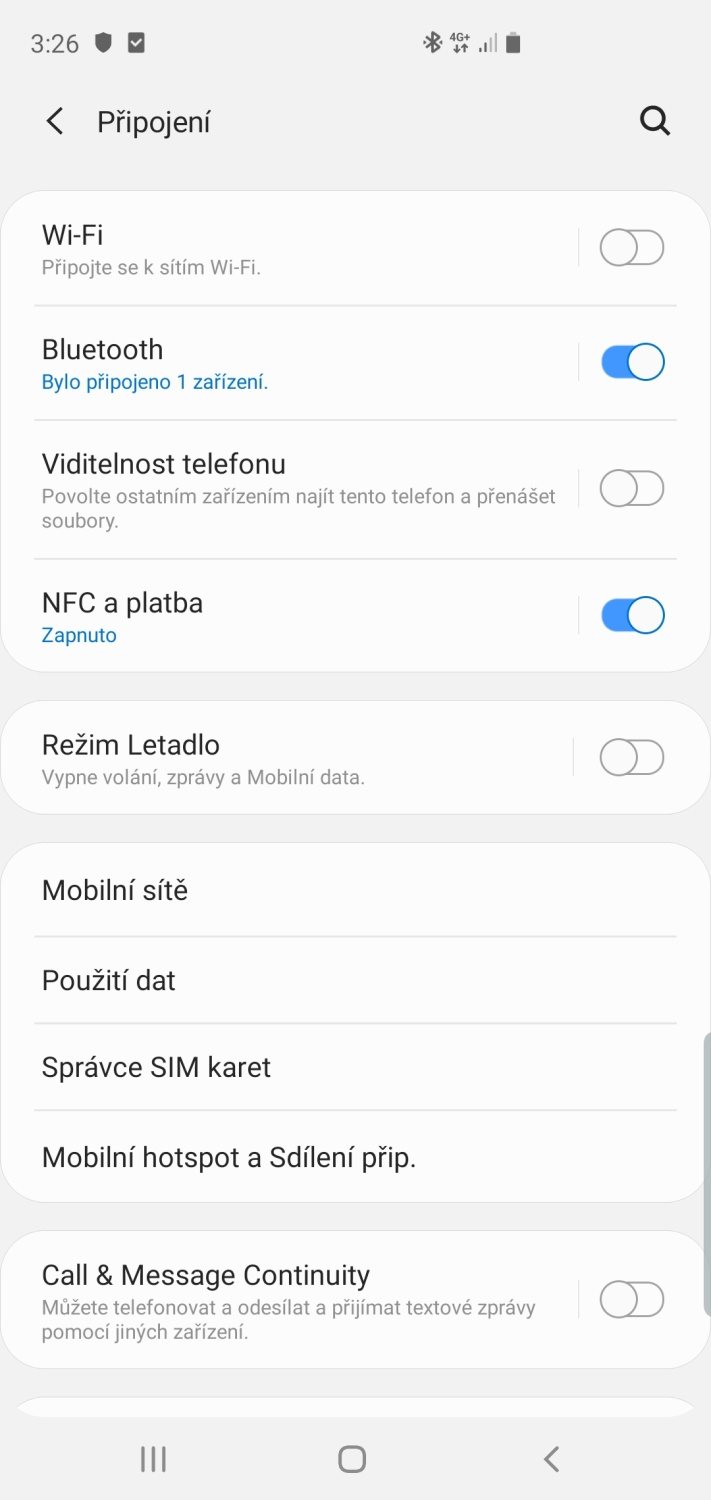
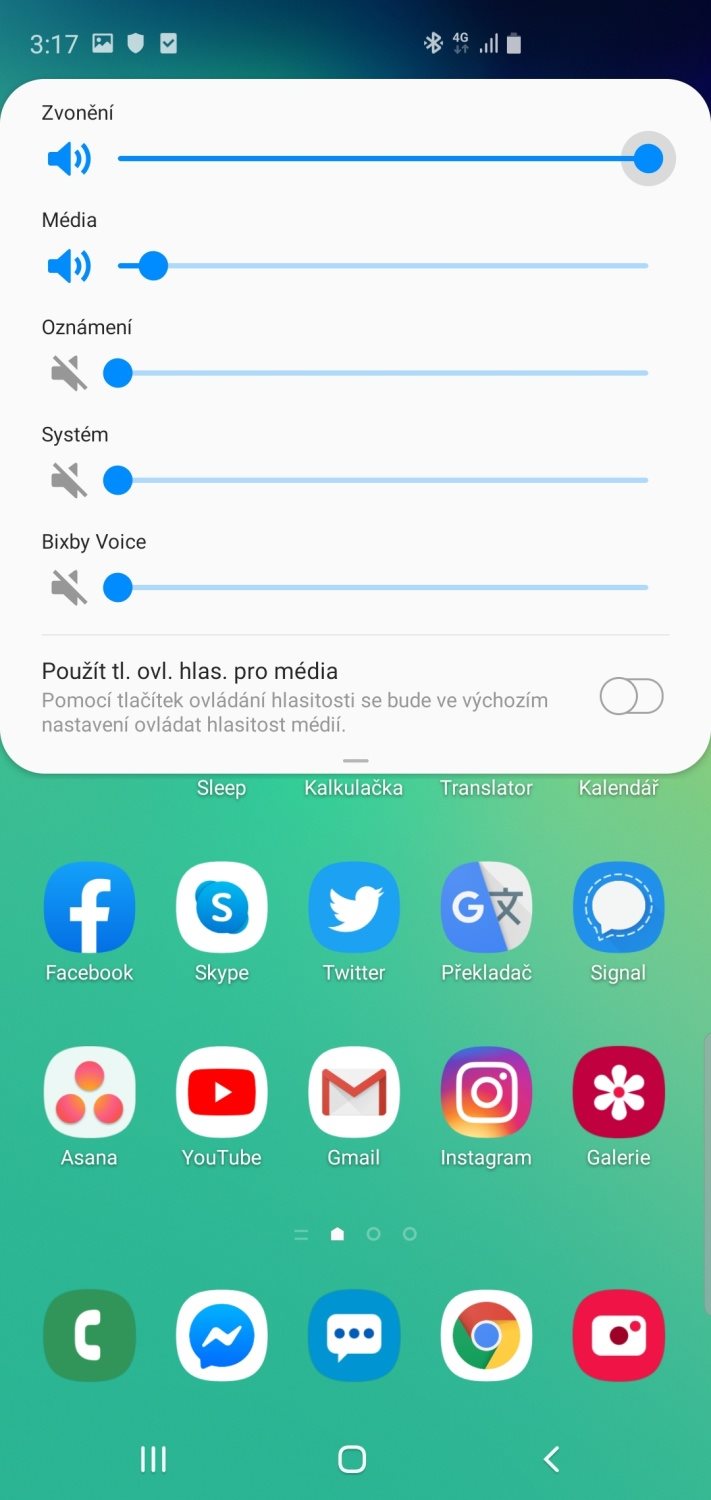
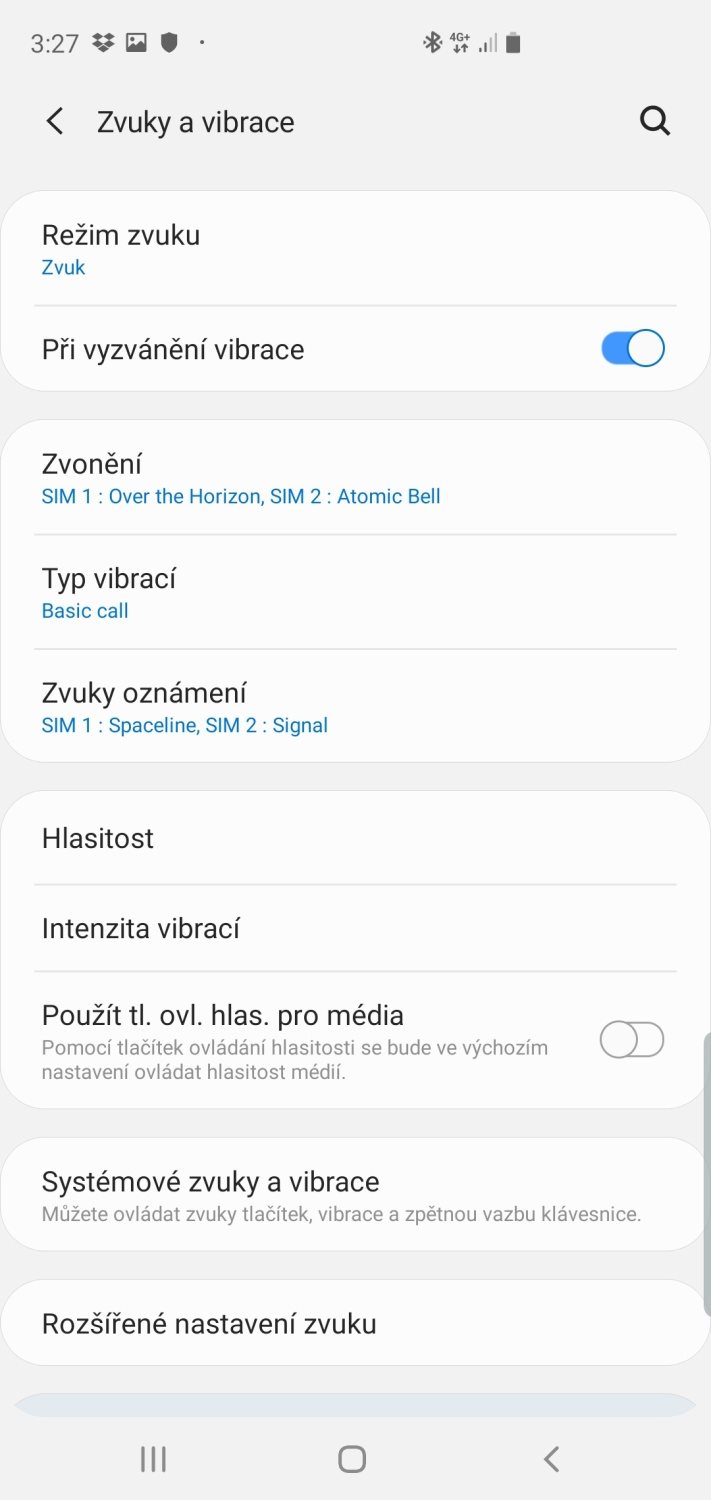
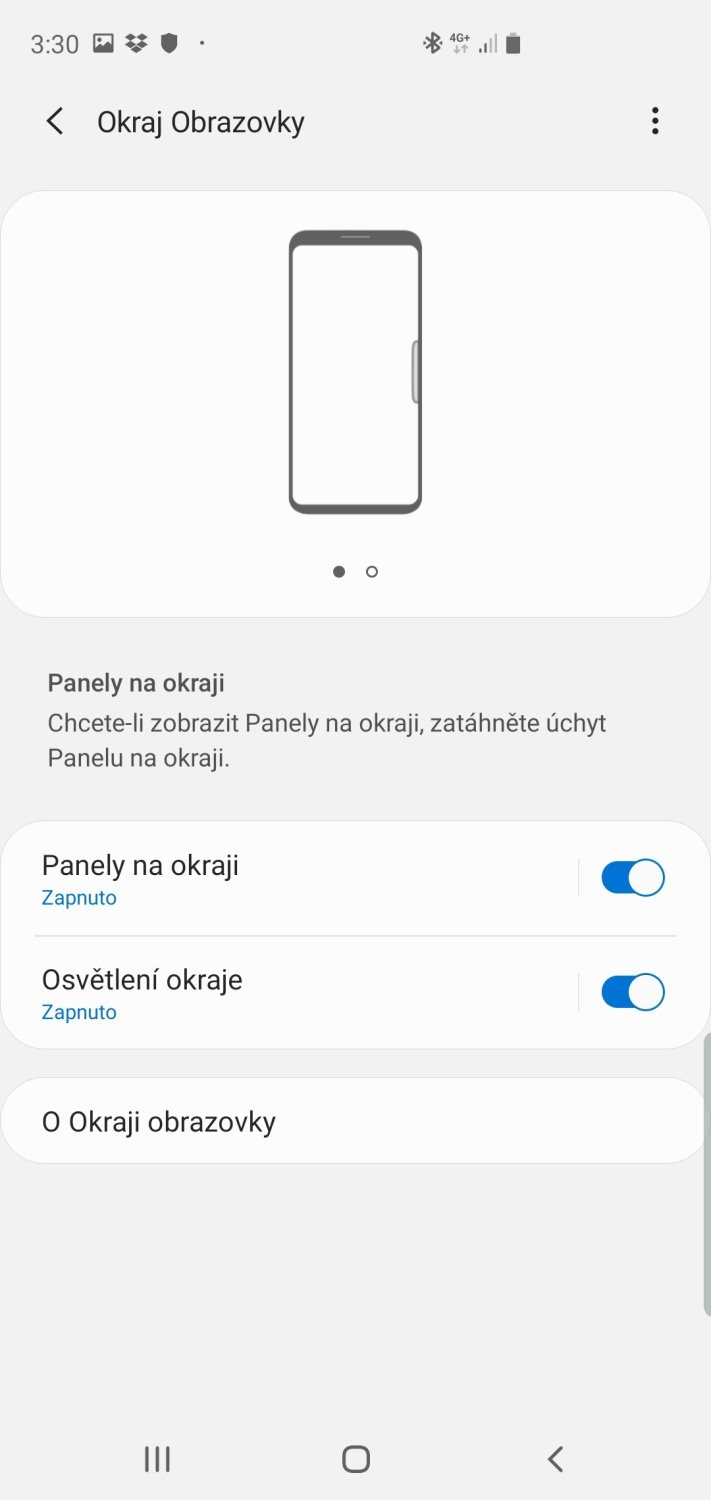
Camera
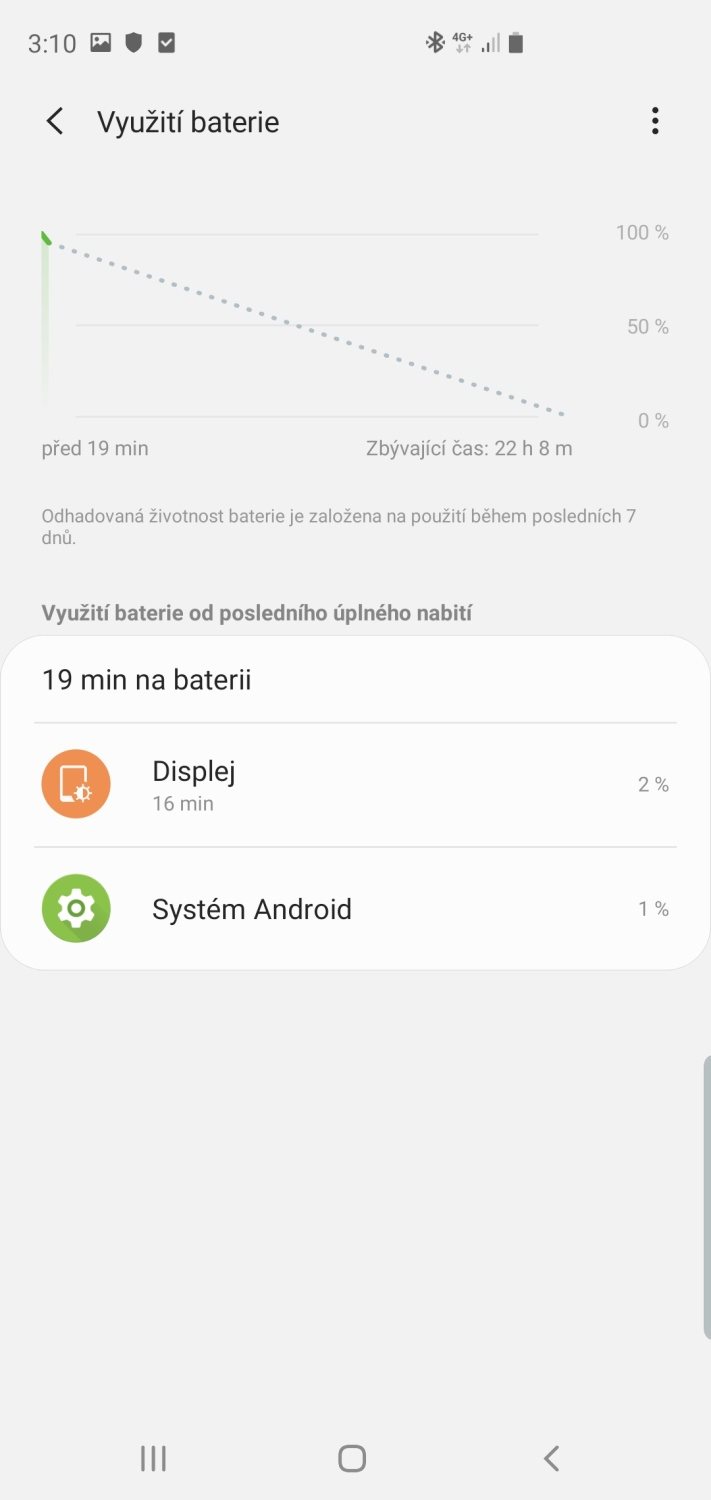
Battery
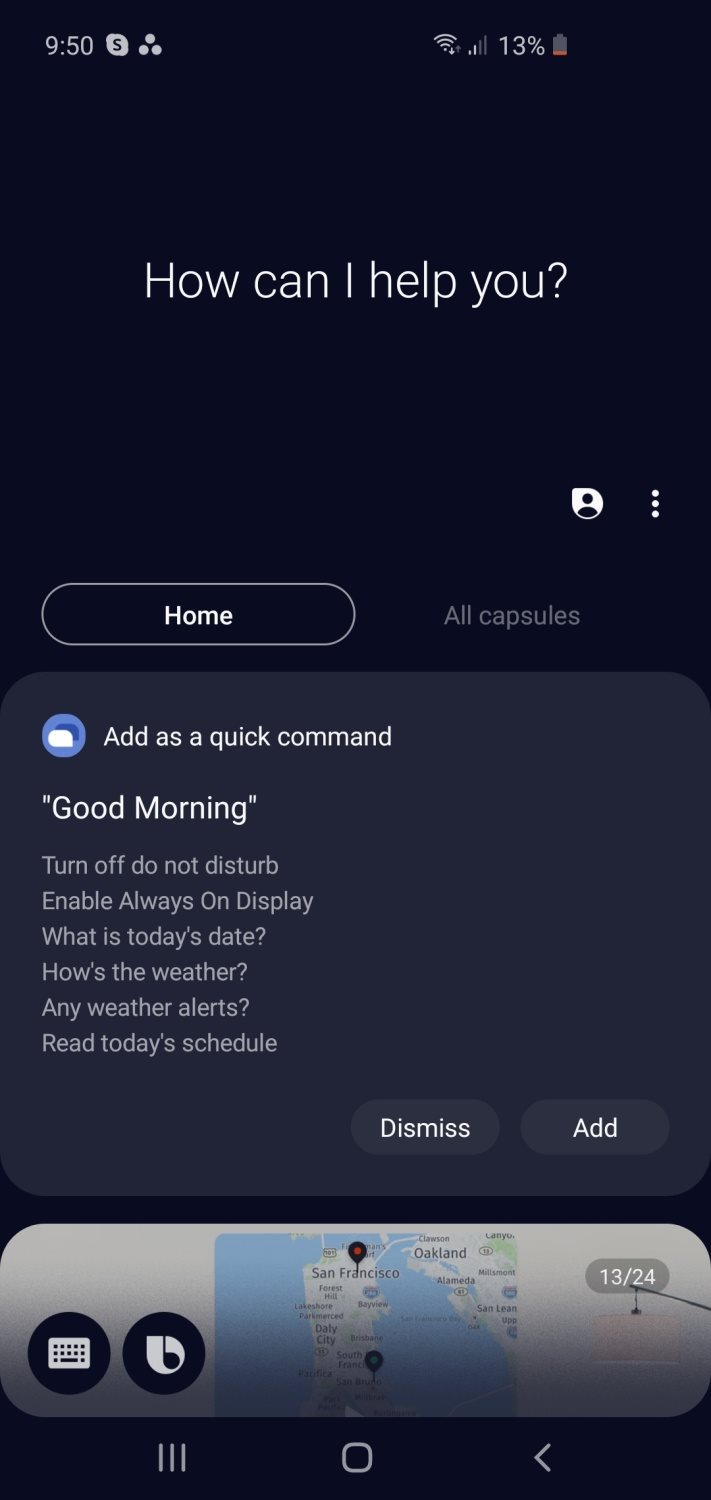
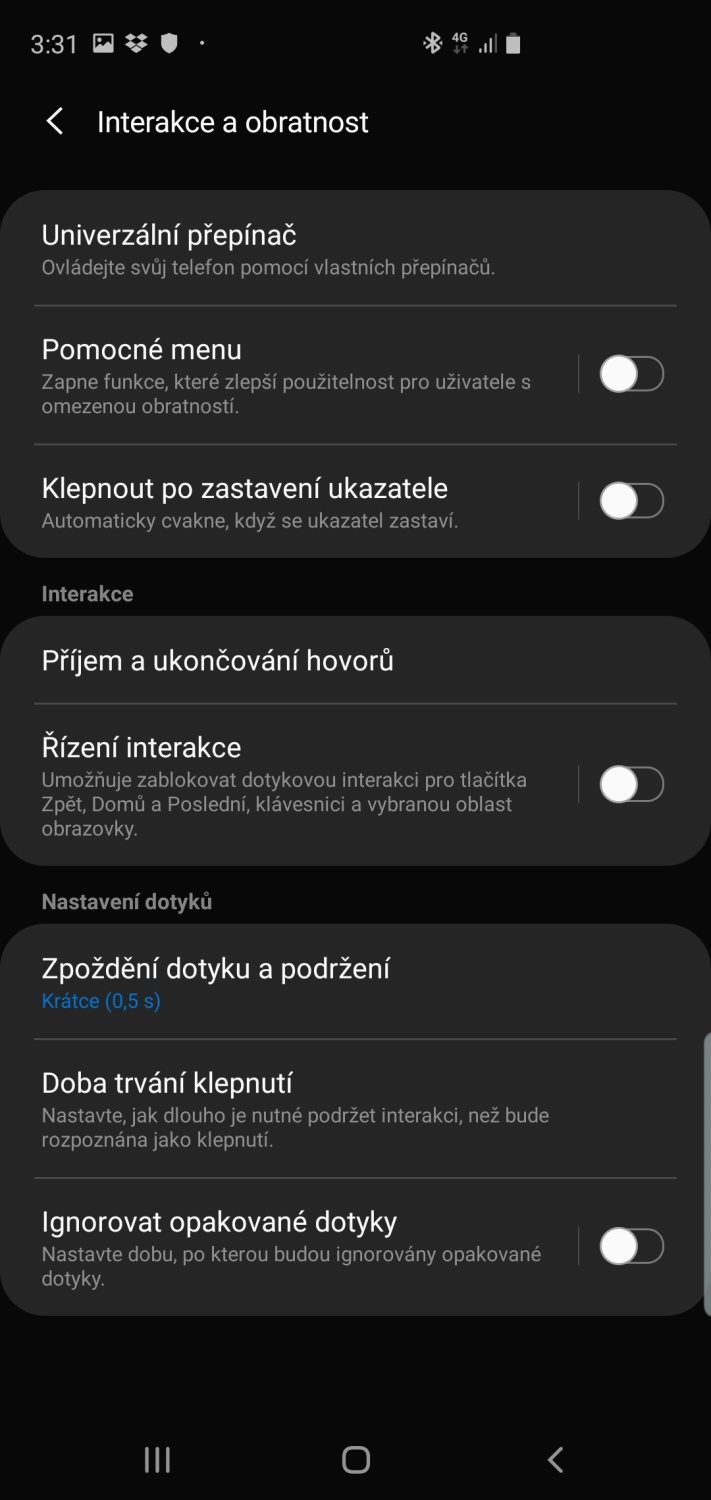
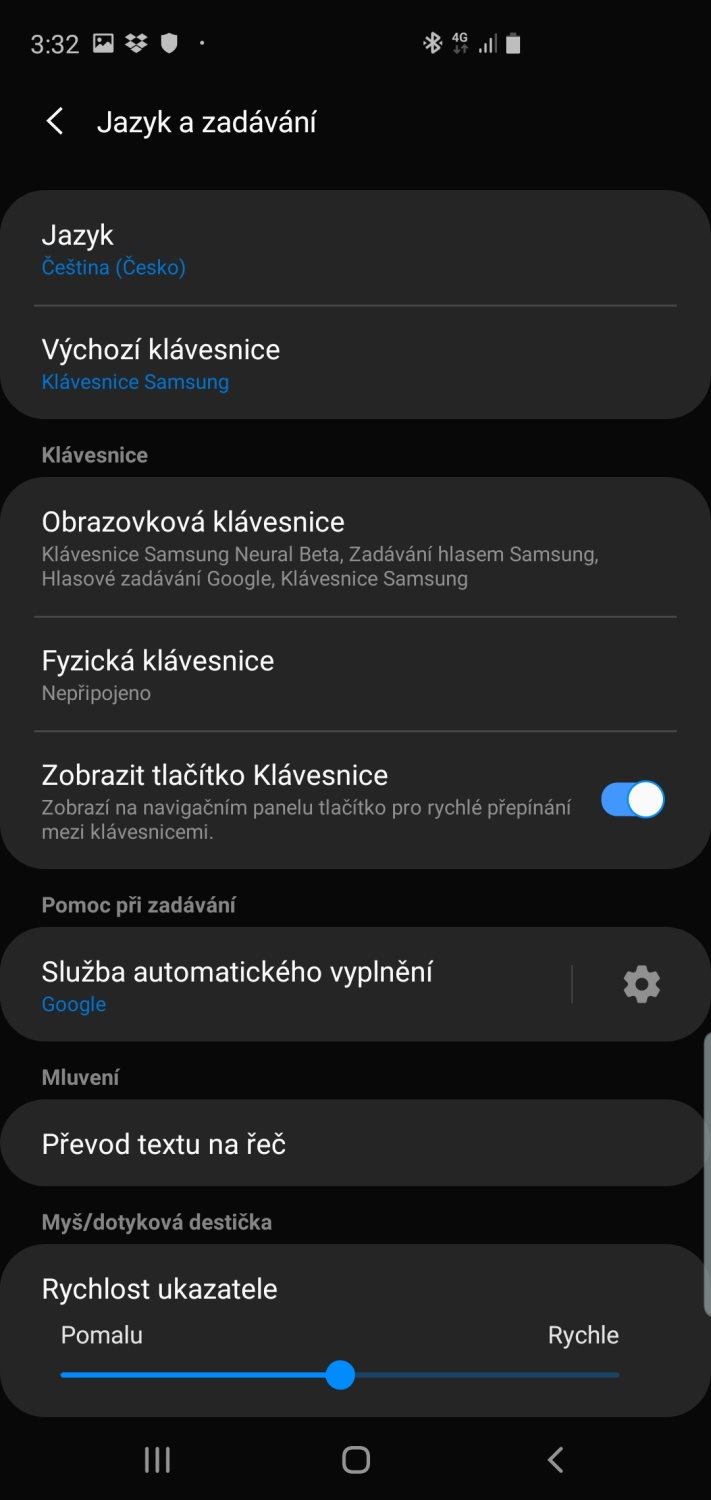
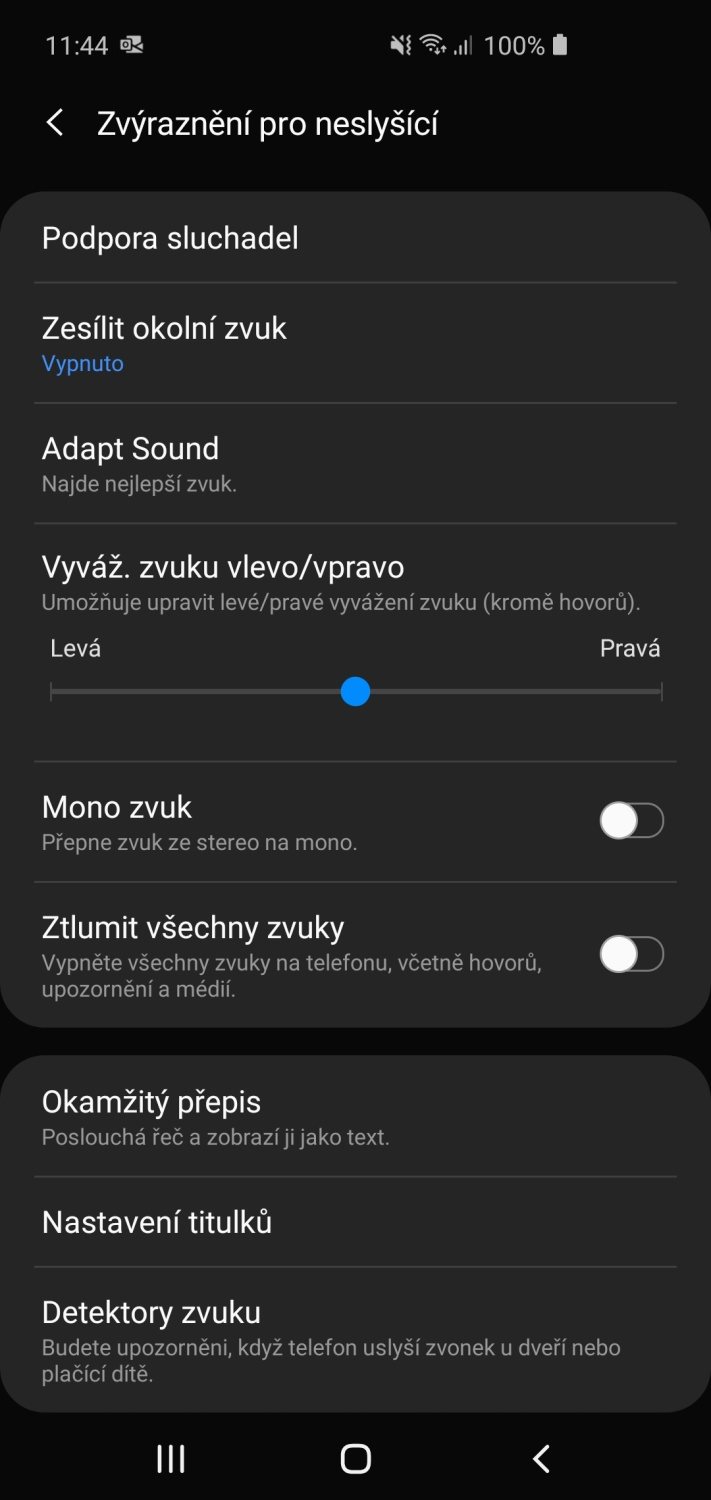
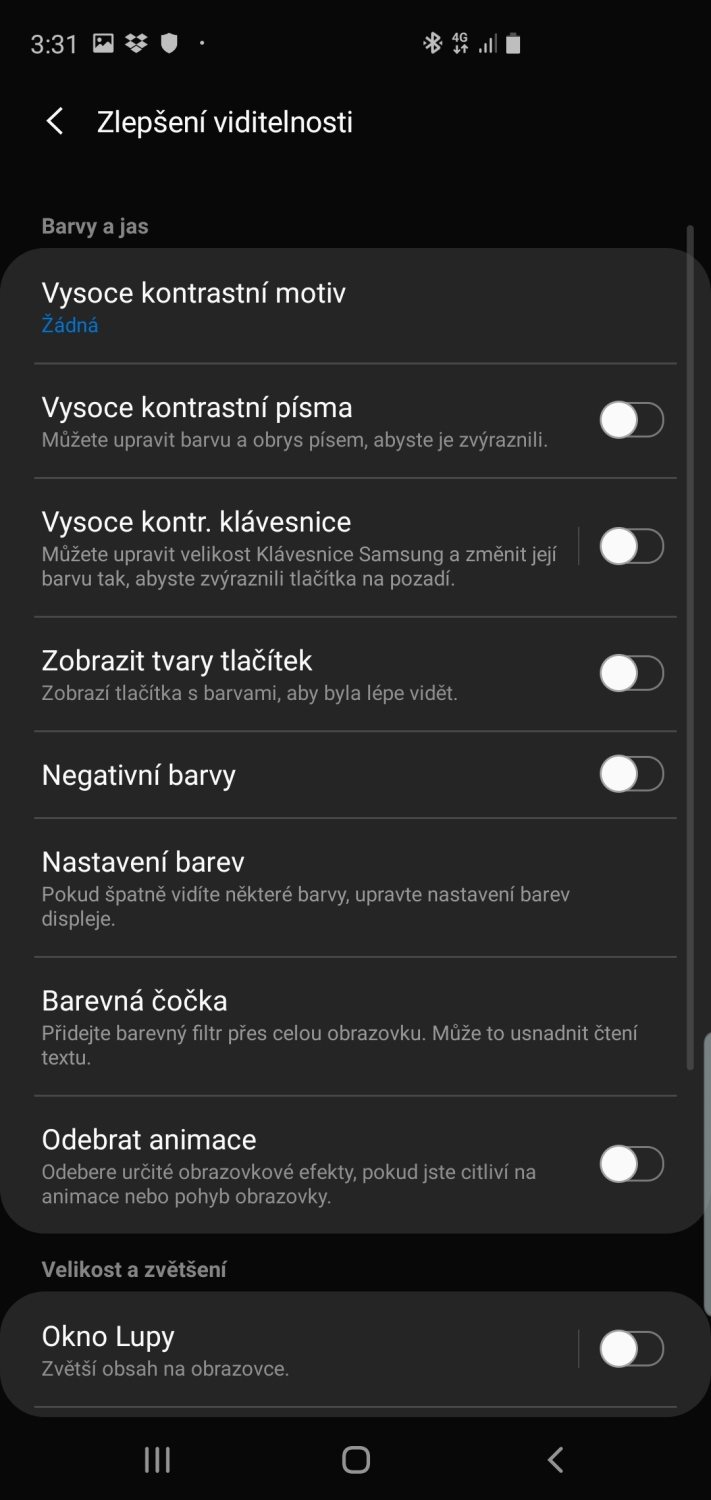
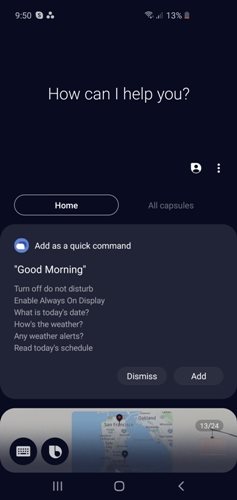
Bixby voice assistant and accessibility options
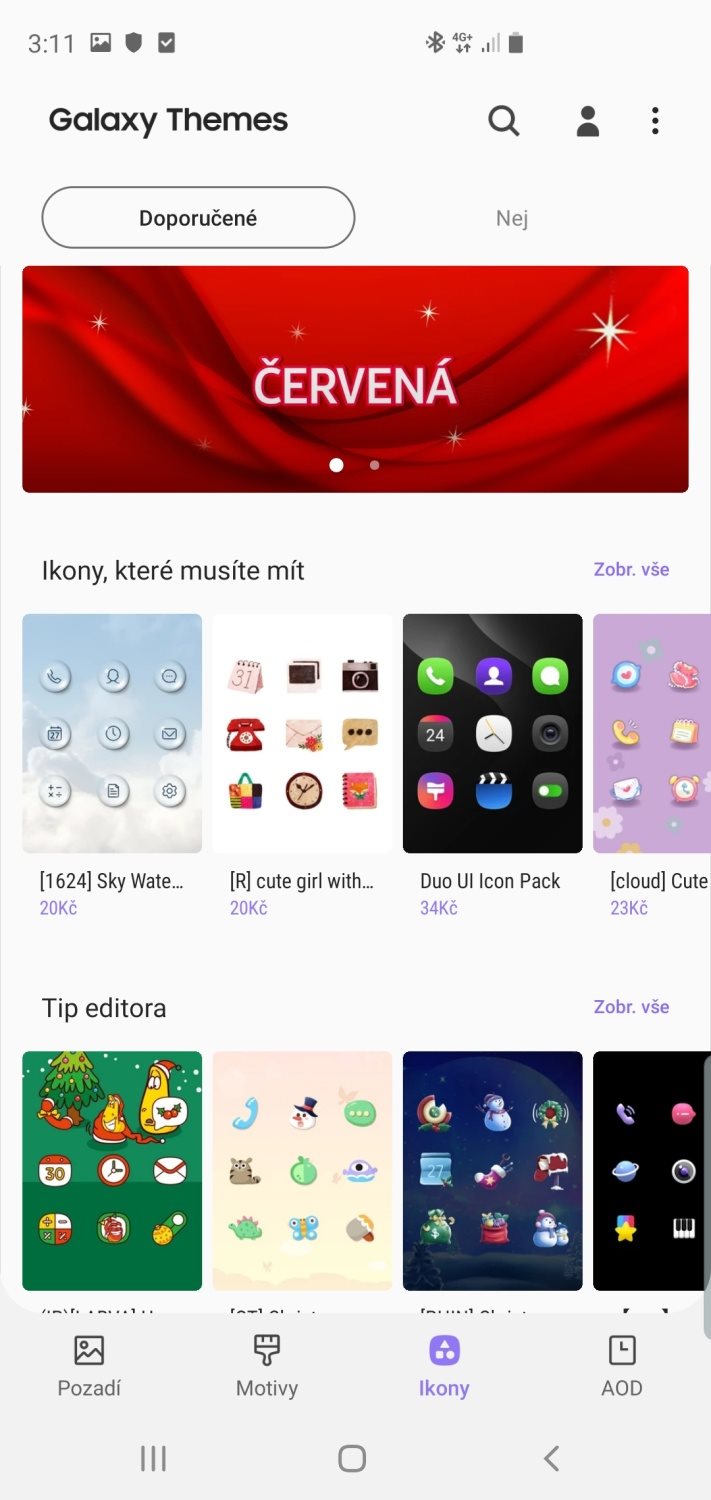
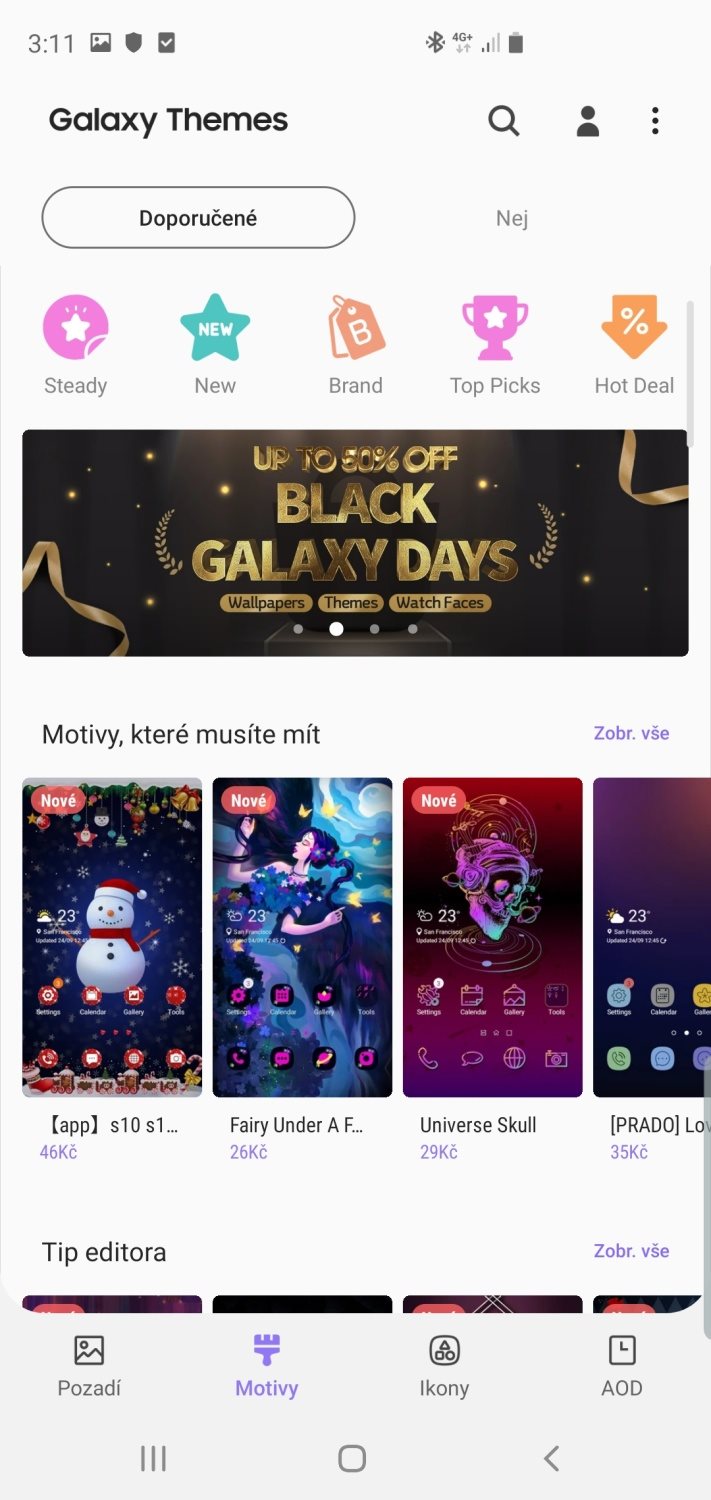
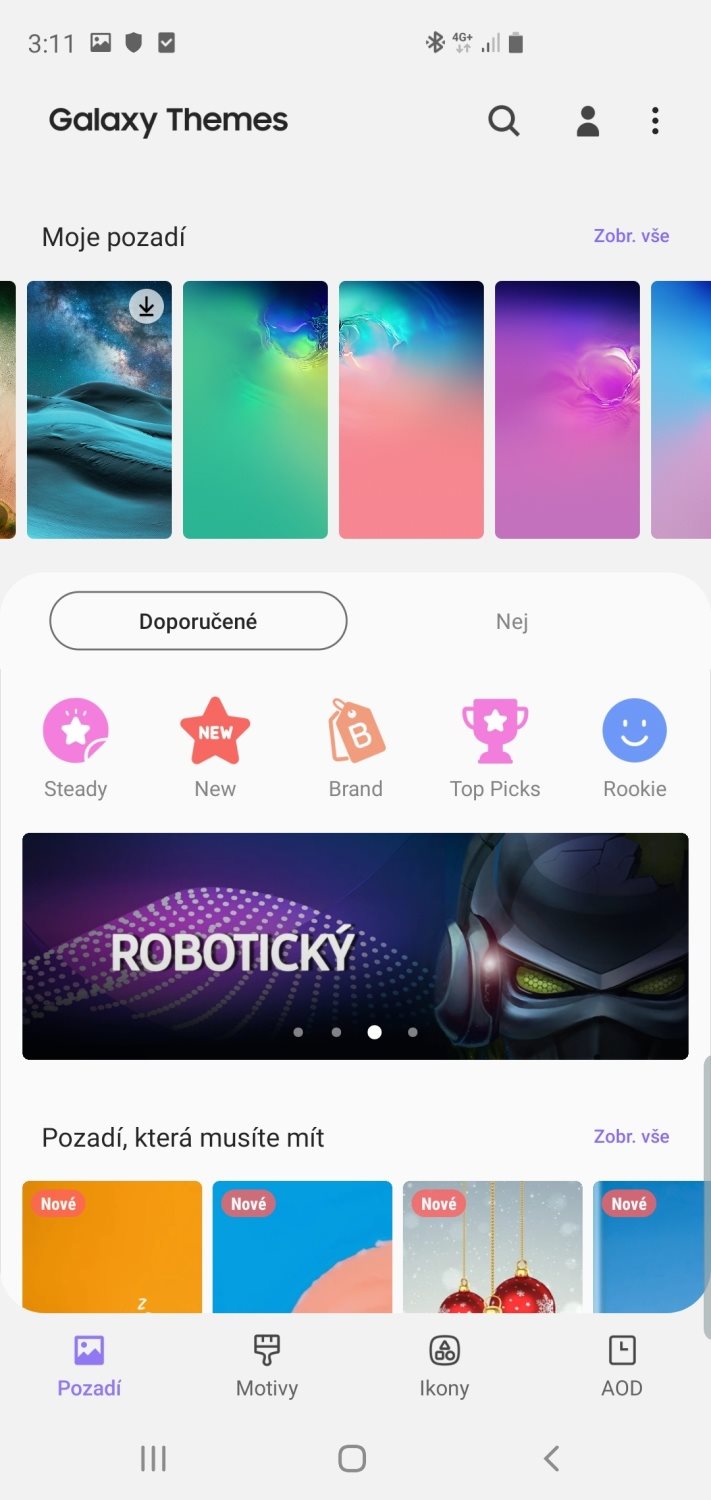
Galaxy Themes
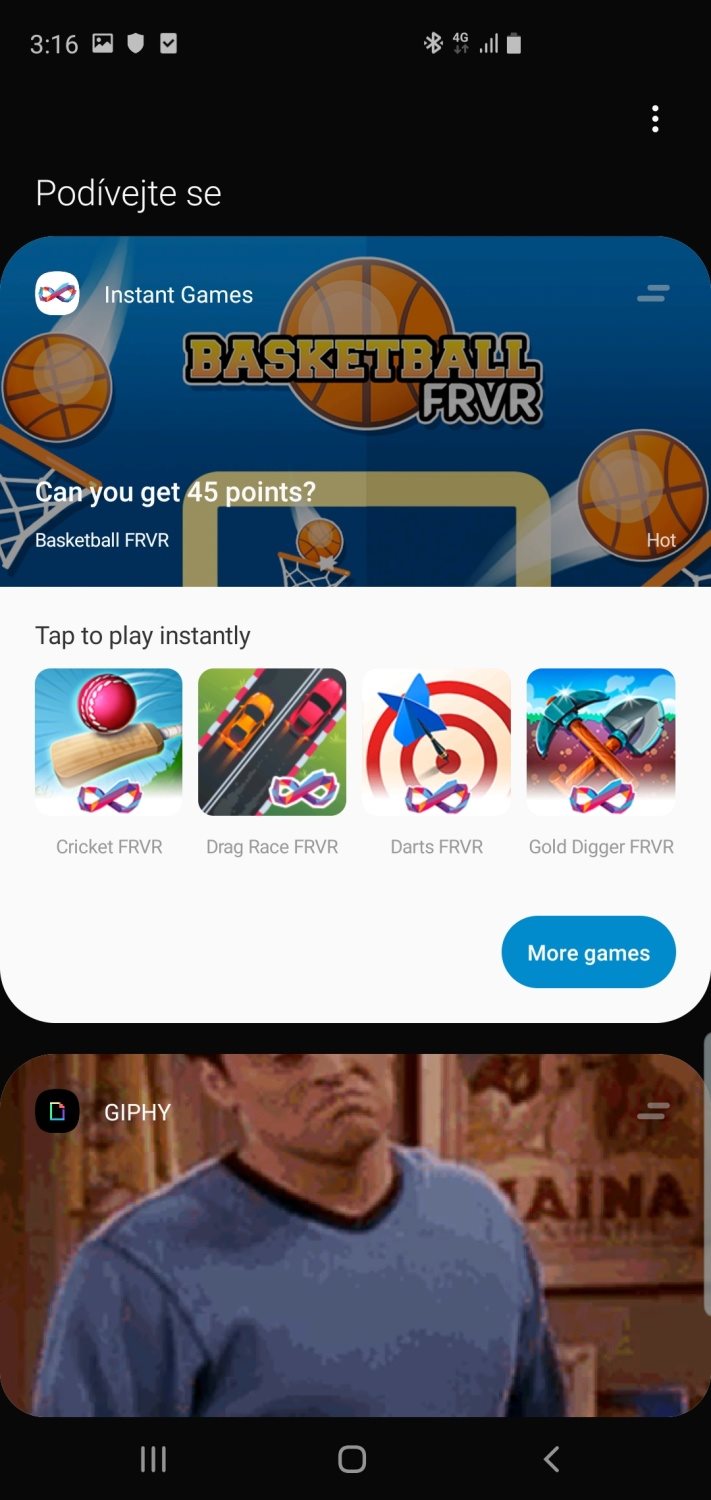
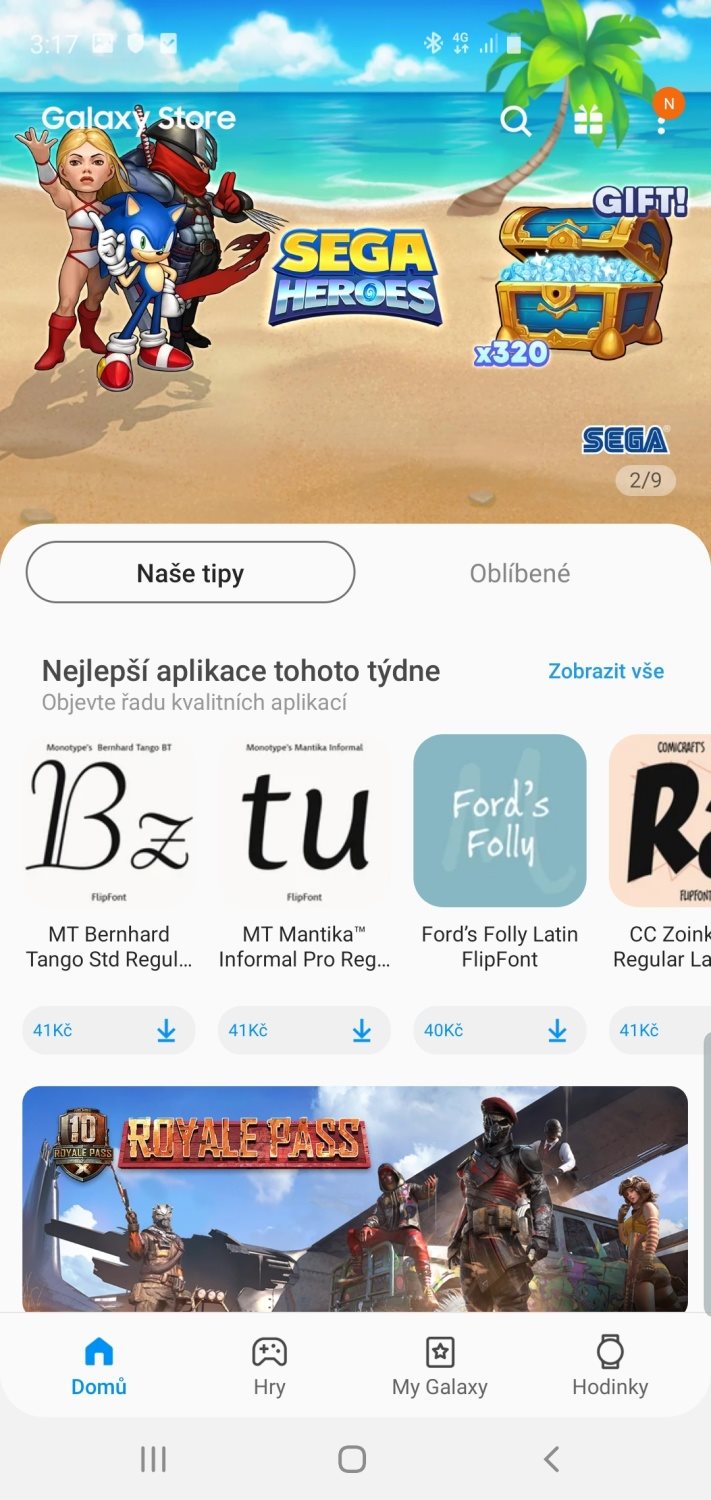
Google Play and Galaxy Store
What is the extension on Samsung One UI?
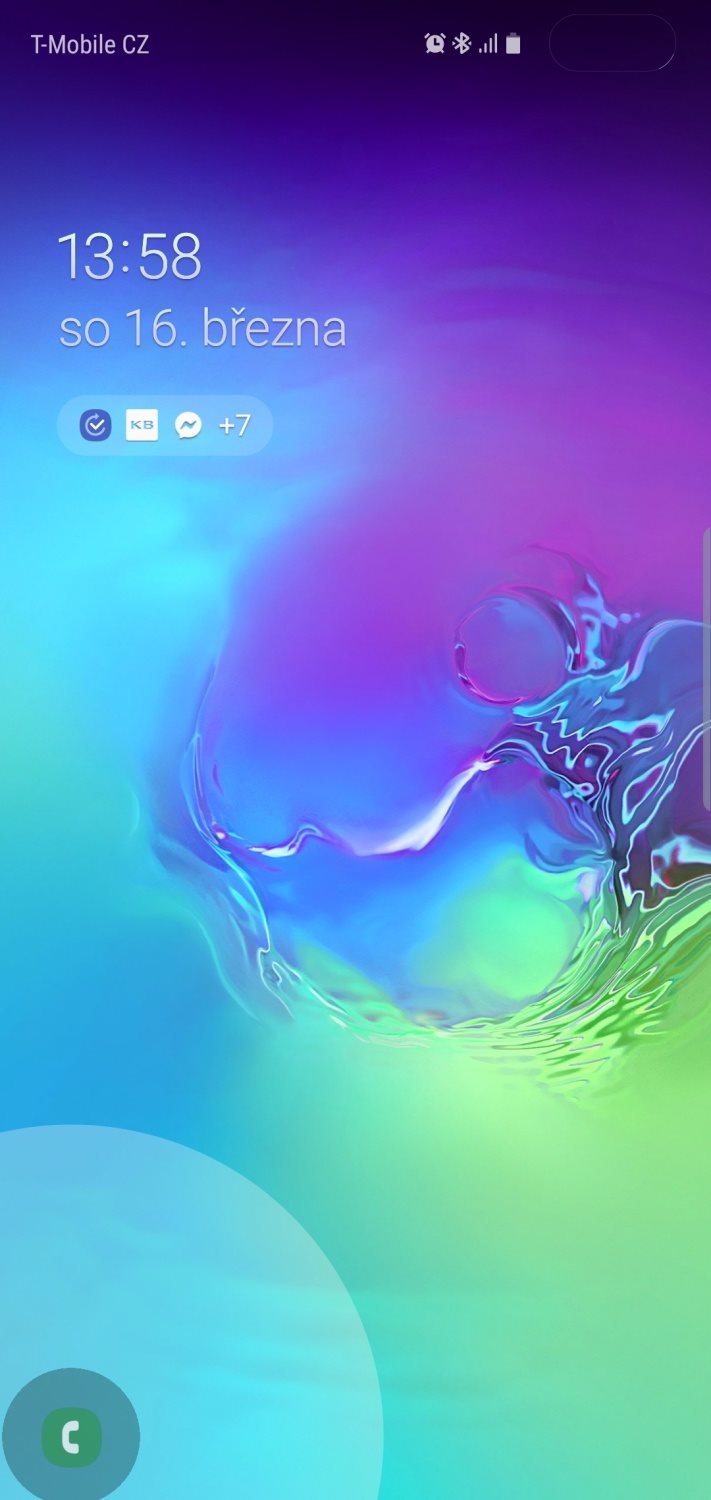
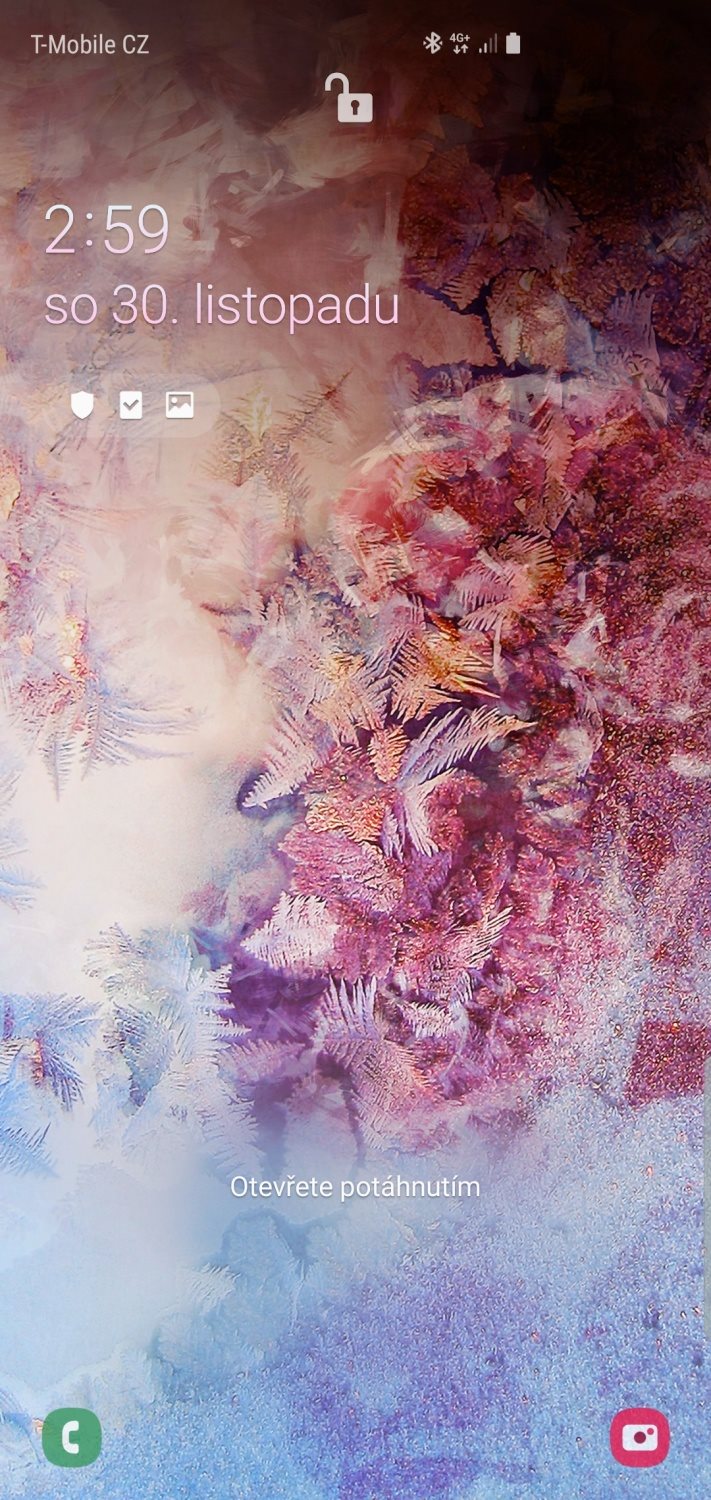
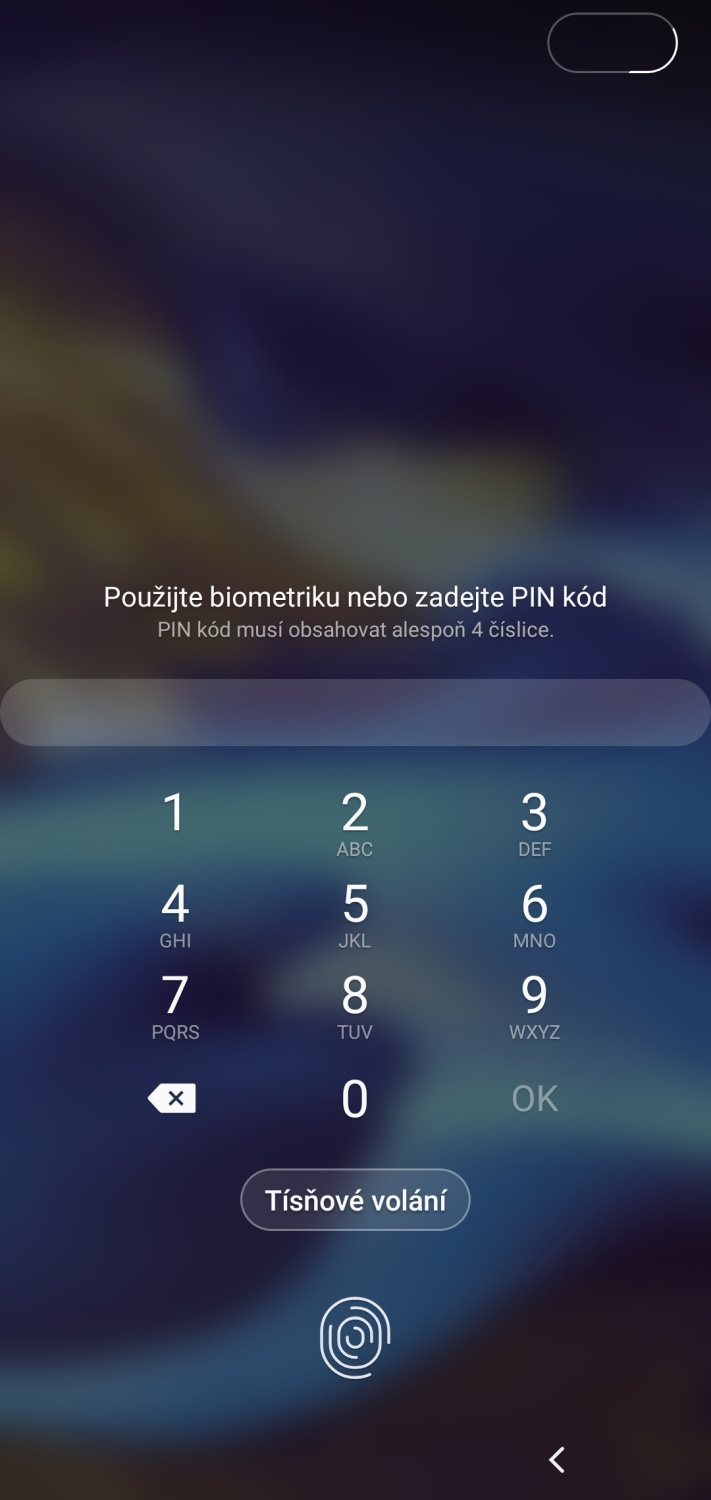
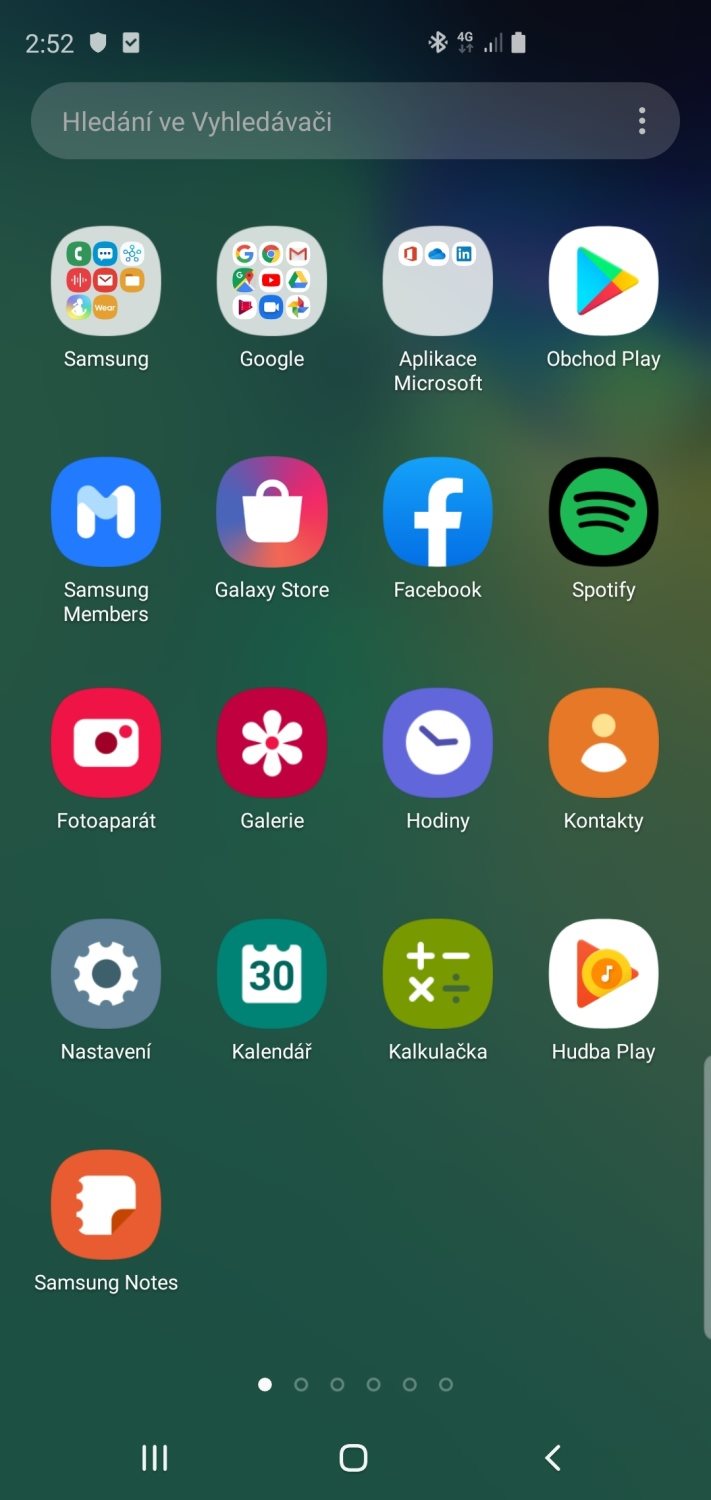
One of the main features of the Samsung One UI, which the user immediately notices, is a good look. It is a subjective theme, but only a few extensions look so clean and elegant. One UI reflects on era and you can notice it on every level, from the locked screen to customized applications.
The latest version of the OneUI 2.0 interface has been cleaned up a bit more. This is a random example. Clearer camera environment, automatic change of text color on the locked screen (so that the inscriptions do not disappear) and several other minor changes.
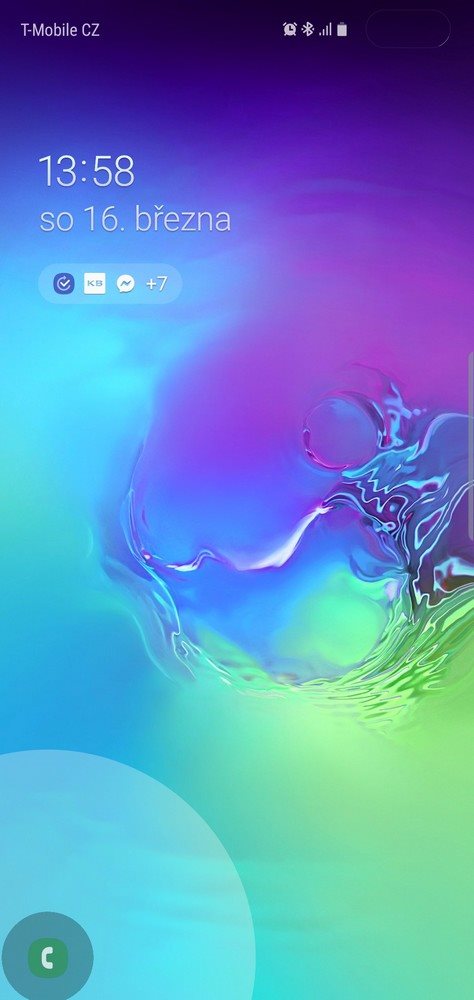
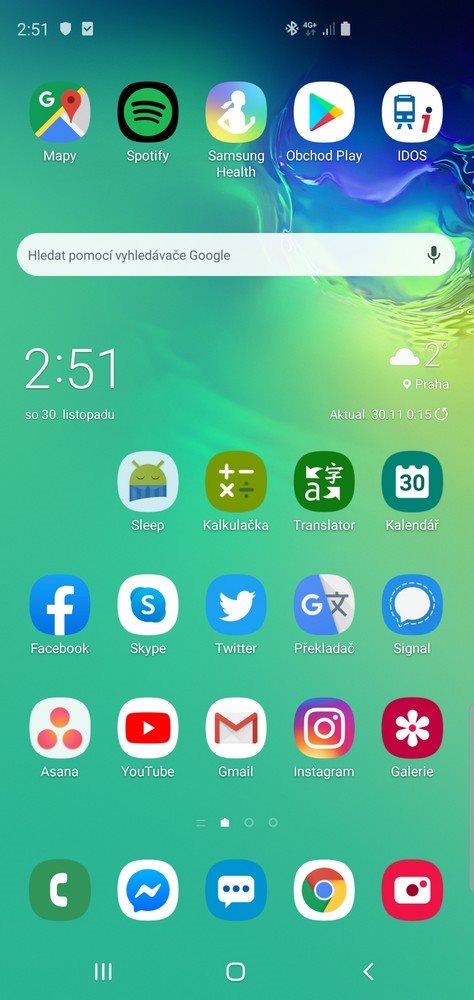
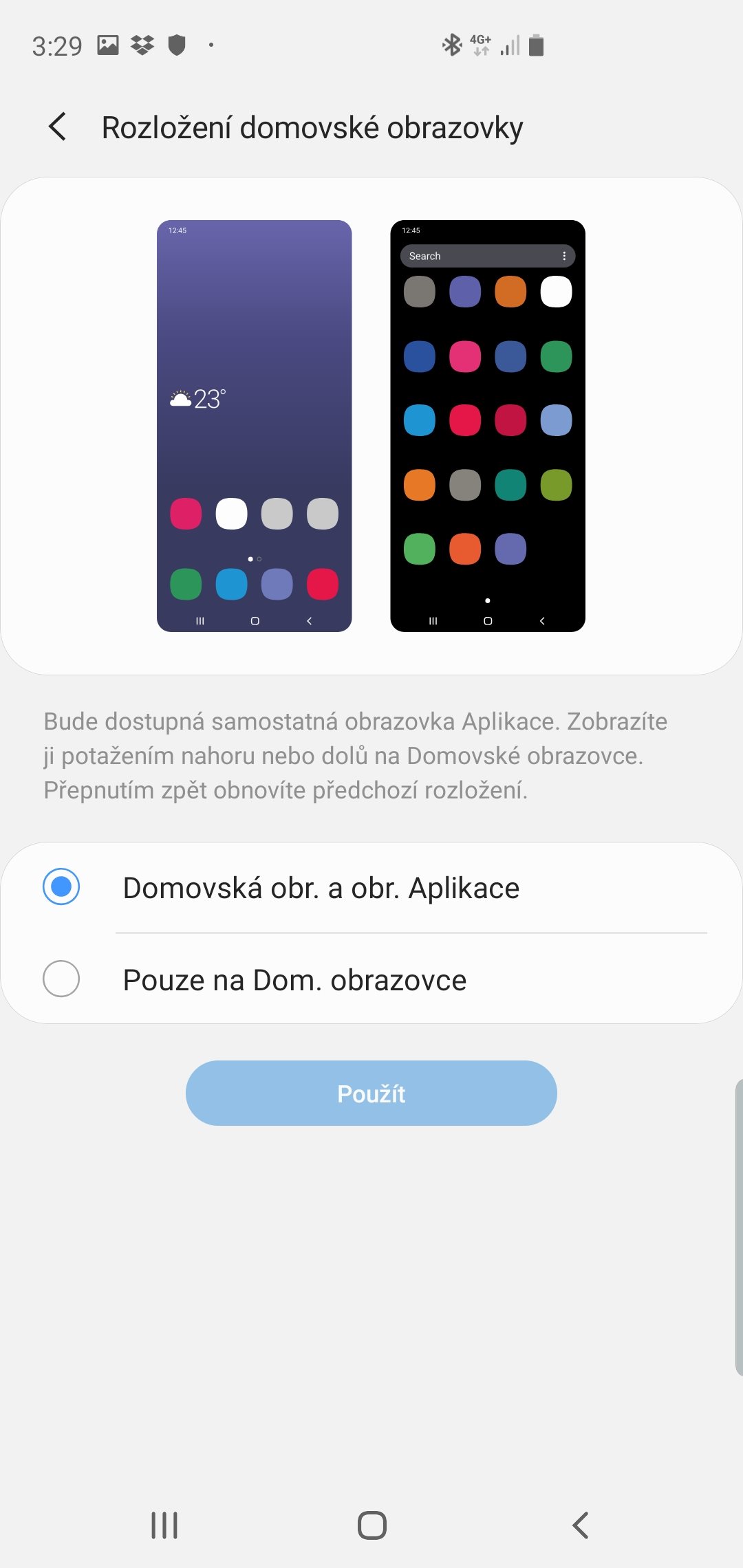
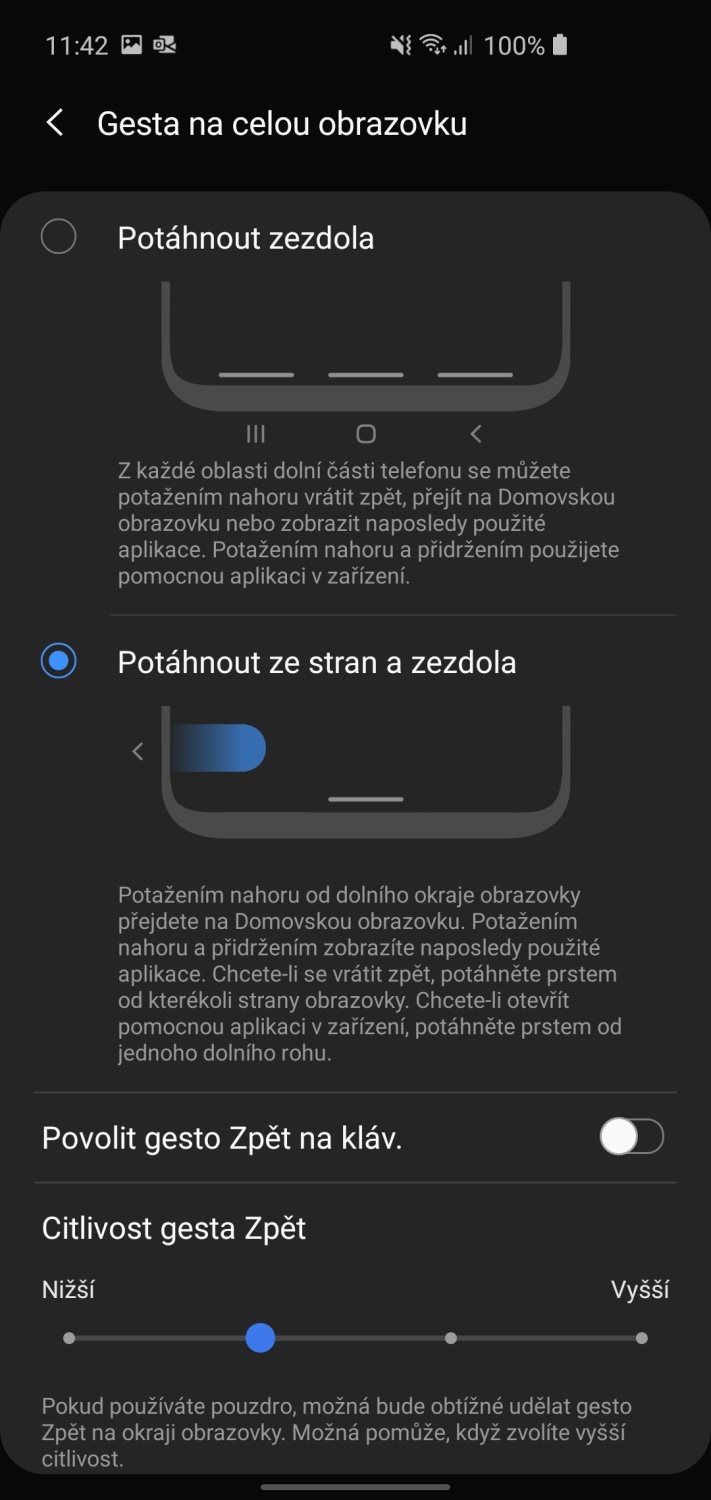
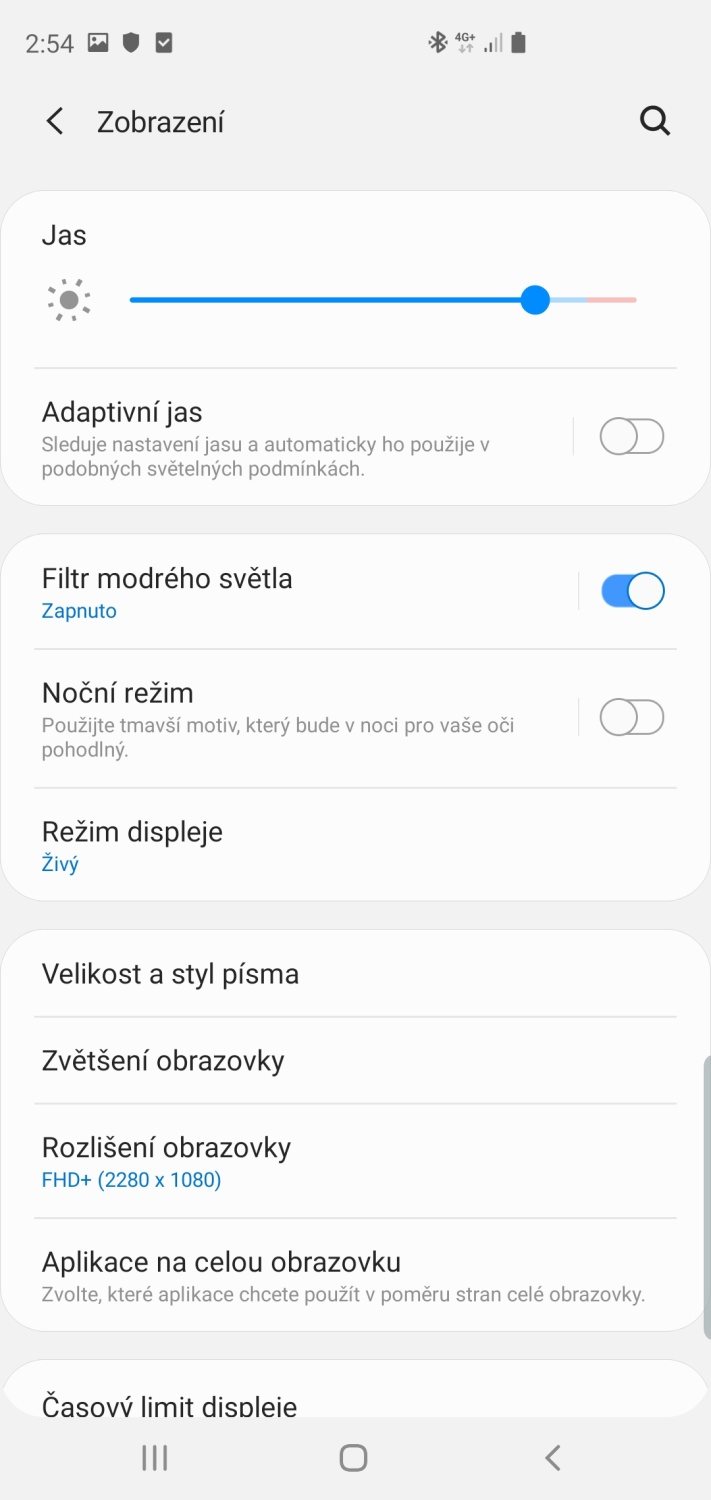
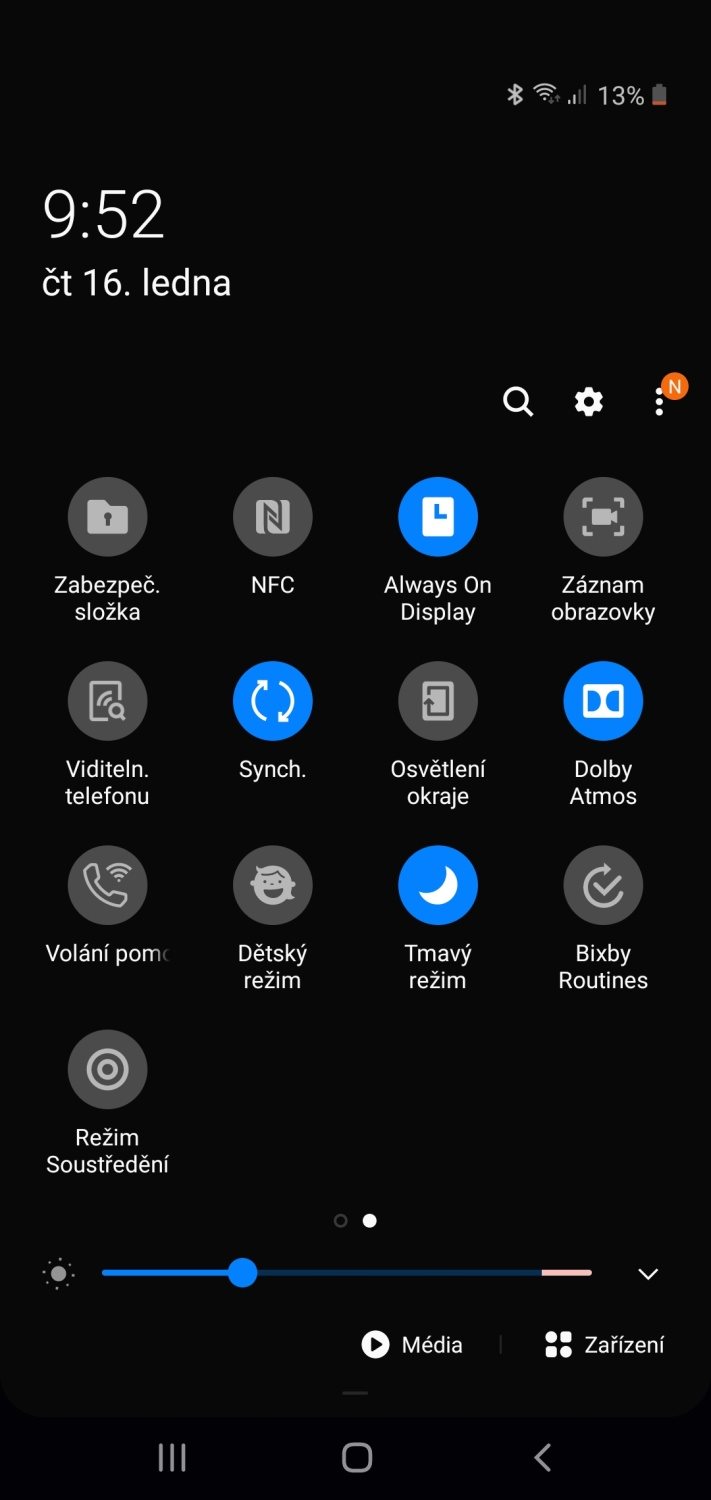
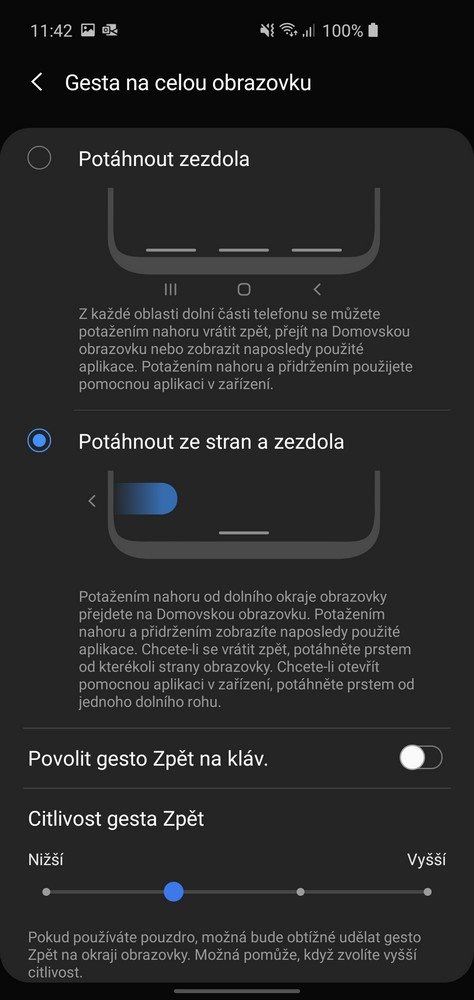
The favorite feature of One UI is the dark mode, which is supported by the extension and which fits perfectly onto AMOLED displays, with which Samsung equips its mid- and high-end phones. Not only you lower the impact technology has on your eyes, you can also dramatically reduce battery consumption. AMOLED shuts down almost completely in dark places. Newer versions of One UI 2.0 have introduced redesigned notifications that take up less space and much less disrupte user activity.
One UI collects additional points with its very good optimization for phones with a large display and resolution. Are you thinking that it should be a matter of fact? For example Huawei does not contain such optimalized system.
i
However, in some cases, Samsung One UI 2.0 also has partial problems. Some users complain of significantly lower battery life and phone connectivity issues. User interface optimization could also be improved, e. g. when using a split display, where not all elements are displayed perfectly. We hope that Samsung will catch these flies in time. Despite a few shortcomings, however, there is no significant improvement over previous One UI extensions.
Samsung One UI includes a number of applications
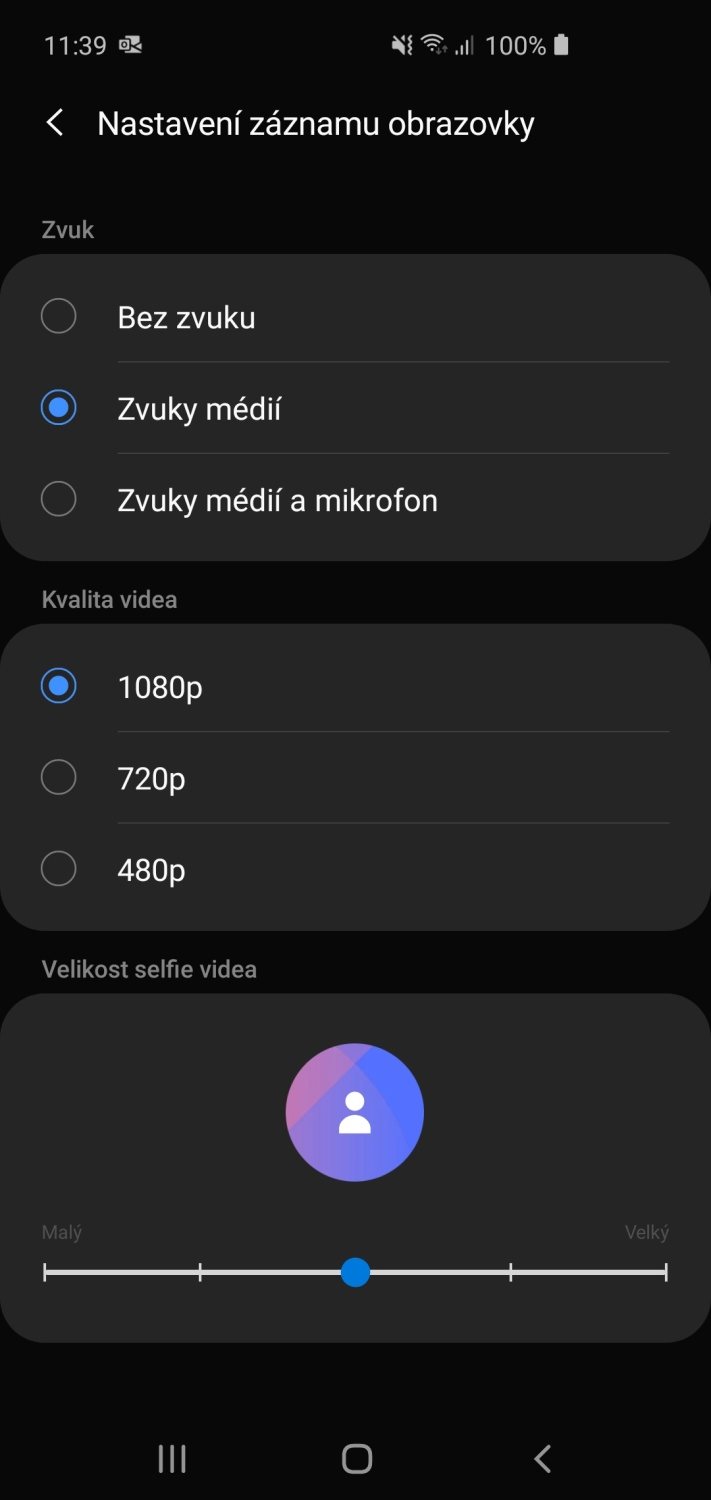
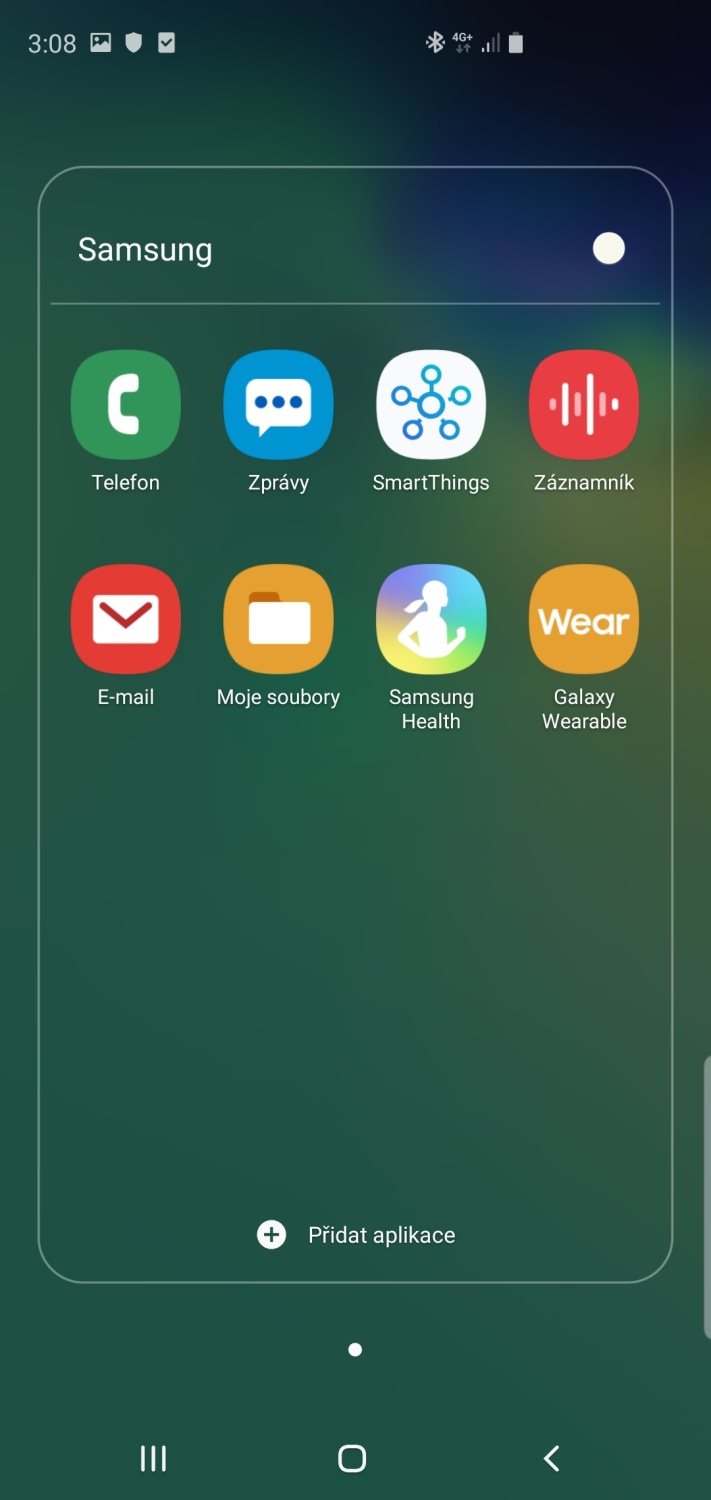
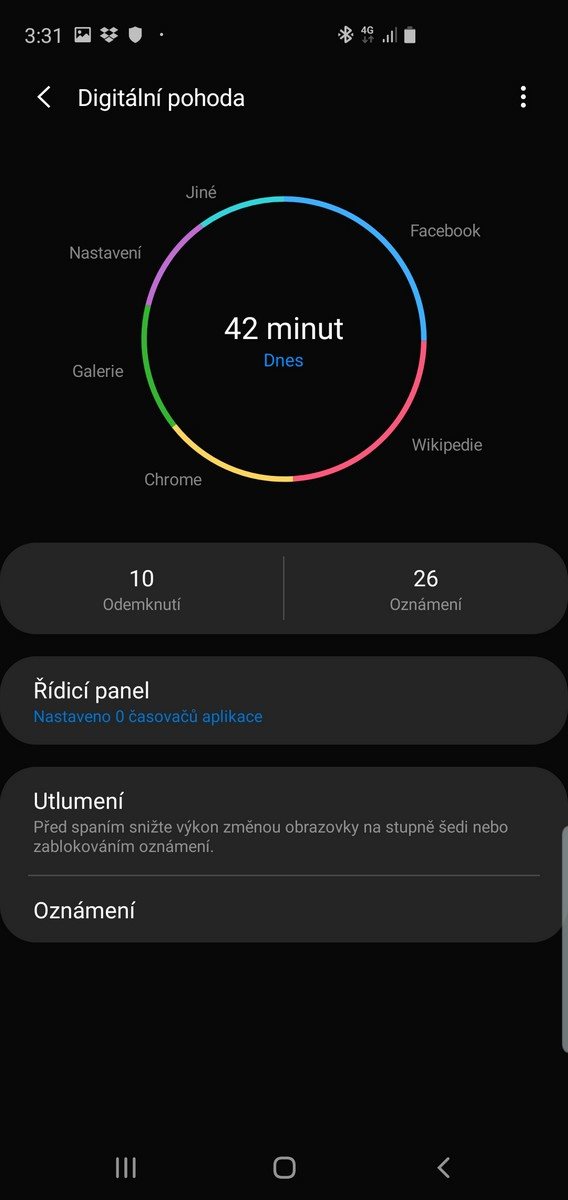
The great power of One UI is also the software equipment. The extension has pre-installed a lot of exclusive applications that cannot be officially obtained from another platform. They are e. g. SmartThings driver, Samsung Health or Bixby voice assistant (not very useful in Czech Republic). The One UI 2.0 version also brought a nicely made recorder that can record the phone screen, including the sounds of applications or voice from the microphone, or accessibility for the deaf.
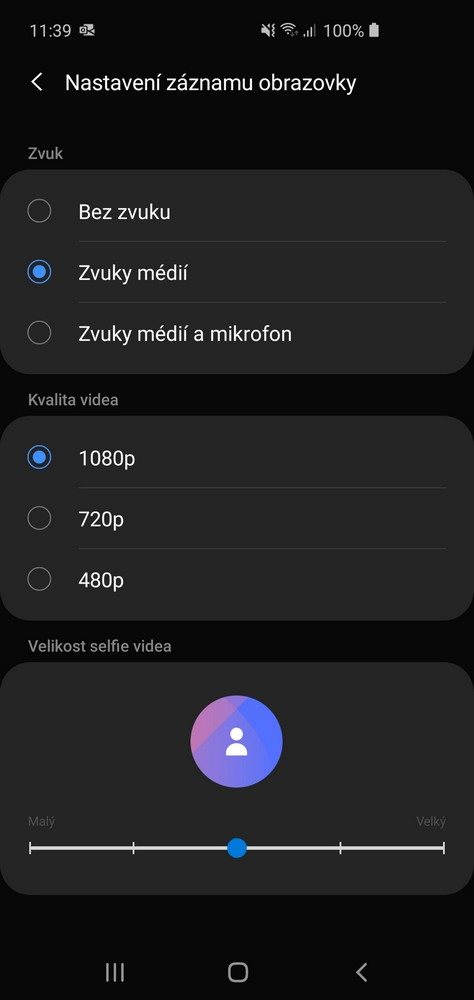
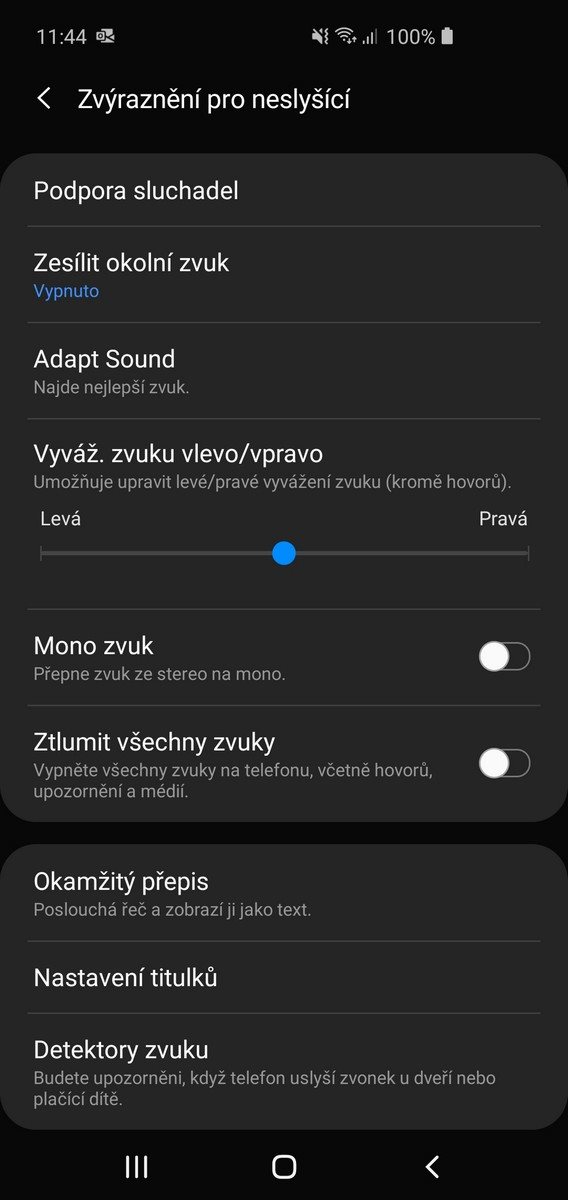
Samsung DeX applications also have a place in Samsung mid-range and high-end phones. It allows you to connect your brand' s phone to a computer in two ways. You can either download the phone' s interface to a computer to control the phone via a monitor, or you can use the device as a touchpad to control the computer. Previously, to use the DeX function, it was necessary to purchase a special DeX Station or a DeX Cable. Today, if you' re not just connecting to a standalone monitor, a Windows program will suffice. The efficiency is also increased by the special function of the floating windows, which is almost unique in extensions.
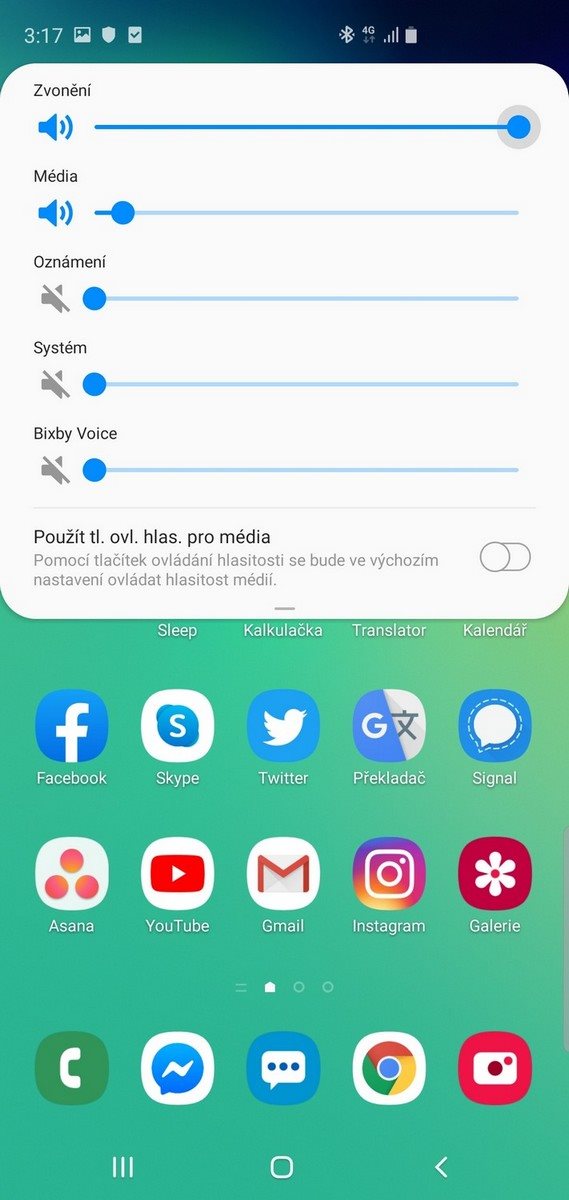
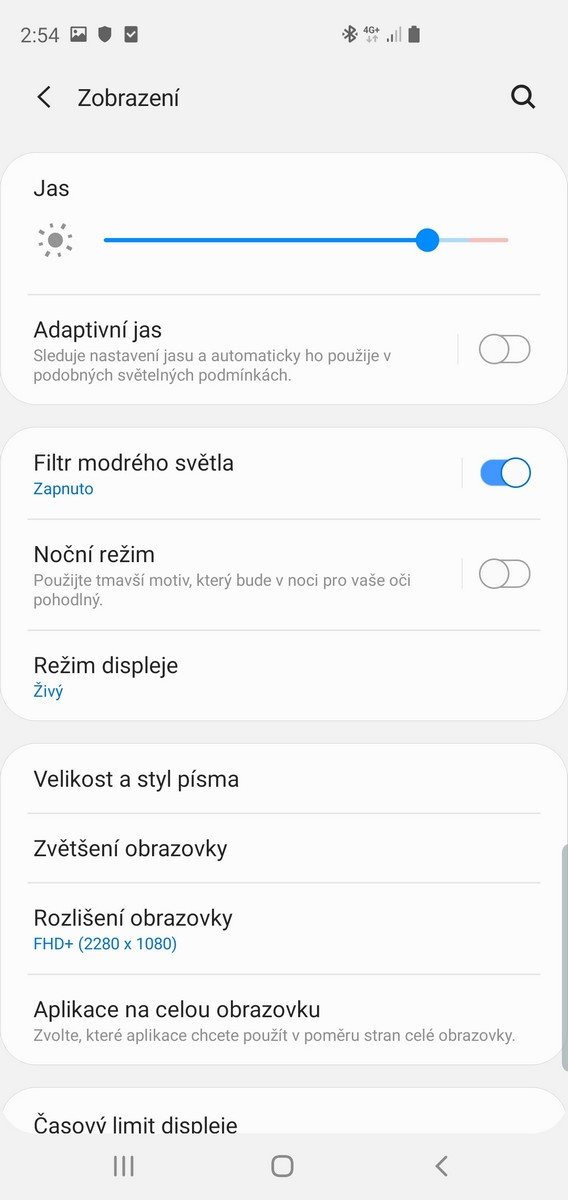
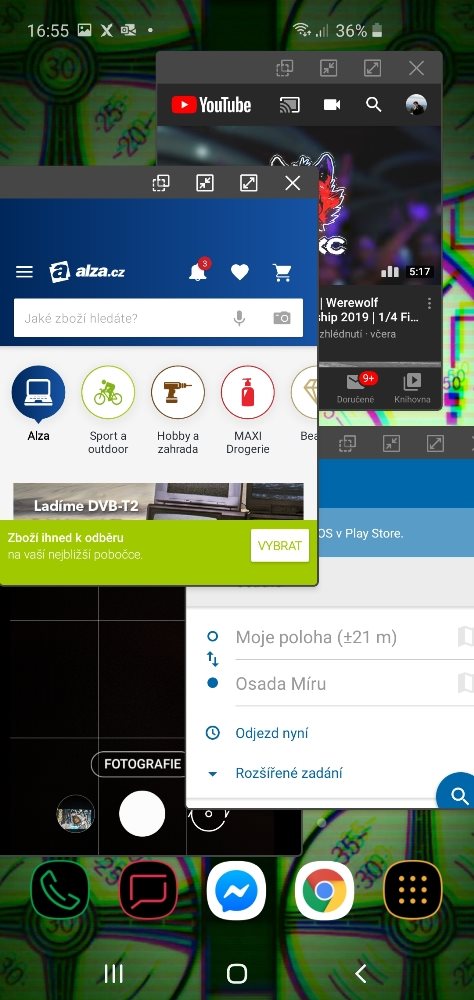
As part of common pre-installed applications, users will receive a Microsoft Office package or a “ubiquitous“ antivirus program McAfee. But that' s more or less all from the prepared software, so it can be seen that Samsung has improved since the last Samsung Experience and reduced the number of pre-installed applications.
Which phones have the One UI extension?
The latest version of the Samsung One UI 2.0 graphics extension was released in March 2019, so you will find it especially on Samsung phones manufactured after this date. However, earlier devices also receive it in the update. Which phones have One UI?
- S10 and Note10 series smartphones (when released)
- S9, S8 and Note 9, Note 8 series smartphones (additional support in the near future; currently One UI 1.0)
- 2019 Series A Smartphones (additional support during 2020; currently One UI 1.0)

How to speed up Samsung?
As with any phone (especially after longer use), your Samsung may start being intermittent. However, you can prolong its life with a few simple procedures.
- Delete unnecessary files - the first relatively obvious solution. On the other hand, it may not be so straightforward. The operating system often creates the so-called “Cache“ files that serve e. g. to load applications faster. However, the size of these files can climb to gigabytes over time, so it' s worth deleting them with the help of a file manager (e. g. Files Go from Google, sometimes directly pre-installed manager in the extension).
- Uninstall unused applications - any unnecessary app takes up storage space unnecessarily, but it can also take up RAM if it runs in the background. Uninstall any programs you don' t need.
- Update your operating system and applications - In almost every update, developers try to improve the running of both the operating system and applications. Therefore, it is always advisable to have the latest possible version.
- Turn off phone services when you' re not using them - as you know, services like Bluetooth, NFC, but also WiFi and others are running low on battery power. Try turning them off whenever you are not using them.
What was before Samsung One UI?
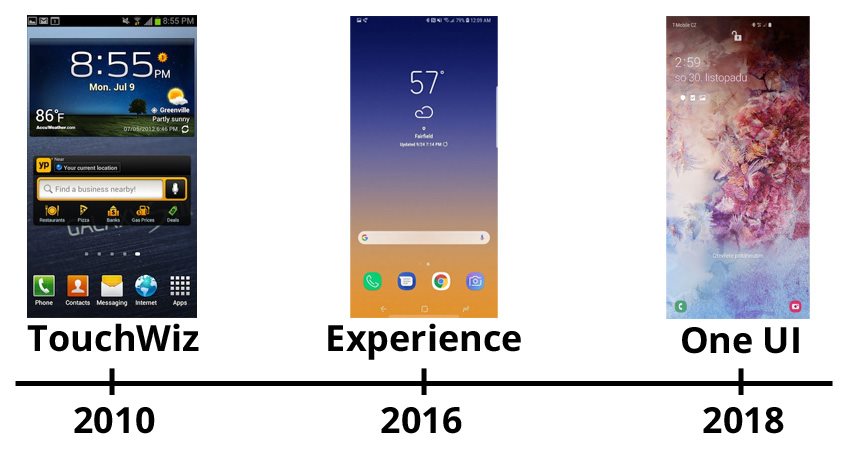
If we talk about modern graphic extension, the main role in the history of Samsung was played mainly by TouchWiz and Samsung Experience.
- TouchWiz – the first versions of this extension began to appear sometime around 2009, when mobile phones were still in their infancy. The first official serial version with the designation 3.0 was launched in 2010 together with the Samsung Galaxy S smartphone. Its interface was quite cumbersome and confusing by today' s standards, which was somewhat corrected by other updates, however, when the last version was released in 2016, Samsung already knew it was time for a change. The new name came due to a digging over design, but also due to the bad reputation of TouchWiz.
- Samsung Experience - Grace UX, as the original version of the Experience was called, was originally intended as a new version of TouchWiz, but due to drastic design changes, the company decided to introduce the new Samsung Experience brand. We could see this superstructure for the first time on the Samsung Galaxy S7 smartphone, and on the contrary, the Samsung Galaxy S 9 and Note 9 smartphones received it for the last time. Compared to TouchWiz, the interface was much cleaner, which was in the favor of users, and some new smartphones still offer it. The latest version 10.0, released at the end of 2018, was already a beta version of the latest One UI.
Samsung One UI (latest version 3.0) is exactly what you would expect from a modern extension. Clean design, lots of useful features and a minimum of uselessness. If you don' t require pure Android, but a system with a thoughtful graphic jacket, you will like the One UI on Samsung phones.