
i-tec USB 3.0/USB-C/Thunderbolt 3 Dual Display Docking Station + Power Adapter
 Price Guarantee
 Installment calculator
from
1,010,-
monthly
Installment calculator
from
1,010,-
monthly
i-tec USB 3.0/USB-C/Thunderbolt 3 Dual Display Docking Station + Power Adapter
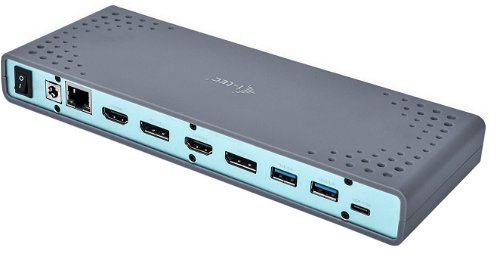
i-tec USB 3.0/USB-C/Thunderbolt 3 Dual Display Docking Station
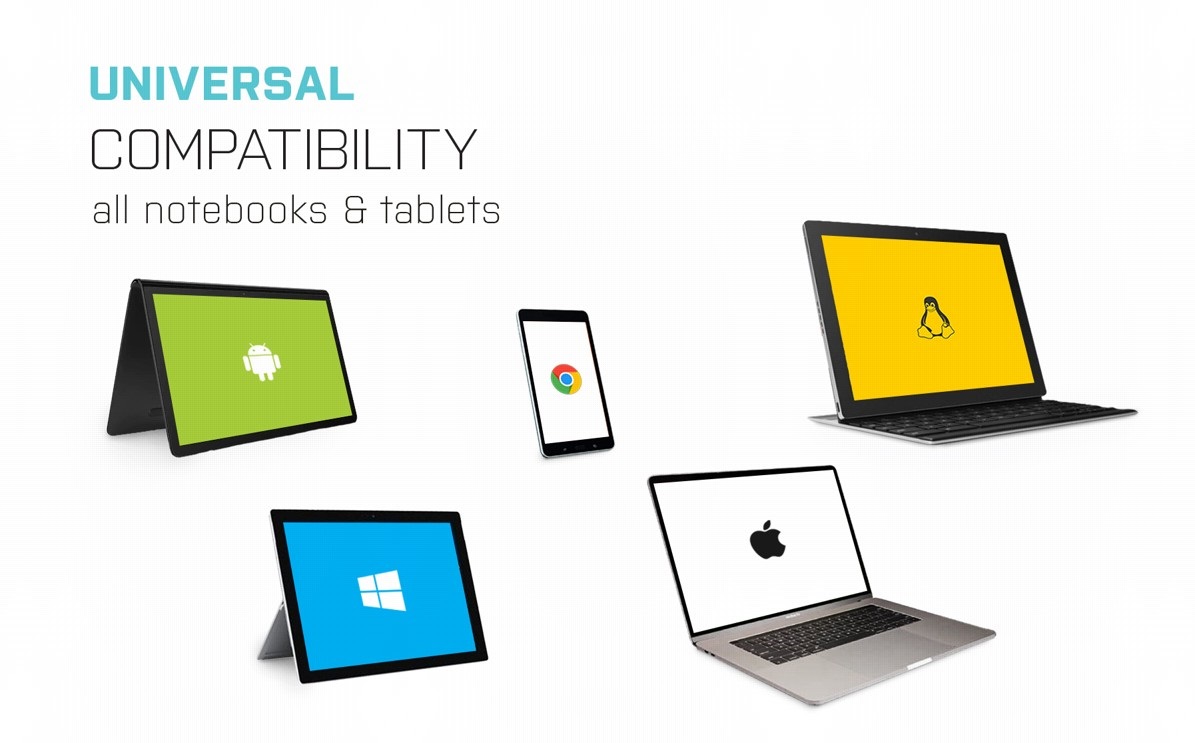
If you are worried about the lack of connectors on your laptop, we recommend getting your hands on this i-tec USB 3.0/USB-C/Thunderbolt 3 Dual Display Docking Station. As you can connect the docking station to any laptop with a USB-C or USB-A connector using a single cable, it is ready for use straight out of the box.
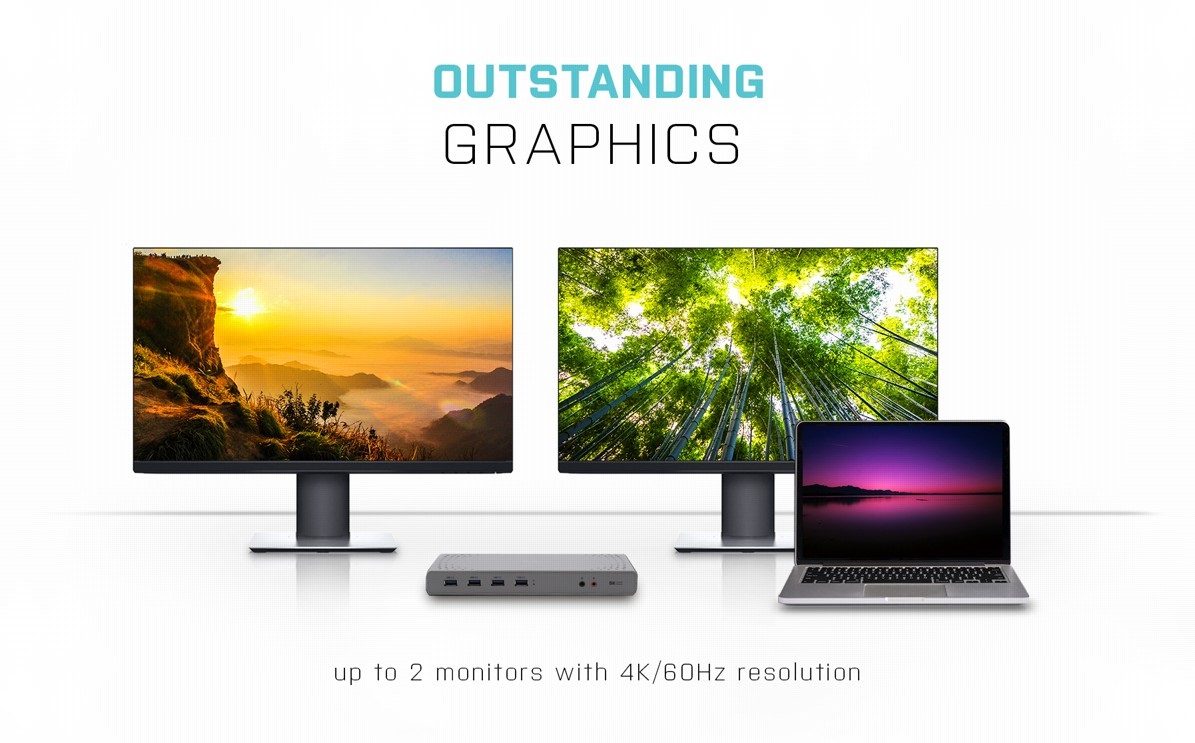
Easily Connect Two Additional 4K Monitors
As serious work area requires an expanded work area, you'll welcome using i-tec USB 3.0/USB-C/Thunderbolt 3 Dual Display Docking Station to connect to a pair of monitors. DisplayPort and HDMI graphic outputs enable up to 4K resolution at 60Hz.
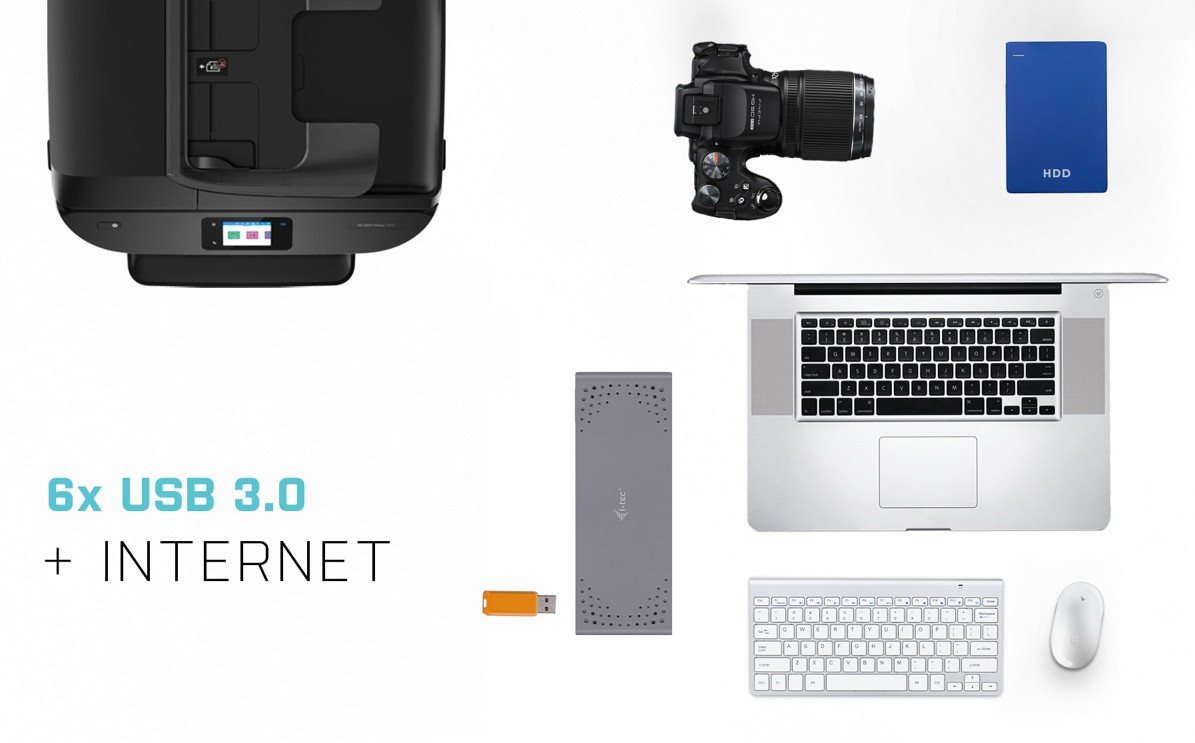
Plenty of Traditional Ports with the i-tec USB 3.0/USB-C/Thunderbolt 3 Dual Display Docking Station
Do you have various accessories, such as a USB printer, keyboard, mouse and external drive? Once again, the lightning-fast i-tec USB 3.0/USB-C/Thunderbolt 3 Dual Display Docking Station has got you covered. It comes with 6× USB 3.0, HDMI, DisplayPort, an audio output, plus a classic LAN port for a wired connection to the data network.
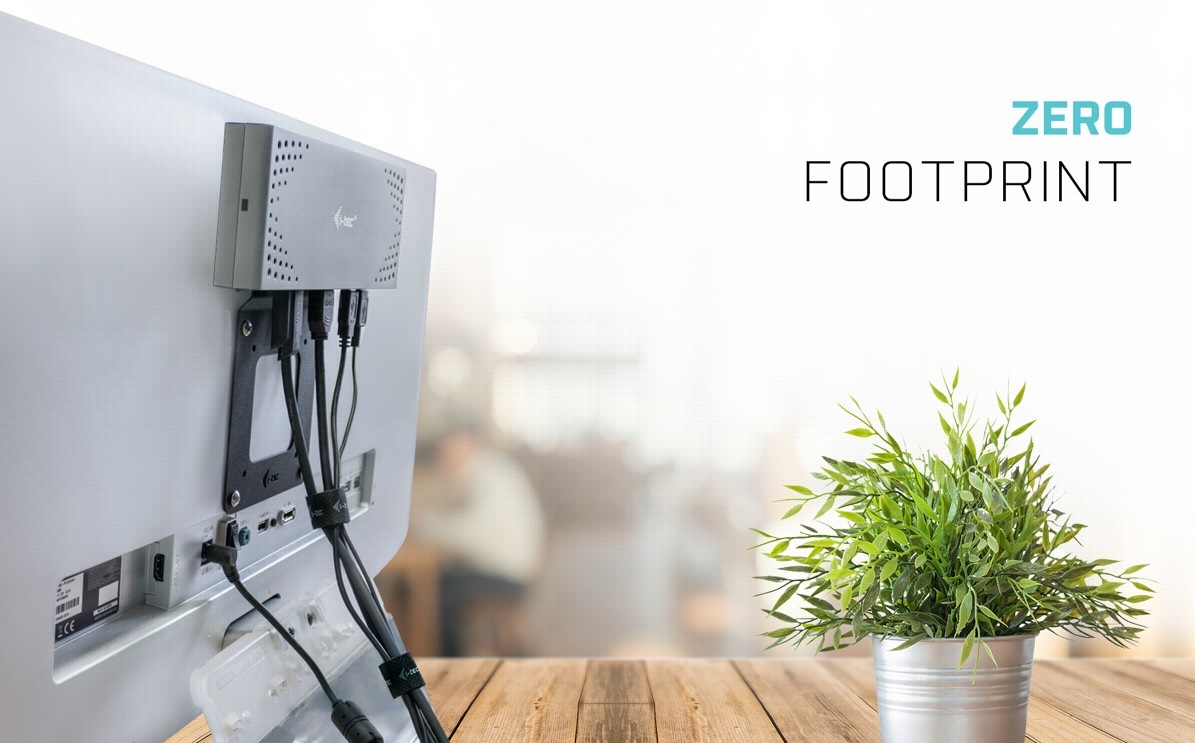
Smart Attachment Directly to a Monitor
A clean desk is the foundation of a modern work area. And the i-tec USB 3.0/USB-C/Thunderbolt 3 Dual Display Docking Station helps keep your desk clutter-free by allowing you to mount it directly behind a VESA-compliant monitor using a separately sold bracket. Cables and other equipment getting in your way will soon become a thing of the past.
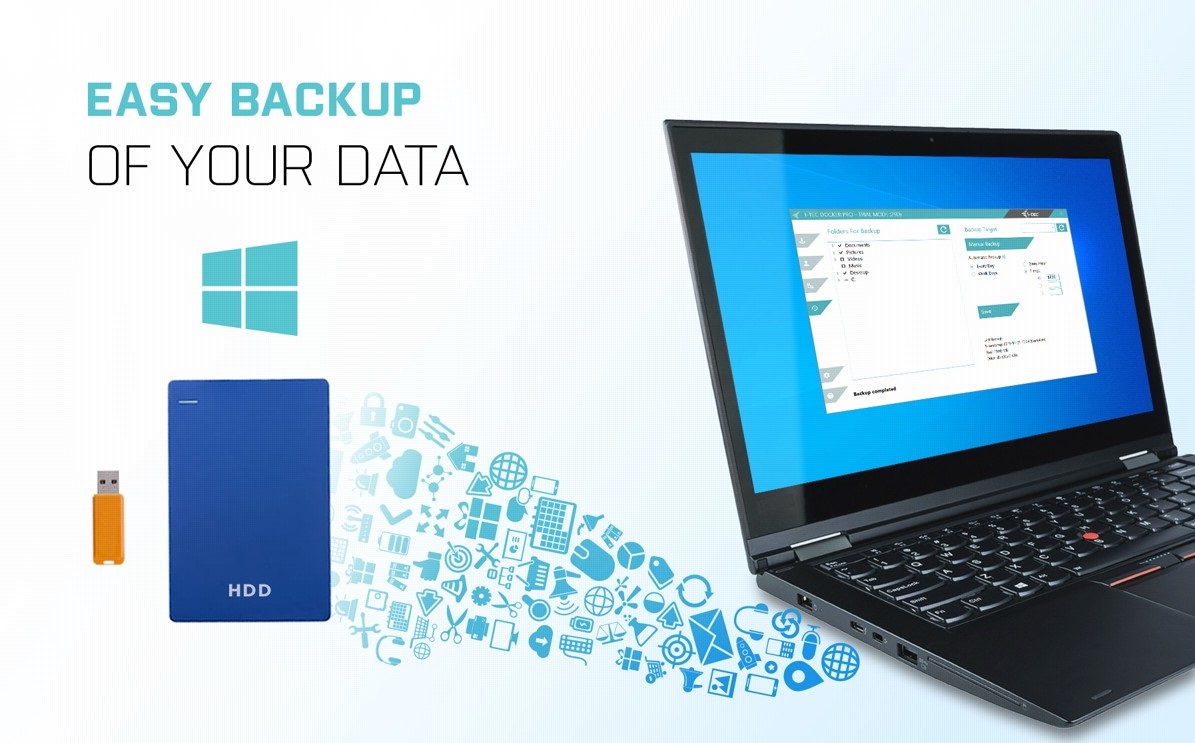
Free Data Backup with i-tec USB 3.0/USB-C/Thunderbolt 3 Dual Display Docking Station
If you use the Windows operating system and need to regularly backup important files, you'd be well-advised to install the free i-tec Docker Pro add-on. Just connect any hard drive or flash drive to the i-tec USB 3.0/USB-C/Thunderbolt 3 Dual Display Docking Station, and the rest is just a matter of a few mouse clicks.
Key Features—i-tec USB 3.0/USB-C/Thunderbolt 3 Dual Display Docking Station
- Achieve stunning graphics resolution up to 5K/60Hz with the i-tec Universal Docking Station
- Customise your workplace and connect to your laptop or tablet with USB-A 3.0 or USB-C
- Both connection cables (USB-C to C, USB-C to A) are included
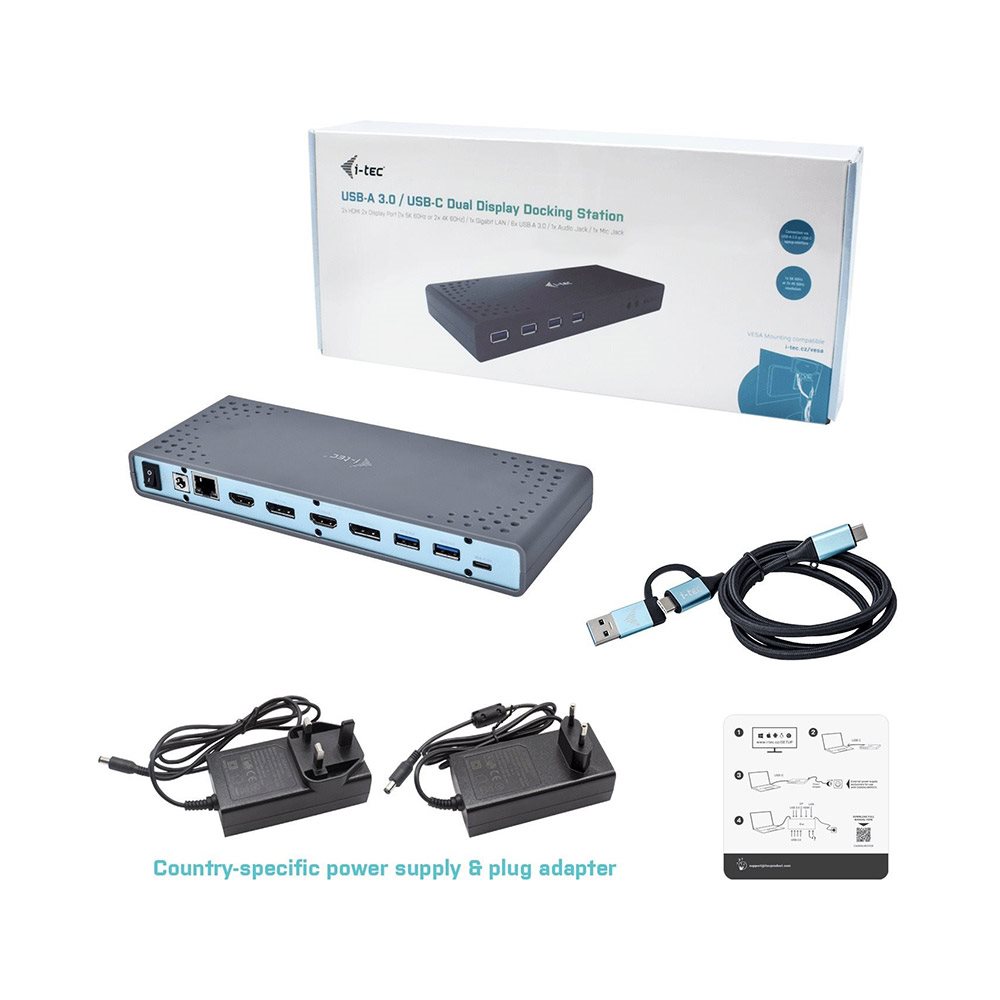
- 2× 4K 60Hz video, 2× HDMI, 2× Display Port, 1× Ethernet, 6× USB 3.0, 1× audio/microphone jack, ON/OFF switch, Kensington Lock support
SPECIFICATIONS
1× USB-C port for connection to USB-C or USB-A devices (USB-C cable and USB-C to USB 3.0 adapter included)
Video Ports: 2× HDMI2× DisplayPort
Resolution:
1 monitor - 1× Display Port up to 4K/60Hz
1 monitor - 1× HDMI up to 4K/60Hz
1 monitor - 2× Display Port up to 5K/60Hz*
2 monitors - 1× Display Port + 1× Display Port up to 2× 4K/60Hz
2 monitors - 1× Display Port + 1× HDMI up to 2× 4K/60Hz
2 monitors -1×HDMI + 1× HDMI up to 2× 4K/60Hz
Connectors:
6× USB 3.0 port
1× Ethernet GLAN RJ-45 port
1× 3.5mm audio output, 1× 3.5mm microphone input
1× power input (DC 20/2A)
ON/OFF switch to turn the docking station on and off
Other features: OS: Windows 7/8/8.1/10, macOS X, Linux Ubuntu 14.04, 16.04, 17.04, 17.10 18.04, 19.04, Android 5and higher, Chrome OS R51 and higherEasy driver installation (Windows, MacOS, Ubuntu, Android (external link))Product dimensions: 223 × 88 × 27mmProduct weight: 338g
Specifications
Laptop power port
Most common ports
Data ports - Number and standards
Power ports for electrical devices
Graphics ports - Number and standards
Network ports
Audio ports
Features
Packaging
Compatibility
Dimensions and weight
| Code: | JP909c6 |
| Warranty: | 24 months |
| Links: | Producer's Website: |