
Steam credit 20 EUR (HolyoCard)

Don't like the alternatives?
Choose from the full offer
Steam credit 20 EUR (HolyoCard)
What is a Steam Prepaid Card?
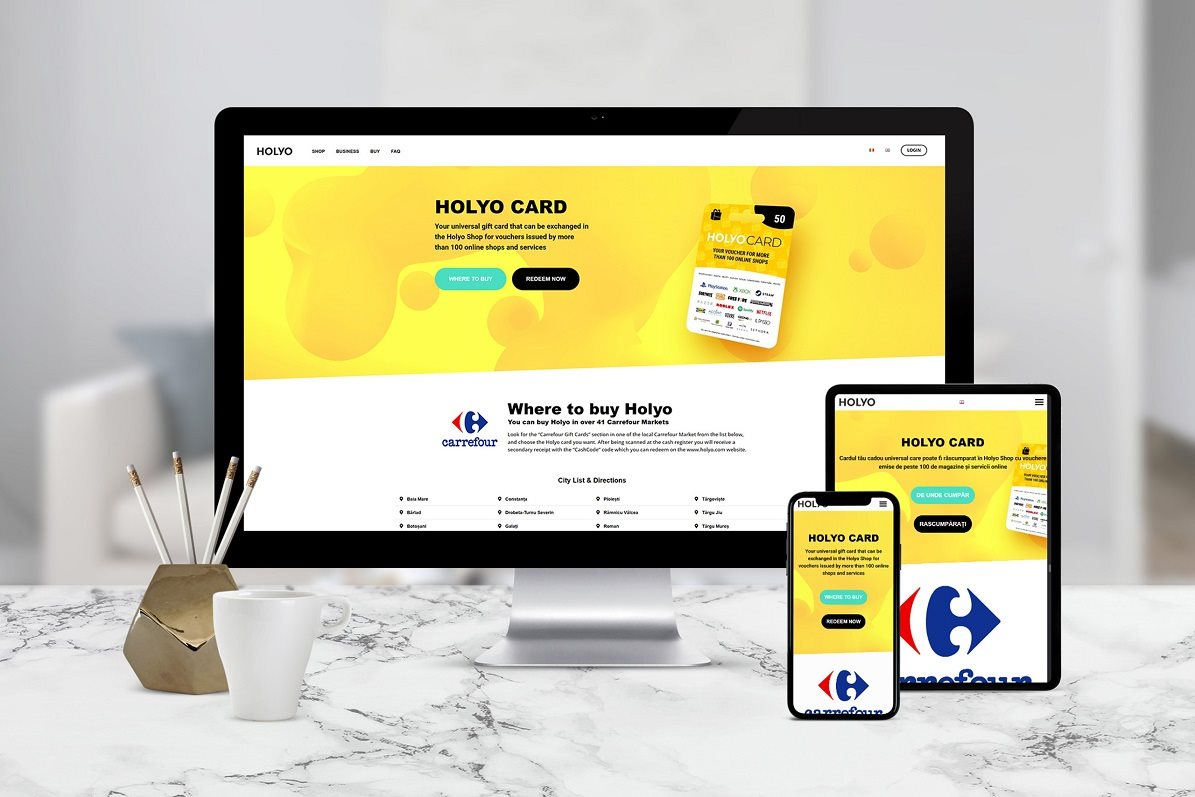
The Steam Prepaid Card is especially a great gift for gamers. With the card, you offer yourself (or your friends) the opportunity to choose exactly the gift you want. Holyo works like an electronic wallet, in case you choose a 20 EUR Steam card, it will load the amount of money into your Steam account.
Holyo also offers other gift vouchers, which you can then use for a variety of popular services: Netflix, Roblox, Steam, PlayStation, Xbox Live, Nintendo eShop, Voyo and lots ofnext.
*Notice: The homepage for claiming credit is not yet localized into Czech language. Only EN, DE and BG versions of the store are available.
Your points, your choice
With a Steam €20 prepaid card, you don't have to worry about choosing the exact game - Steam gift cards and Steam Wallet codes are an easy way to save money in your own Steam Wallet.


A great gift for gamers!
But the fun doesn't stop with Steam. Holyo also offers the ability to load virtual currency into the PS Store, Xbox Live or specific games such as Fortnite,
How and where do I activate my points?
- 1. Go to "www.holyo.com/redeem".
- 2. If you do not have a registration, please register and log in.
- 3. Enter the 16 digit code (case sensitive) and select "redeem code".
- 4. Then select "Go to Shop" to select the service.
- 5. Choose the service you want to use.
- 6. Then select the product with the Czech flag (or with the EU flag).
- 7. Add the service you want to use to your cart (max in the value of the coupon).
- 8. Go to the cart and then press "Proceed to checkout".
- 9. Agree to the terms and conditions and confirm with the "Buy now" button.
- 10. In the "My Codes" section, use the mouse cursor to select "Show code" (eye icon) and view the code for the selected service.
- 11. Instructions for redeeming the service can be found in the service details - see point 6 - below in the section "How to redeem a code".
Podrobnosti
Type
Usage
| Code: | EPAY0012s |
| Links: | Producer's Website: |