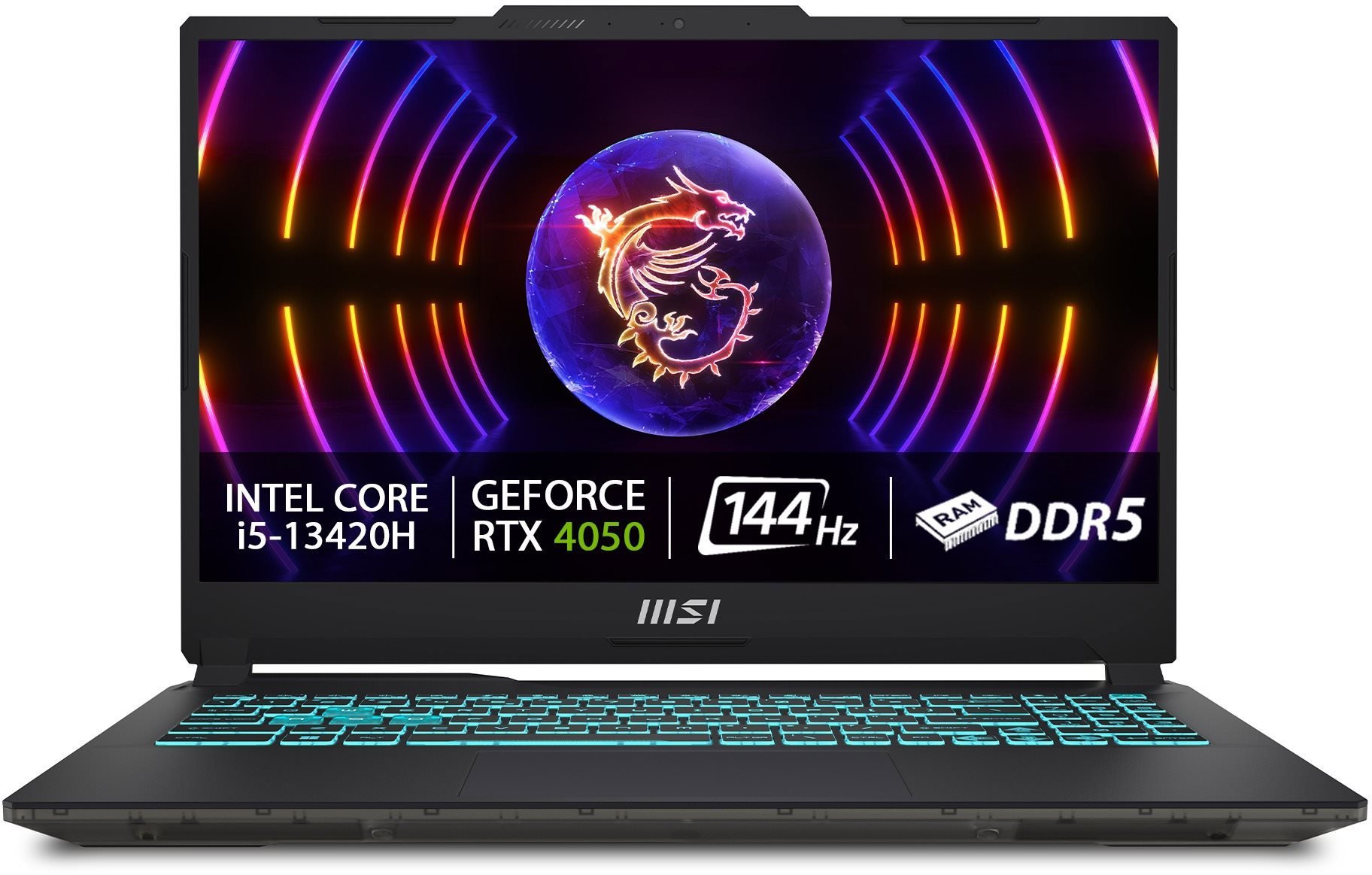
Interested in reviews of MSI Cyborg 15 A13VE-1693XCZ? It got 4.5 out of 5 stars from our customers. Find specific customer reviews of MSI Cyborg 15 A13VE-1693XCZ below. We will appreciate if you also share your experiences with MSI Cyborg 15 A13VE-1693XCZ after purchasing.
So far I have only installed Windows 11 and basic setup. But thanks to that, I'll describe here how they handle any installation snafus:
1. In the BIOS, you need to switch the boot order so that the USB boots before the SSD
2. When the installer is loaded, the disk on which Windows is to be installed is not visible. Do I need to download Intel Rapid Storage technology drivers from https://www.msi.com/Laptop/Cyborg-15-A13VX/support? sub_product=Cyborg-15-A13VE#driver and extract them to a USB drive with the Windows installation. Then click Load Driver in the GUI installer, navigate to the directory with the copied driver and confirm. The disk will then appear in the list. If after selecting it you get a message that it cannot be used for the installation, you need to press Shift + f10, the command prompt opens, type Diskpart, List disk, Select disk X (where instead of x type the hard disk number), Clean, Convert gpt, and then just type exit and exit again to close the Command prompt and you are back in the GUI and can select the disk and continue the installation. 3. After the basic installation, a setup window opens and an internet connection is required, but since you don't have the drivers loaded, you can't continue with the setup. In this case, press Shift + f10 again, and type OOBE\BYPASSNRO at the Command prompt. This is followed by a reboot, and when you get to the same setup point, there is an extra option to "Continue with limited setup" where you can continue without a network until Windows. Otherwise I recommend to have a wired mouse ready, because the touchpad doesn't work in the installer, only in Windows you can install the drivers to make it work; )
one of the cheapest models with RTX4050 6GB
decent keyboard
price-performance ratio
a bit more complicated to install Windows 11
0 ×Report
Automatic translation
Try our cookies
Alza.cz a. s., Company identification number 27082440, use cookies and other data to ensure the proper functioning of the website and, with your consent, also, among other things, to personalize advertising and the content of our websites. By clicking on the “I understand“ button, you agree to the use of cookies and the transfer of data regarding the behavior on the website for displaying targeted advertising on social networks and advertising networks on other websites.