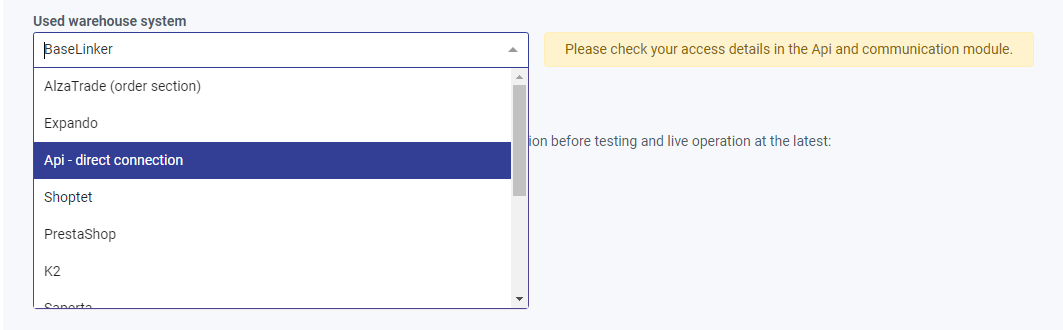
After logging in to the portal, in the Integration selection section, you need to choose the method of integration – how you will send us product availability data and where you will manage orders. If you've chosen the Alza Trade warehouse system, this tab won't appear, and you'll need to switch to any other integration:
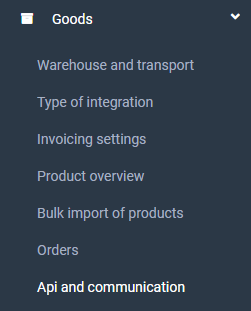
Next, submit your settings for approval. After your request is approved, you will see a new tab called API and Communication in your registration. In the API and communication tab, you will find the information you need to connect to other systems: Supplier ID, Branch ID, and Secret key.