
Microsoft Exchange Server Standard 2019 Education - schools only

Microsoft Exchange Server Standard 2019 Education - schools only
If you are unsure about your selection, please contact our sales team at < [email protected]>, as this licence cannot be cancelled if purchased in error.
To purchase and use this product, the school must have an "o365" account and have been granted EDU status by Microsoft.
If the school does not have this status, we can apply to Microsoft for it on your behalf. To apply, you must provide the following documents in PDF format:
- 1) Certificate of accreditation / document from the governing body
- 2) Letter from the ministry/board of education stating academic accreditation/recognition/eligibility
Microsoft takes several days to process the status, during which time it checks whether the applicant is indeed a school and therefore eligible for an EDU licence. Once the status is confirmed, the licence is ordered immediately and sent to the school: a username and a one-time password to access the account.
To be assigned a licence, you need to have an "o365" account with Microsoft
- a) if the school already has an account: the school is contacted with an activation link for mutual pairing (school vs. Alza) and to provide the so-called tenant.
- b) if the school does not have an account yet: an account is created for it and the details are sent so that they can access the account.
Subsequently, the school will find the licence within its "o365" account in the billing -> your products section.
Microsoft Exchange Server Standard 2019 Education
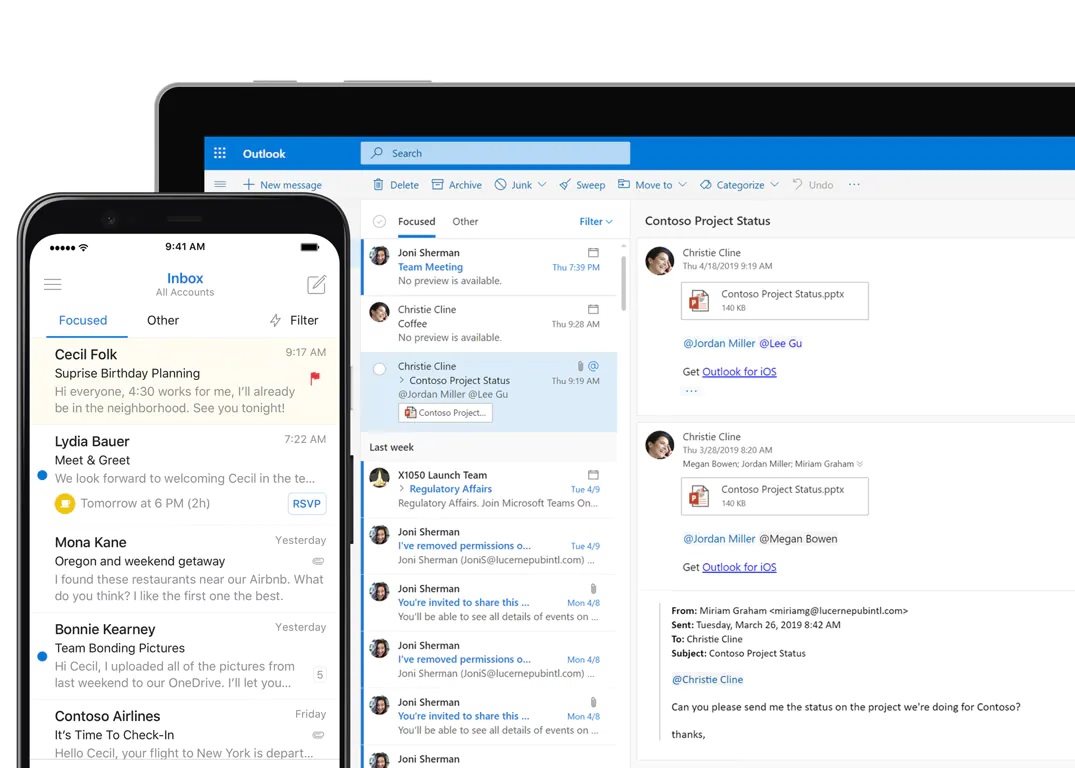
Exchange Server enables efficient work for businesses thanks to its clear handling of company emails and shared calendars. Synchronise your mail from your computer to your mobile phone and you will always be up to date. You will never miss an important message or meeting while you are out of the office.
Customise your work to your requirements
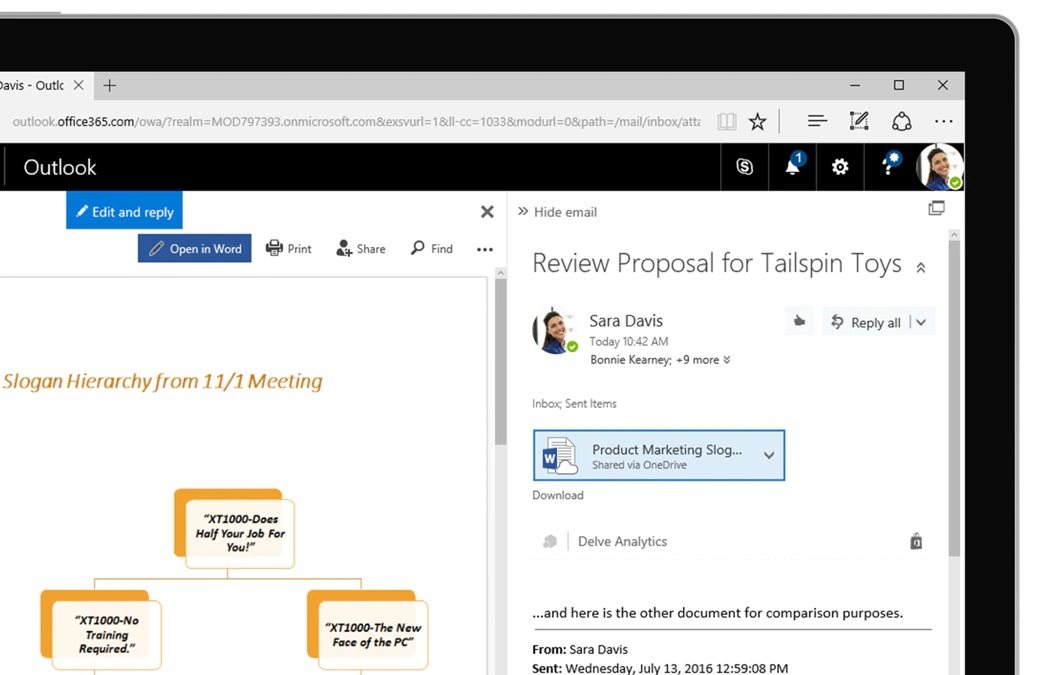
Exchange Server lets you collaborate on key documents. It allows you to manage your inbox with a focused inbox. This way, you will always have important messages at your fingertips. Exchange Server can adapt to your working style, which will become visibly faster and more efficient.
Create an intelligent mailbox
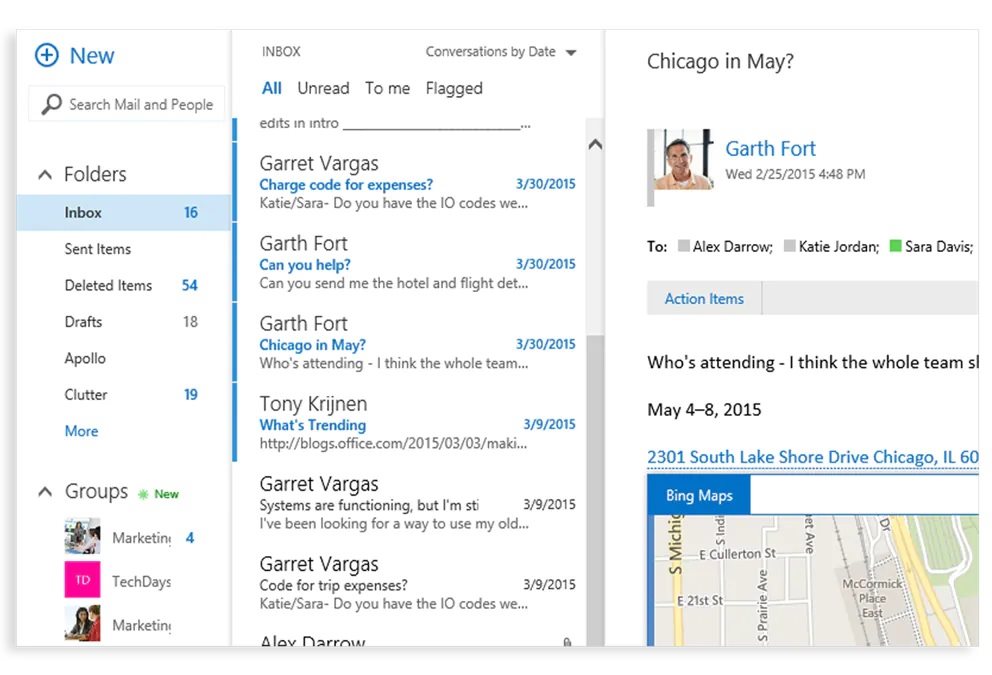
Exchange Server has a user-friendly environment for working with mail and reading emails. It offers a host of useful features and an intelligent, clear layout. You can customise your mailbox to your requirements. Add modern services and internal business applications. You will appreciate the fast and detailed search results.
Use the calendar to effectively organise your time and planning
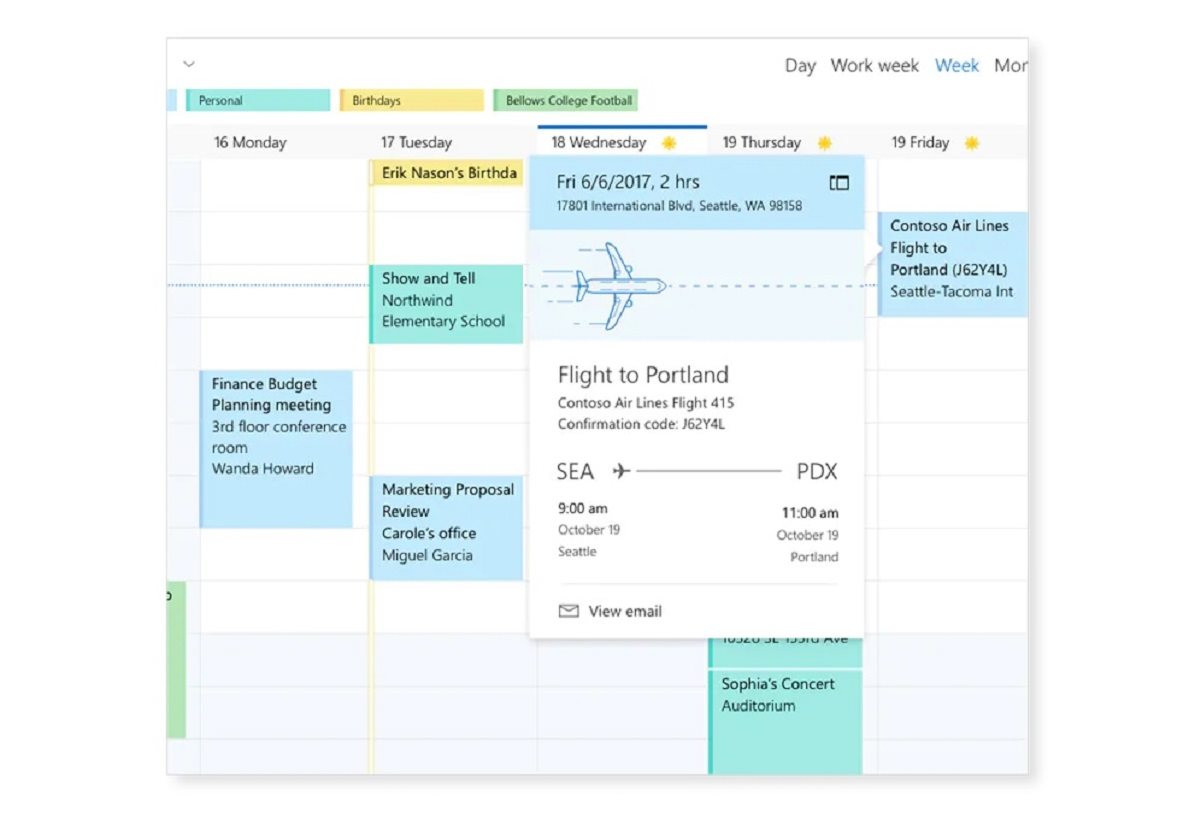
The calendar in Exchange Server organises your time, schedules meetings and tasks. In addition, it automatically captures events from your email, so you will never miss a flight or a hotel reservation. Exchange Server determines your location and uses it to suggest efficient meeting places.
How does purchasing a monthly (CSP) / perpetual (LTSC) licence work?
- Choose the number of units
- The licence is generated according to the customer's details on Alza.cz. If you wish to issue the licence to another user or your MS tenant account, please contact For Business
- After paying for the order, proceed to your electronic licence account, where you click on your product (after this step the licence will be created; licence generation takes place on working days from 8 a.m. – 4 p.m.)
- You will then receive your login details (unique login details for the Microsoft portal), which will be sent to your email address registered with Alza.cz
- Use the login details from Microsoft to log in to the portal, where you can download and set up the products – a quick guide is available here

Important information for purchasing the correct licence:
If you have a Microsoft ID from another supplier, you must send this MS ID to [email protected] immediately after creating the order. If you do not provide an MS ID, a new one will be generated for you. A Microsoft ID for CSP is not compatible with home products such as Microsoft 365 Personal/Family.
This licence is intended for use in a school/non-profit organisation. To activate the licences, you need to provide an IZO (school identifier)/non-profit organisation certificate. If you are not the director of the institution, you need to provide authorisation to purchase. If you are unsure about your selection, please contact our sales team at < [email protected]> .
Specifications
Basic parameters
License type
License
Compatibility
| Code: | SWMM0698 |
| Links: | Producer's Website: |
| Manufacturer information |
Microsoft is a multinational corporation based in the United States. Microsoft products have had an indelible influence on our perception of virtual worlds since 1975, when Bill Gates and Paul Allen founded the company. The company is best known for its peerless software, including Windows OS and the universally used Microsoft Office suite. The company is gradually becoming more active in hardware as well - for example, with Xbox gaming consoles and Lumia mobile phones. 
|