
Microsoft Word LTSC 2024, EDU - schools only (electronic license)

Microsoft Word LTSC 2024, EDU - schools only (electronic license)
Office software Microsoft Word LTSC 2024, EDU - schools only (electronic licence)
Powerful Microsoft Word helps you make your writing more impactful with a smart writing assistant and a wide range of document creation features. With Copilot integrated, you can write like a pro, get suggestions for improving your text, and use automated editing to work more efficiently. Pre-made templates are also available,that allow you to easily create different types of documents, from formal reports to creative presentations. Collaboration with colleagues is also easy thanks to real-time shared editing. For added convenience, Word includes an assistive reader for better text comprehension and supports the use of an active pen, allowing natural handwriting and annotation directly into the document.
This license is intended for use at school. To activate the licenses, you need to supply an IZO (school identifier). If you are not the director of the institution, you need to provide a letter of authorization for the purchase. If you are unsure of your choice, please contact our sales team: [email protected]
Key benefits of Microsoft Word LTSC 2024, EDU - Schools only (electronic licence)
- Microsoft Word LTSC 2024 is a reliable powerful tool with long-term support and no subscription required
- Provides a permanent license
- Find automated adjustments for more efficient work
- Provides all the tools needed to work effectively with documents
- Pre-made templates are also available
- Collaboration with colleagues is made easy with real-time shared editing
- For added convenience, Microsoft Word LTSC 2024 includes an assistive reader for better text comprehension and supports the use of an active pen
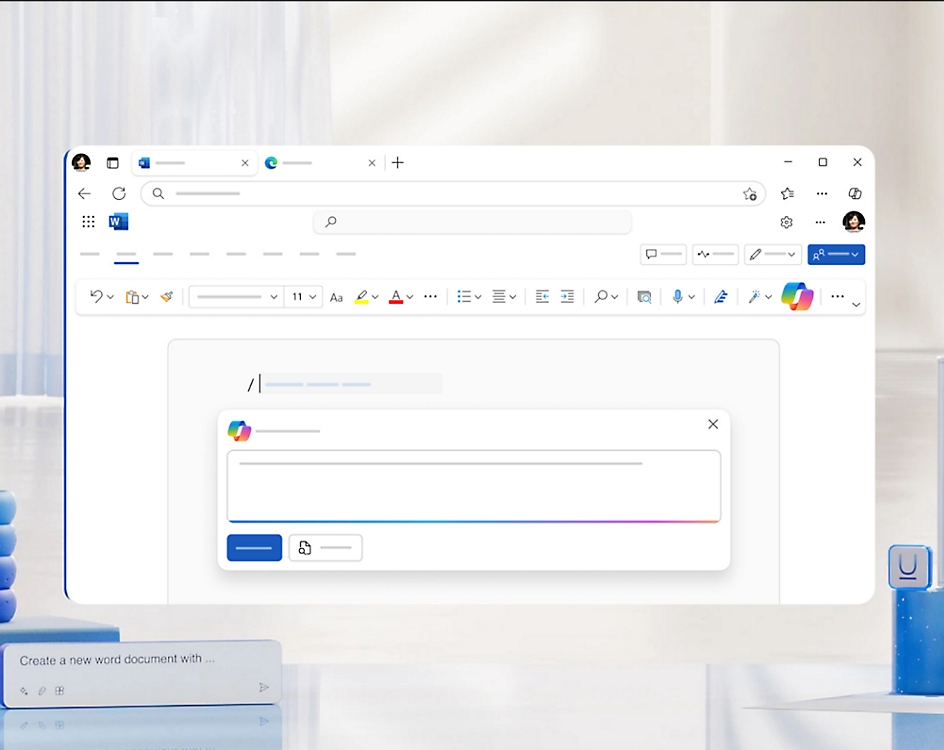
Microsoft Copilot in Word
Start writing efficiently and creatively with Microsoft Word and harness the power of the integrated Copilot tool to help you not only create documents, but also improve and clarify them. Copilot can generate texts based on your instructions,Explain complex passages, suggest stylistic improvements and help with the overall structure of the document. This allows you to concentrate on the content and have assistance with formatting, grammar or editing, saving you time while achieving a professional level of writing.
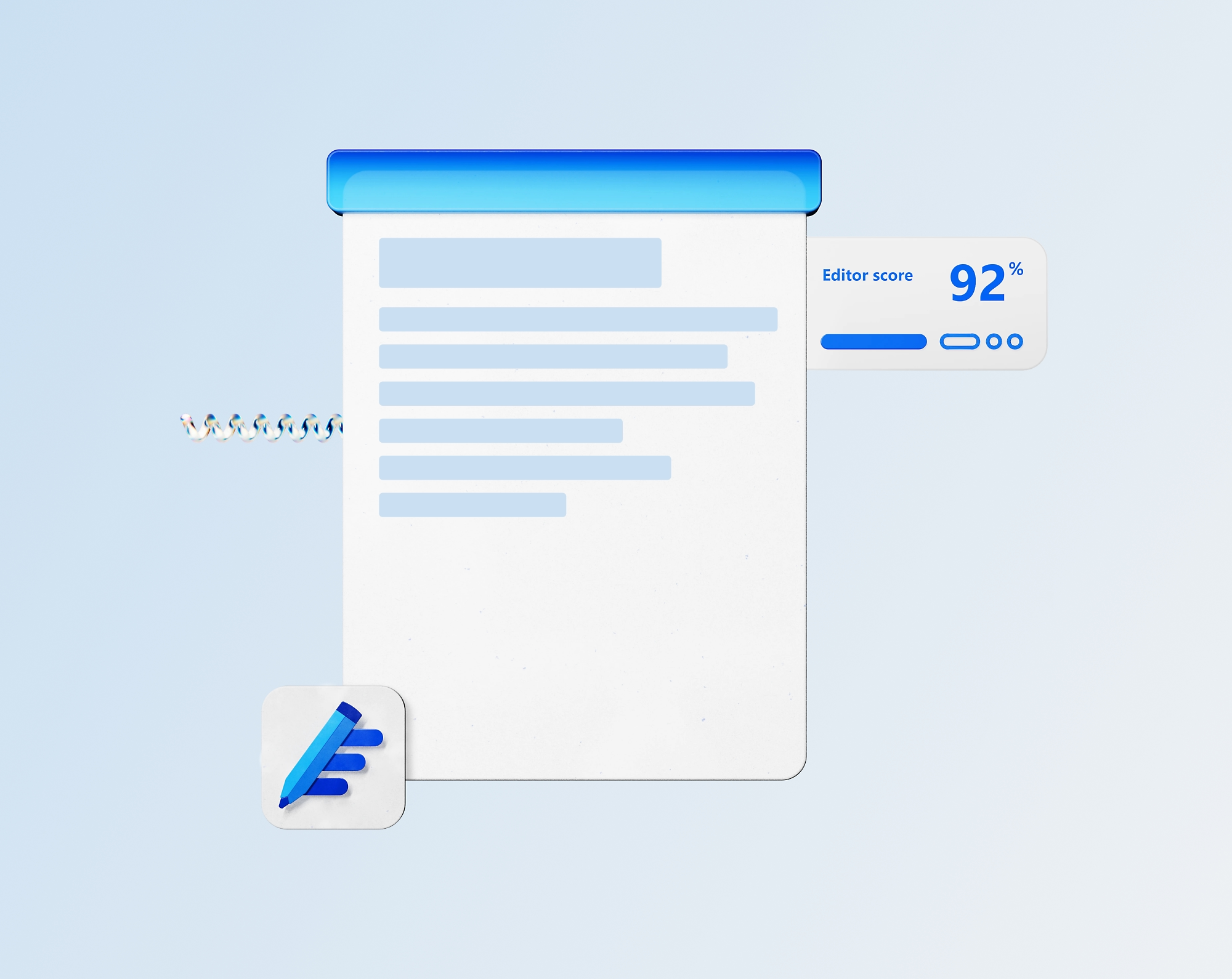
Write like professionals
Write flawlessly and confidently with Microsoft Editor to help you ensure your Word documents are perfectly correct. This intelligent tool automatically checks spelling, grammar, capitalization and punctuation, making it easy for you to write professional-looking text. The editor not only detects errors, but also provides suggestions for correcting and improving them. With its help, your writing will be precise, clear and impressive.
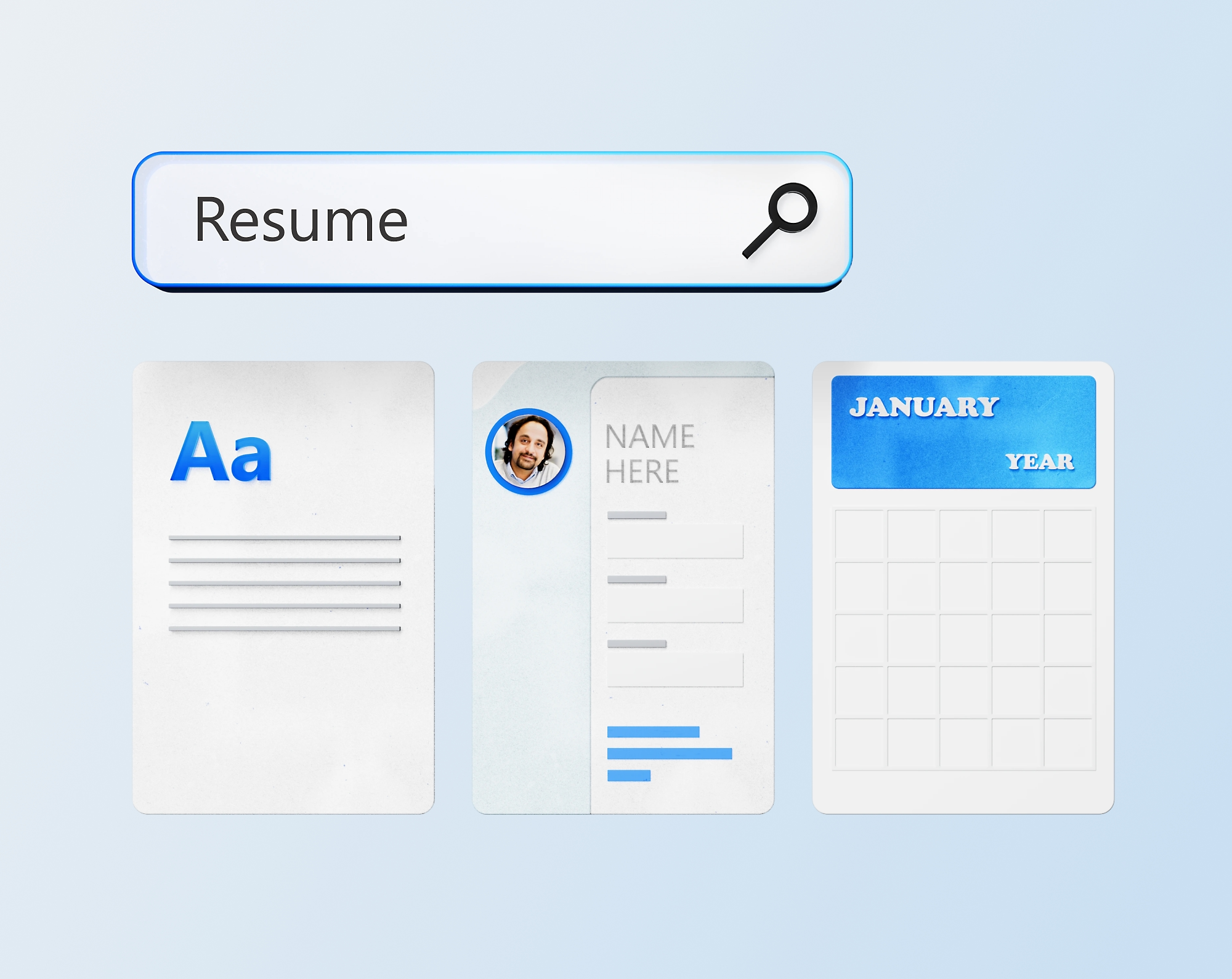
Use Microsoft Word templates
Make it easy to create professional-looking documents with free and fully customisable templates in Microsoft Word. Whether you're creating business reports, resumes, invitations or school projects, a wide range of pre-made designs helps you achieve a great result without any effort. The templates are designed to, to be both visually appealing and functional, and you can easily adjust them to your needs, change the colours, fonts, images or layouts. In addition, you have access to inspirational content to help you formulate your ideas and structure your text. With these tools, you can quickly and efficiently create documents that not only look good, but also impress with their clarity and professionalism.
Edit documents together
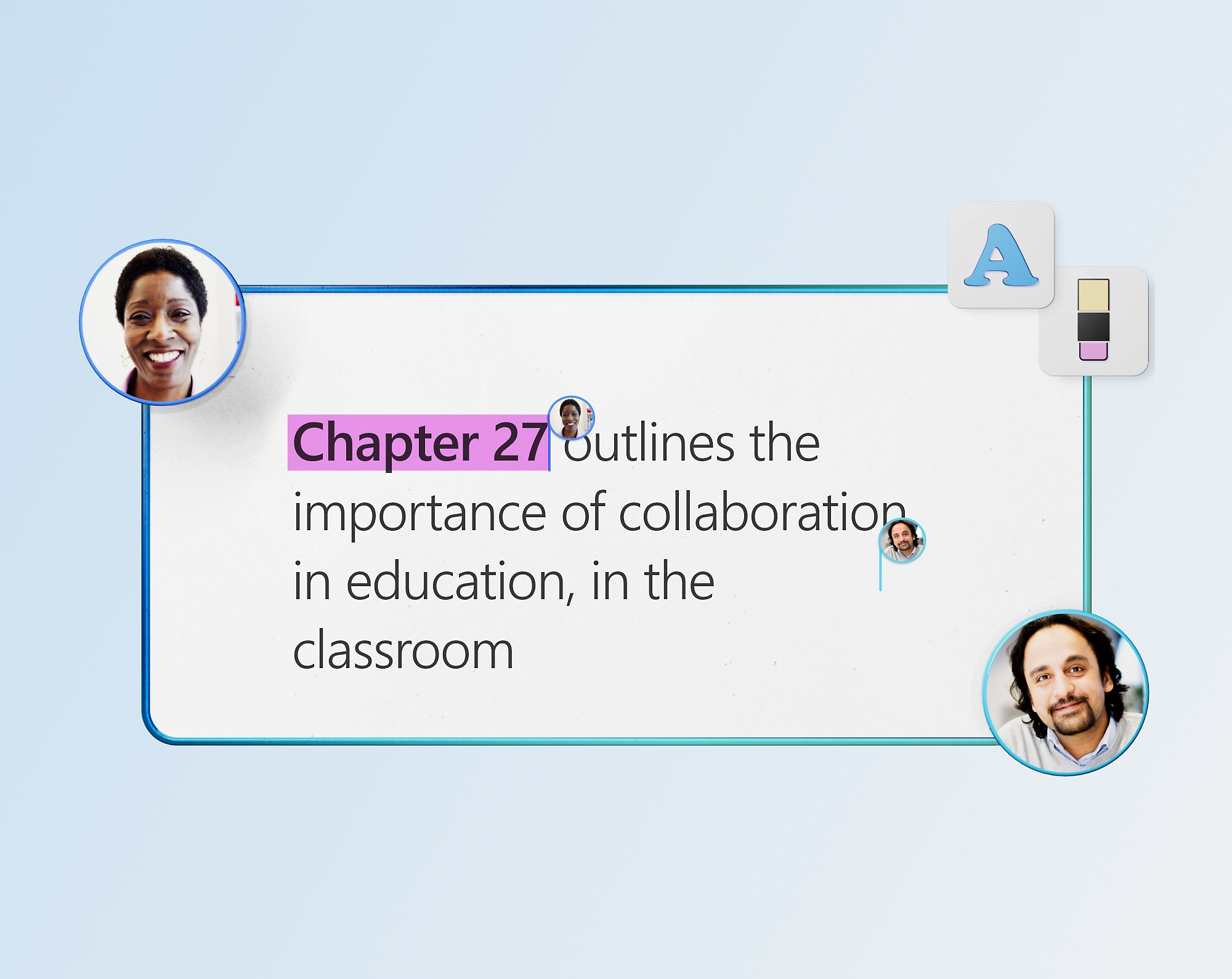
Collaborating on documents has never been easier, with Microsoft Word you can easily share your files with anyone and work on them together in real time. Simultaneous editing allows multiple users to work on the same document at the same time, increasing efficiency and reducing the time it takes to complete a job. Thanks to the features for adding comments and suggesting changes, team members can easily communicate their insights and recommendations without interfering with the original text. Each edit is also automatically saved,so you don't have to worry about losing important information.
Assistive reader
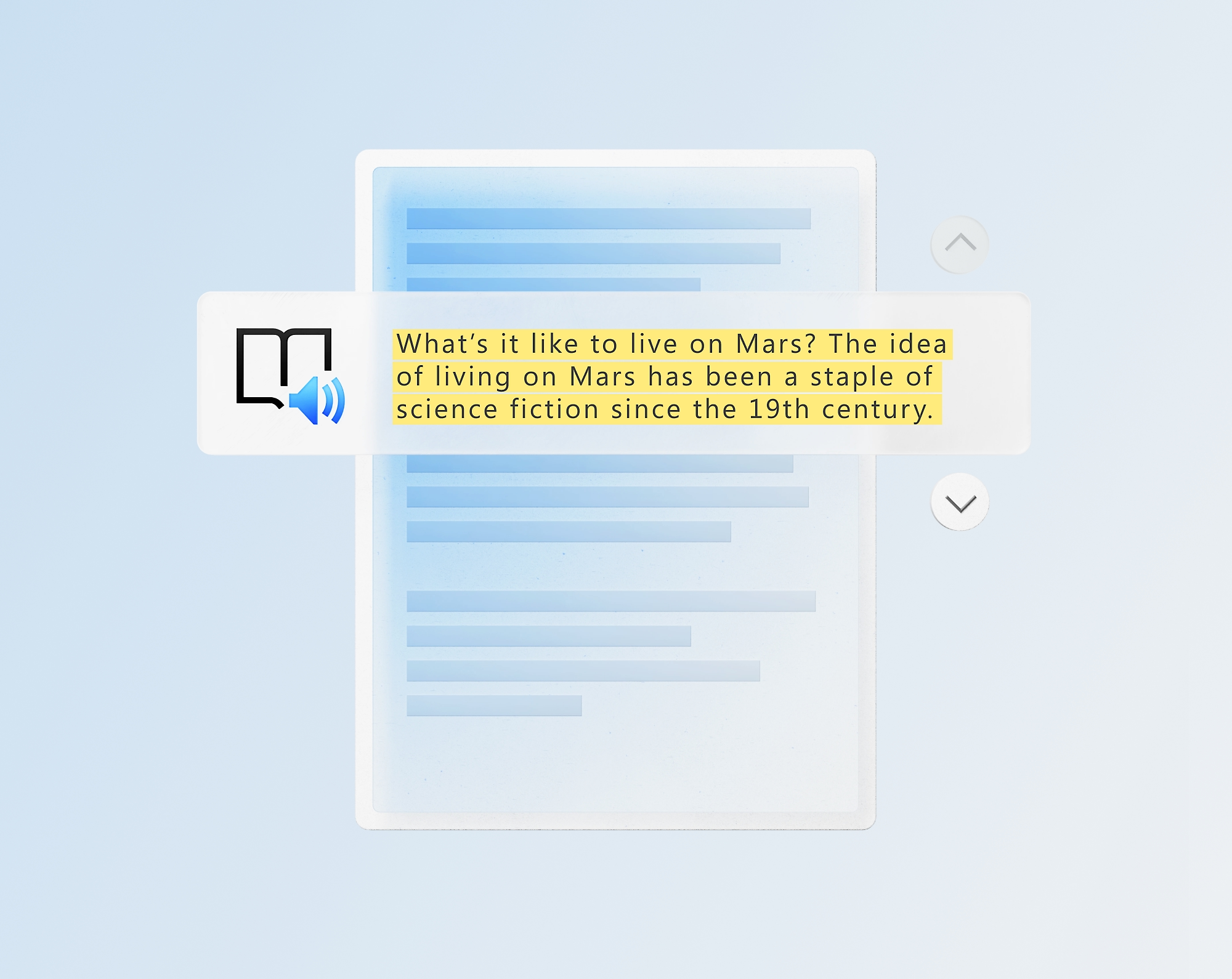
The assistive reader in Microsoft Word makes reading, understanding and processing information easier thanks to a combination of audio and visual assistance, which will be appreciated not only by students, but also by professionals and people with dyslexia or other reading difficulties. Features such as highlighting words when reading aloud, adjusting text size and spacing, and changing colour contrast help improve concentration and reduce eye fatigue. By tailoring the text to the user's individual needs, it makes more complex topics easier to understand and promotes effective learning.
Pen action in Microsoft Word
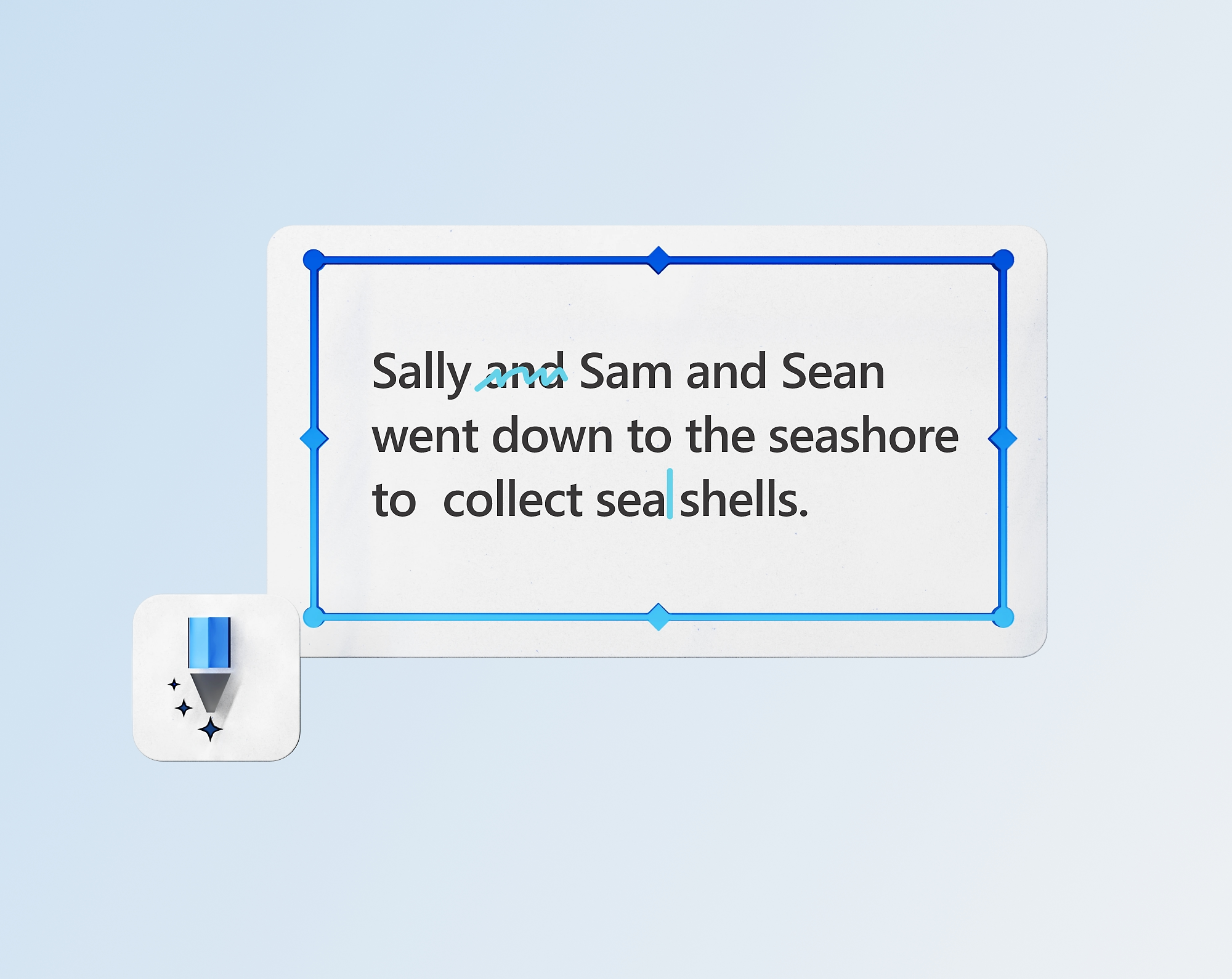
Edit your Word documents quickly and intuitively with the Action Pen, which lets you work with text with a natural hand movement. With this feature, you can easily make edits, delete words, highlight important passages or add notes without having to use the keyboard. The Action Pen brings a whole new way of interacting with documents that is reminiscent of working with traditional paper, but with the benefits of a digital environment. For example, you can simply cross out a word to remove it, circle the text to edit, or underline a sentence for emphasis. This technology is ideal for quick text revision, creative writing and interactive document collaboration.
Office software Microsoft Word LTSC 2024, EDU - schools only (electronic licence)
It is a classic desktop office application for one computer.
- Real-time sharing and collaboration
- Word for web
- Basic spelling and grammar
- Basic templates, fonts, icons and stickers
- Dictation and voice commands

Specifications
Basic parameters
License type
Software type
Included applications
License
Compatibility
Language version
| Code: | SWMM0833 |
| Links: | Producer's Website: |
| Manufacturer information |
Microsoft is a multinational corporation based in the United States. Microsoft products have had an indelible influence on our perception of virtual worlds since 1975, when Bill Gates and Paul Allen founded the company. The company is best known for its peerless software, including Windows OS and the universally used Microsoft Office suite. The company is gradually becoming more active in hardware as well - for example, with Xbox gaming consoles and Lumia mobile phones. 
|